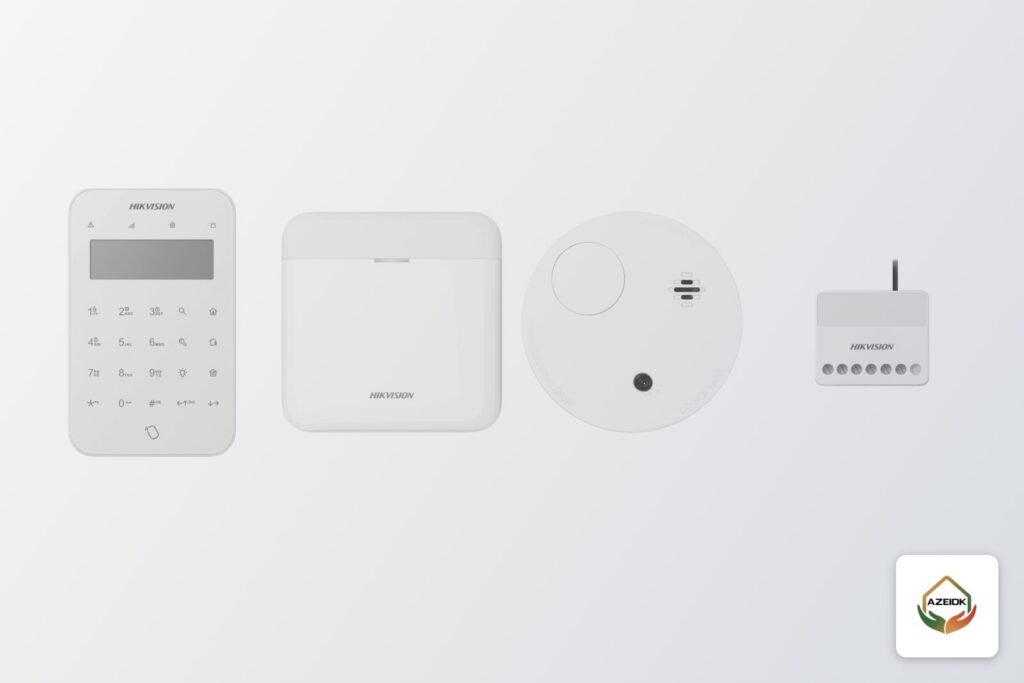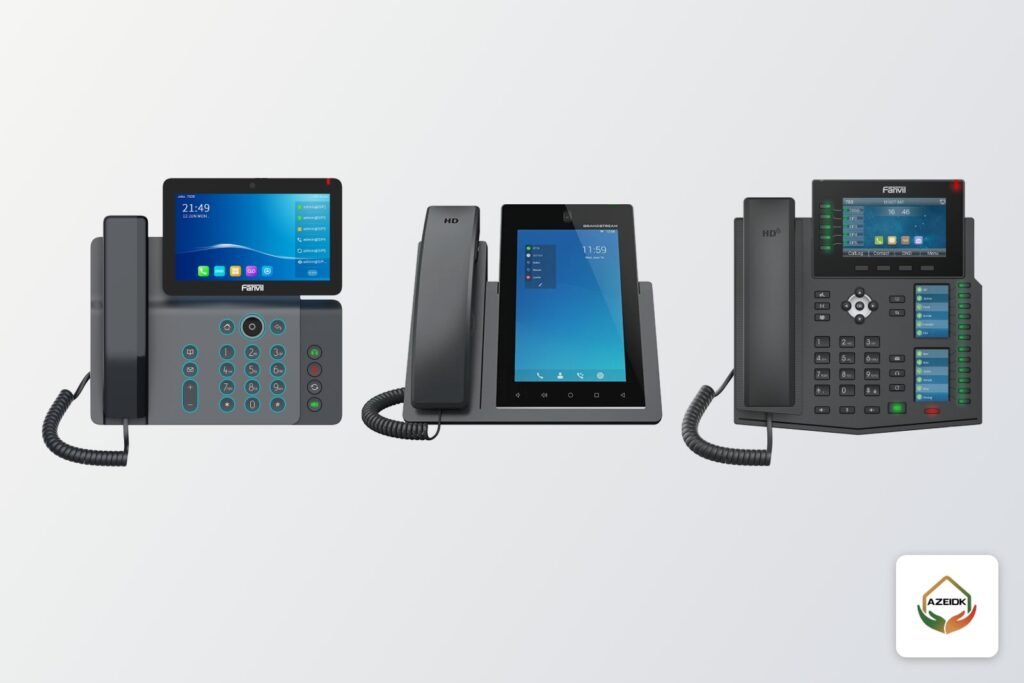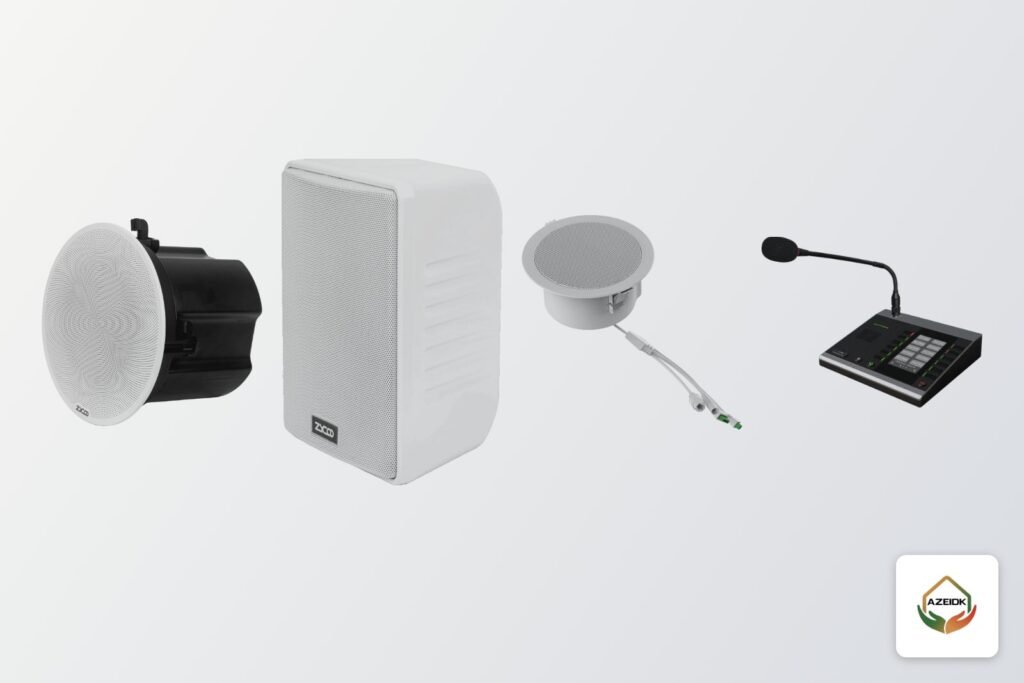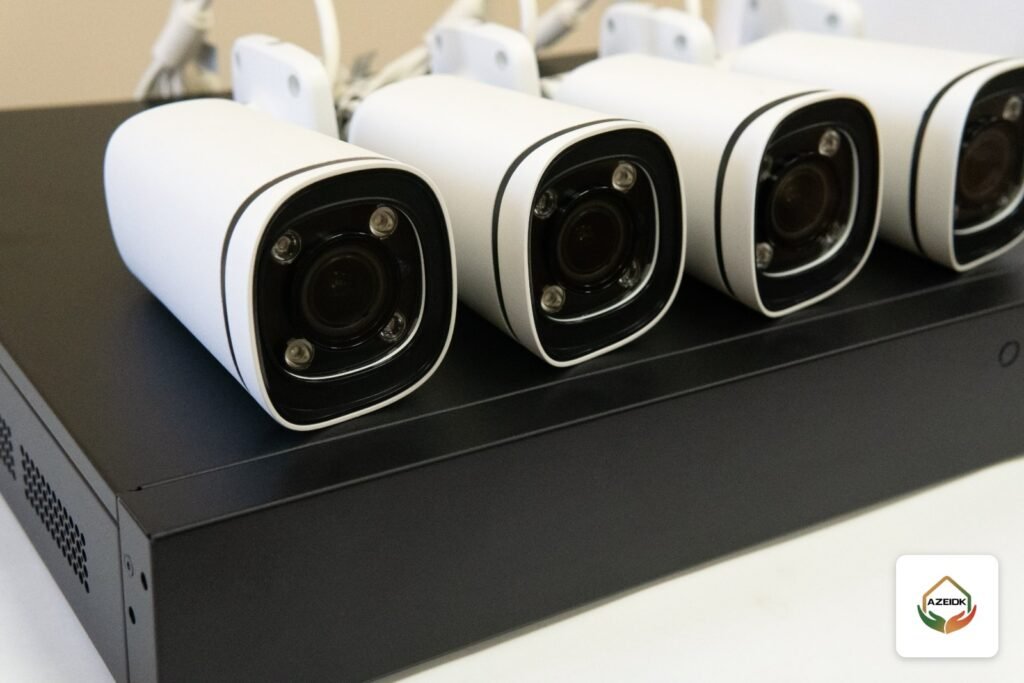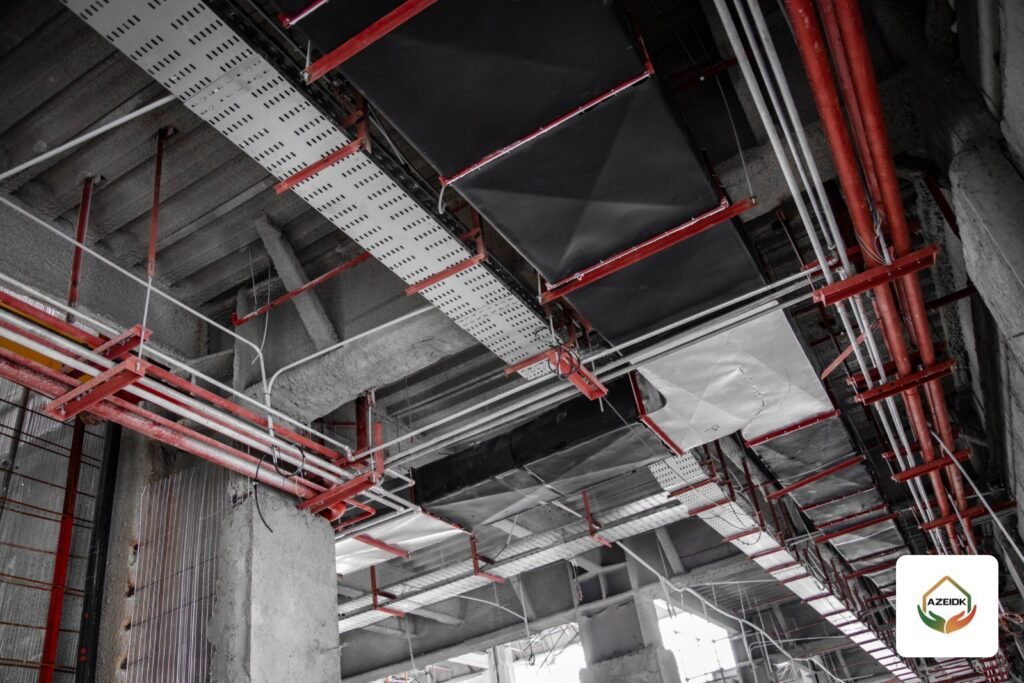
Low current systems for office buildings and commercial towers cover the network and structured cabling, CCTV, access control and lobby turnstiles, intercom, IP telephony (IP PBX), the public address system and the control room. In an office tower, tenants and internal layouts change more often than in any other building, so these systems work best when the owner provides a shared infrastructure and each tenant adds what it needs without recabling the building.
This article focuses on what is specific to office buildings: what the owner owns and what the tenant owns, staff and visitor access, fire alarm interfaces, and when to plan. For the general overview, see the guide to low current systems in Saudi buildings. AZEIDK designs, supplies and installs these systems as part of its low current systems solutions.
Key points
- Split a tower’s low current systems into base-building infrastructure owned by the landlord and fit-out works added by each tenant.
- The backbone, telecom rooms and cable routes are reserved at design stage, before ceilings and walls are fixed.
- Lobby turnstiles, access control and visitor management work together: staff use a card or face, visitors are pre-registered.
- The fire alarm system leads in an emergency: doors and turnstiles release, and the PA mutes or plays the evacuation message.
- One maintenance contract for the shared systems keeps responsibility from being split between several contractors.
In this article
- What are the low current systems in an office building?
- Why separate base-building infrastructure from tenant fit-out?
- Staff and visitor access: lobby, lifts and floors
- How are low current systems linked to the fire alarm in a tower?
- When should low current systems be planned in an office tower project?
- Common mistakes in office building low current systems
- How AZEIDK can help
- Frequently asked questions
What are the low current systems in an office building?
The table below summarises each system, its role in an office tower and who usually owns it:
| System | Role in an office building | Usually owned by |
|---|---|---|
| Backbone network and structured cabling | Links floor rooms to the main room and carries data for every system | Owner for the backbone, tenant for the office network |
| CCTV | Entrances, lobby, lifts, car parks and common corridors | Owner for common areas |
| Access control | Lobby turnstiles, lifts, floor doors and technical rooms | Owner for entrances, tenant for office doors |
| Visitor management | Pre-registration and a temporary card or code | Owner or building management |
| Intercom | Car park entrance, service doors and reception | Owner |
| IP telephony (IP PBX) | Internal and external company calls | Usually the tenant |
| Public address (PA) | General announcements and evacuation messages where designed | Owner |
| Control room | Camera views, door events and system status | Owner or facility management |
Why separate base-building infrastructure from tenant fit-out?
An office floor may change tenant every few years, and each tenant re-partitions its space. If every floor is cabled with no shared base, the building ends up with ceilings full of abandoned cables nobody can trace. The practical approach:
- The owner builds the backbone: fibre between the main distribution room (MDF) and floor rooms (IDF), shared cable routes, and backup power for shared systems.
- The tenant installs network points, access points, phones and its own door readers inside the office, and connects to the building at a clear hand-off point in the floor room.
- A tenant guide sets what may connect to the building network, the cabling specification, and who approves drawings before work starts.
How to separate systems logically on one network is covered in ELV network VLAN design, and cabling standards and categories in structured cabling and network systems.
Staff and visitor access: lobby, lifts and floors
The lobby at rush hour is what keeps tower management busy. The common design has three layers:
- Lobby turnstiles: tripod or speed gates that staff pass with a card or face recognition. Types are covered in the access gates and turnstiles guide.
- Lifts and floors: a reader at the floor door, or lift integration with access control where the lift supplier allows it, so each person reaches only their company’s floors.
- Visitors: pre-registration by the host and a temporary code at reception, as in a visitor management system.
In the car park, a barrier arm is added with a card reader or plate recognition. Model examples are in Hikvision DS-TMG parking barriers.
How are low current systems linked to the fire alarm in a tower?
The fire alarm system stays independent and approved, and its panel sends signals to the other systems on alarm. These signals are written into a cause and effect matrix that the consultant approves before supply:
- Release door locks on escape routes and open lobby turnstiles, as in door lock wiring and fire release.
- Stop normal PA broadcasting, and play the evacuation message if the system is designed and approved as a voice alarm system.
- Call up cameras for the alarm zone in the control room where the system supports it.
Other fire requirements for office buildings are in the guide to fire safety in office and administrative buildings.
When should low current systems be planned in an office tower project?
The best time is detailed design, before ceiling and wall routes and telecom room locations are fixed. Then come ELV shop drawings to coordinate routes with electrical, HVAC and interiors, followed by supply, installation and programming, then testing and handover with O&M files. In an existing building, work starts with a survey of what is installed and a decision on what to upgrade and what to replace.
Common mistakes in office building low current systems
- Small floor rooms without enough cooling or backup power.
- Letting every tenant run cables through shared ceilings with no guide or approval.
- Too few lobby turnstiles for rush hour, so queues build every morning.
- Door locks that do not release on fire alarm.
- Shared systems with no single maintenance contract, so the owner does not know who is responsible for a fault. What the contract should cover is in low current maintenance contract.
How AZEIDK can help
AZEIDK designs, supplies, installs and programmes low current systems for office buildings: networks under network and communication systems, CCTV and access control under security and surveillance systems, together with shop drawings and coordination, programming and systems integration and annual maintenance contracts. AZEIDK GROUP recently announced a partnership with Johnson Controls in low current systems; details will be published once officially announced.
Frequently asked questions
What are the low current systems in an office building?
Network and structured cabling, CCTV, access control and lobby turnstiles, visitor management, intercom, IP telephony, public address and the control room.
Who pays for office network cabling: the owner or the tenant?
Usually the owner builds the backbone and floor rooms, and the tenant cables its own office and connects at a hand-off point in the floor room, as set by the lease and the tenant guide.
Are lobby turnstiles linked to the fire alarm?
Yes. The interface is designed so turnstiles open and escape route locks release on alarm, following the approved cause and effect matrix.
Can low current systems be upgraded in an existing tower?
Yes, after surveying the installed systems and cabling, then upgrading in phases so occupied floors keep working.
Planning an office tower or upgrading an existing building? Send the drawings or the number of floors and entrances, and we will propose a low current design with datasheets. Contact AZEIDK