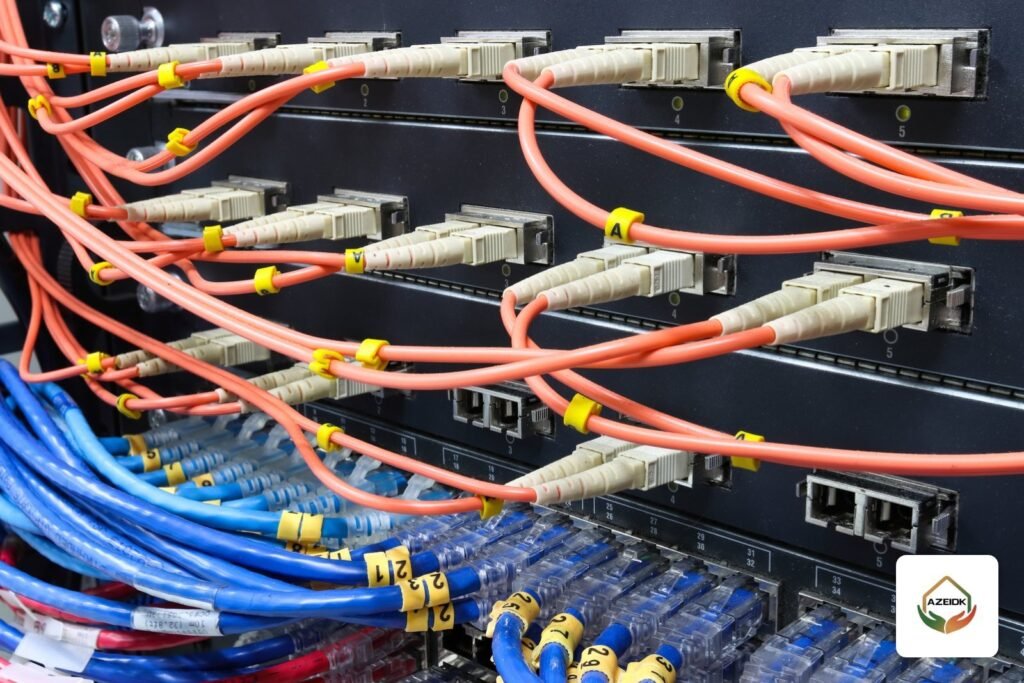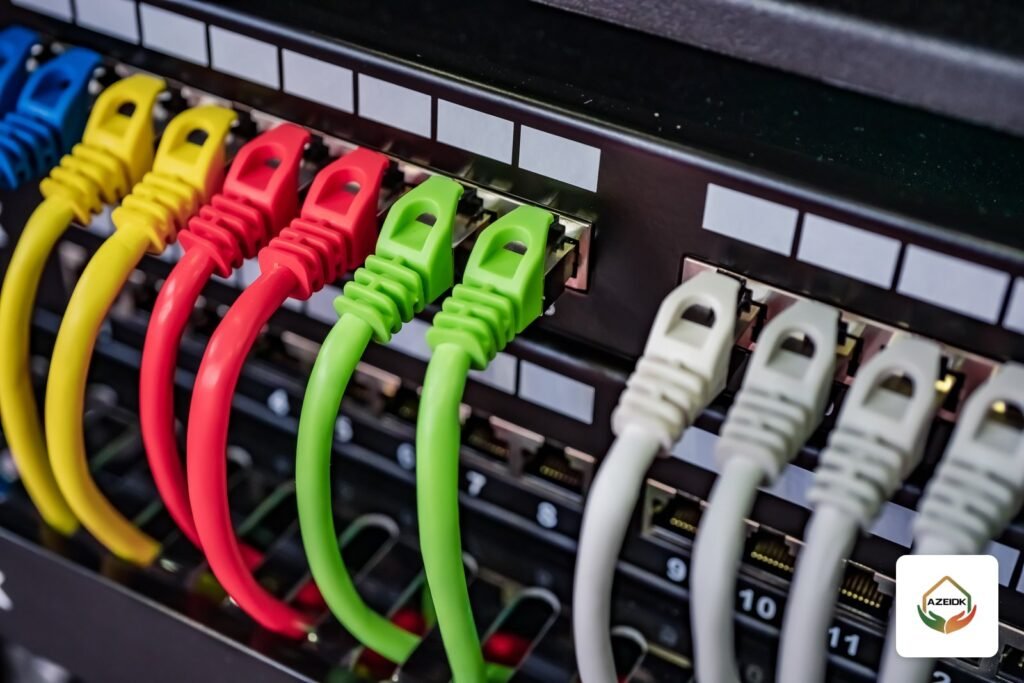
ELV network VLAN design lets CCTV, access control and IP phones share one network of switches and cabling instead of three separate ones. In most modern buildings that works well, provided each system sits in its own virtual LAN (VLAN), voice gets priority (QoS), multicast video is controlled and access rules limit what can talk to what. This article explains when a converged network is enough, when physical separation is the better call, and what the design should contain before anything is ordered.
Key takeaways
- A converged network split into VLANs is a common, accepted approach in commercial and residential buildings, and it saves switches, cabling and telecom room space.
- Physical separation is the better choice when the consultant, the owner or the facility’s cybersecurity policy requires it, or when video traffic is very large.
- IP phones need QoS priority on every switch, and cameras need a proper bandwidth and PoE power budget.
- VLANs alone are not security. Access rules must stop devices from reaching each other unless there is a reason.
- The design is delivered as an IP plan, a VLAN table and a port map, and it is tested before handover.
In this article
- Do I need a separate network for CCTV?
- When is physical separation the right decision?
- How are VLANs split for CCTV, access control and phones?
- What does QoS do for IP phones on a shared network?
- How should multicast video be handled?
- Access rules and protection between networks
- What should ELV network VLAN design include before procurement?
- Common mistakes in converged ELV networks
- Frequently asked questions
- Conclusion
Do I need a separate network for CCTV?
This is a common question from owners and developers. The short answer is: not always. A physically separate network means switches, cables and risers used only by cameras. That costs more and takes more space in the telecom rooms. A converged network uses shared switches, with logical separation so each system only sees its own devices.
VLANs are defined in IEEE 802.1Q. Each frame carries a tag that identifies the virtual network it belongs to. In practice, a camera in the CCTV VLAN does not receive phone or office traffic and cannot reach those devices unless a routing rule allows it.
Four questions drive the decision: how much video traffic is there, does the project specification require physical separation, who will manage the network after handover, and what is the owner’s cybersecurity policy? When the answers point toward simplicity and cost, a well-segmented converged network is enough in most cases.
When is physical separation the right decision?
| Situation | Converged network with VLANs | Physically separate network |
|---|---|---|
| Mid-size commercial building with a moderate camera count | Usually suitable | Usually unnecessary |
| Specification requires an independent security network | Not acceptable | Required by the specification |
| Very large number of high-resolution cameras with central recording | Possible with strong switches and enough uplink capacity | Preferred so the general network is not affected |
| Network managed by two parties (IT and security) | Needs a clear agreement on permissions | Easier to separate administratively |
| Limited budget and small telecom rooms | The practical option | Higher cost and space |
Large projects often use a middle route: dedicated access switches for cameras on each floor, connected to a shared core that is segmented with VLANs. Heavy video traffic stays local on each floor while management remains central.
How are VLANs split for CCTV, access control and phones?
ELV projects usually split VLANs by system first, then by building or floor as the project grows. A simplified example of what appears in the design table:
| VLAN | Devices | Design notes |
|---|---|---|
| CCTV VLAN | Cameras, NVRs and video management servers | Highest bandwidth, calculated together with storage |
| Access control VLAN | Door controllers, network readers, attendance terminals | Low traffic but security sensitive |
| Voice VLAN | IP phones and IP PBX | Needs QoS priority |
| Management VLAN | Switch and access point management interfaces | Access limited to the operations team |
| Users and guest VLANs | Staff devices and Wi-Fi | Isolated from security systems |
The design also sets an IP range for each VLAN, the addressing method (static addresses are common for security devices) and which switch ports belong to which VLAN. Having this table before installation shortens programming time and avoids mistakes on site. For camera bandwidth and storage, see our article on CCTV storage and bandwidth calculation.
What does QoS do for IP phones on a shared network?
Voice does not tolerate delay or packet loss the way recorded video does. When calls cross switches that also carry camera streams, voice packets must be marked with a higher priority. The IETF guideline RFC 4594 recommends marking telephony traffic with EF (Expedited Forwarding) so it is queued first.
In practice that means three settings: define the voice VLAN on phone ports, trust the phone’s priority marking or re-mark it at the switch, and apply the same priority policy on every uplink up to the core. If priority is set on the floor switch but not on the core, calls break up at busy times.
How should multicast video be handled?
Some video management software and display walls receive streams by multicast, where a camera sends one stream that several devices receive. If the switch is not configured, that stream can flood every port in the VLAN. The standard fix is IGMP snooping, which makes the switch forward the stream only to ports that asked for it. RFC 4541 describes how snooping switches should behave.
Not every project uses multicast. Simple recording systems pull a unicast stream from each camera. The designer should settle this with the CCTV supplier before choosing switches, because IGMP snooping support and the number of multicast groups vary between models.
Access rules and protection between networks
Creating VLANs does not by itself mean protection. If the router or Layer 3 switch routes freely between all VLANs, devices can see each other again. The design therefore sets access control lists (ACLs) or firewall rules that define who can reach whom. For example, the monitoring workstation reaches the cameras and the NVR, the access control server reaches the door controllers, and users reach neither.
Other basic practices: change every default password, shut unused ports or place them in an isolated VLAN, update camera and controller firmware only from the manufacturer’s official sources, and restrict remote access to a secure channel. These points are written into the handover document so the operations team knows what was configured.
What should ELV network VLAN design include before procurement?
- A network architecture drawing: core, distribution and access switches and uplink capacity.
- The VLAN table, IP ranges and addressing method.
- A PoE budget for each switch covering cameras, phones and access points, explained in our article on PoE switch power budget.
- The QoS policy for voice and multicast settings where used.
- Access rules between VLANs and the management and monitoring method.
- A test and handover plan: connectivity for every device, call quality, and camera recording under full load.
At AZEIDK this work falls under network and communication systems: supplying and installing switches and cabinets, and connecting cameras and access control to the network on an IP addressing plan, coordinated through the programming and systems integration service. The design can use switches from several brands we supply, such as Cisco Catalyst 9300 at the core, or Ruijie and Huawei switches depending on project size and budget. The final choice follows the consultant’s specification.
Common mistakes in converged ELV networks
- Buying unmanaged switches for cameras, then trying to add VLANs and QoS later.
- Calculating camera bandwidth without checking the uplinks between floors and the core.
- Leaving all VLANs open to each other after creating them.
- Not documenting ports, so maintenance teams cannot trace devices later.
- Running access control devices on the user network.
These problems usually show up after start-up, when calls break up or camera views lag. That is why the design should be reviewed before procurement across the full low current (ELV) scope, not one system at a time.
Frequently asked questions
Do I need a separate network for CCTV cameras?
Not always. In most buildings a converged network split into VLANs with access rules is enough. Physical separation is preferred when the specification or security policy requires it, or with a very large camera count.
What is a CCTV VLAN?
A virtual network inside the same switches that contains only the cameras, the NVR and the video management software, so its traffic does not mix with users or phones.
Why do IP phone calls break up when cameras are on the same network?
Usually because QoS priority is not set on every switch and uplink, or because the uplinks between floors have less capacity than the actual video traffic.
Is a VLAN enough to protect access control devices?
No. Routing between VLANs must also be limited with ACLs or a firewall, default passwords must be changed and firmware updated from the manufacturer’s source.
Do I need a Layer 3 switch in an ELV project?
If several VLANs need controlled routing between them, a Layer 3 core switch, a router or a firewall becomes necessary. Very small projects may manage with a single routing device.
When should the network design be done?
Before the bill of materials is approved and switches are ordered, because port count, PoE, IGMP snooping support and uplink capacity all depend on the design.
Conclusion
A converged ELV network is a practical and economical choice when it is designed with a clear VLAN table, voice priority, controlled video traffic and access rules between systems. Physical separation remains a decision driven by the specification, project size or security policy. What matters most is settling the decision before procurement and testing it before handover.
Planning the CCTV, access control and phone network for your project? Send the drawings and the expected device count, and our team will review the design and VLAN table with you. Talk to the AZEIDK team
For a site survey or quotation, see CCTV supply and installation.
Related guides
- Fire Suppression System Suppliers in Riyadh: Clean Agent, FM-200, CO2 and Kitchen Systems
- Choosing Fire Protection and Fire Alarm Brands in Saudi Arabia
- 3PUMP Fire Pump Packages (Electric + Diesel + Jockey): Models from 500 to 1500 GPM, What Non-Listed Means and When to Ask for UL/FM
- Ruijie Networks (Reyee) vs TP-Link Omada for Offices and Shops: Switches, Access Points and Cloud Management