Access control for government buildings solves a daily problem in every ministry and municipality: a building open to thousands of visitors that also holds offices, archives and server rooms only authorised staff may enter. The answer is to divide the building into zones, set the entry method for each, and make sure every escape route door opens as soon as the fire alarm sounds.
AZEIDK supplies ZKTeco, Hikvision, Dahua and BFT access control and gate equipment, installed as part of our security and surveillance systems for the government entities sector.
Key takeaways
- Start with a zone map: public visitor areas, staff offices, and restricted areas such as archives, server rooms and the CCTV control room.
- Each zone needs its own credential: card, face, or card plus PIN for sensitive rooms.
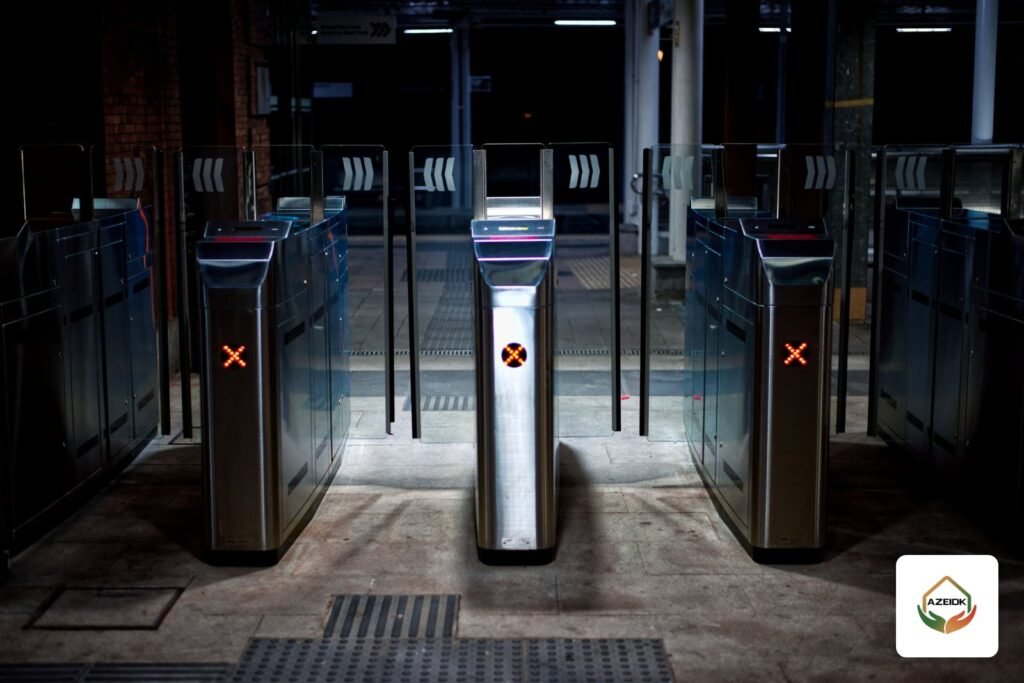
- Turnstiles separate visitors from staff; car park barriers control vehicles.
- Every electrically locked door on an escape route must release on fire alarm or power loss.
- Networked panels such as ZKTeco InBio and C3 suit multi-door buildings because they run from central software.
In this article
- Why government buildings need different planning
- Zone map: who goes where?
- Turnstiles and car park barriers
- Visitor management in access control for government buildings
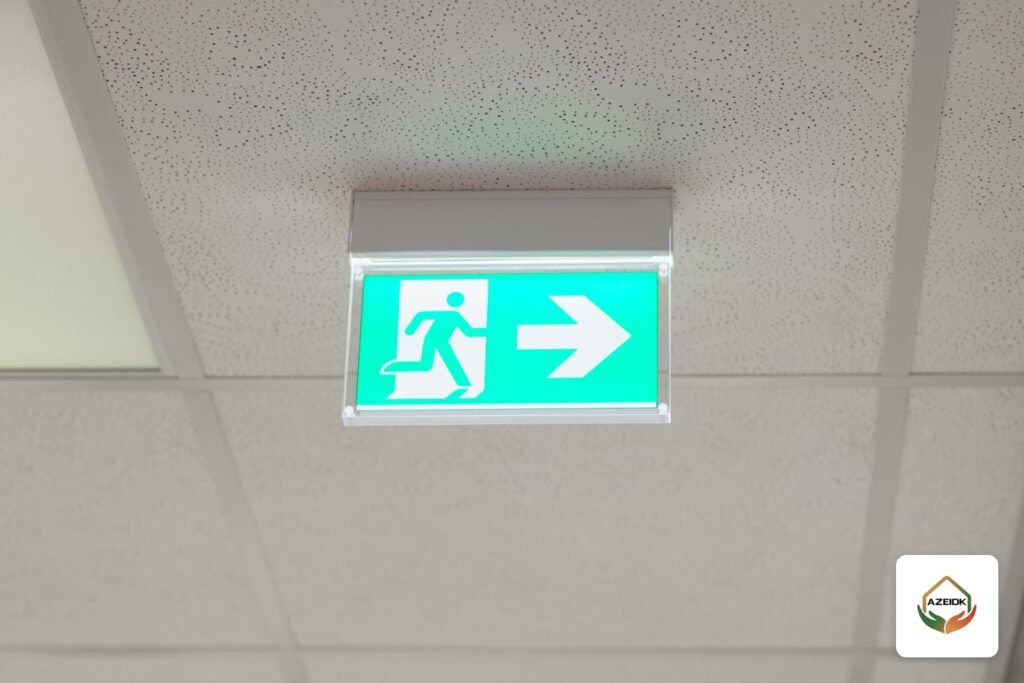
- Door release on fire alarm
- Which controller suits a government building?
- Documents and tenders
- Project steps
- Common mistakes
- Frequently asked questions
- Conclusion
Why government buildings need different planning
A government building receives people nobody knows, heading to the service hall, and some may try to reach a specific employee’s office directly. It also holds official records, servers with citizen data and the CCTV control room. One electronic lock on the main door is not enough: the entity needs to know who entered each zone and when, block entry outside working hours, and keep the event log.
Zone map: who goes where?
| Zone | Who enters | Typical credential |
|---|---|---|
| Entrance, waiting and service hall | Visitors and staff | Free entry in working hours, CCTV at the entrance |
| Office area | Staff and registered visitors | Turnstile or card/face door, temporary visitor pass |
| Archive | Archive staff only | Card plus PIN or face, every entry logged |
| Server and telecom rooms | IT team | Two-factor, door-held-open alert |
| CCTV control room | Authorised operators | Card or face, camera above the door |
| Car park | Staff and officials’ vehicles | Barrier with long-range reader or plate recognition |
Turnstiles and car park barriers
Tripod turnstiles are economical for secondary entrances; flap and swing gates are faster for main entrances, with a wide lane for wheelchairs and trolleys. See turnstile gate types. Barriers open by card reader or plate recognition. Every gate and barrier needs a defined emergency behaviour on alarm.
Visitor management in access control for government buildings
A visitor with an appointment is registered at reception or in advance and gets a temporary card or QR code valid for one floor and time window, then revoked automatically. See visitor management systems.
Door release on fire alarm
Every electrically locked door on an escape route must open in a fire. As an example only, the 2020 Minnesota State Fire Code in the United States (section 1010.1.9.9) sets these conditions for electrically locked doors released by an egress sensor:
- An egress-side sensor unlocks the door when someone approaches.
- A manual release marked “PUSH TO EXIT” within 5 feet of the door cuts lock power directly and keeps the door unlocked for at least 30 seconds.
- The door unlocks on loss of power to the sensor or lock.
- The door unlocks on fire alarm or sprinkler activation and stays unlocked until reset.
- Locking units are listed to UL 294.
On Saudi projects the designer follows the egress door requirements of SBC 801, SBC 201 and Civil Defense; the list above shows the logic, not Saudi text. In practice: link the access panel to a fire alarm output, use fail-safe locks on escape doors, and test before handover. See access control installation and commissioning and our fire alarm systems.
Which controller suits a government building?
Standalone devices suit one or two doors. Buildings with dozens of doors need networked panels run from one software, such as ZKTeco InBio and C3, the Hikvision DS-K2801 controller and face terminals. See ZKTeco standalone or networked. Ask how many doors each panel supports, whether doors work offline, how long events are kept, and whether it links to time attendance and CCTV.
Documents and tenders
In government tenders, access control and gate specifications sit in the booklet, and the contractor submits datasheets and material submittals. AZEIDK provides datasheets for models in our product catalogue and handles programming and systems integration with fire alarm and CCTV. Maintenance of these systems sits in the low-current contract, separate from fire system maintenance.
Project steps
- Survey: doors and entrances, door types, escape routes and control room location.
- Design: zone map, lock and reader per door, cabling and network, and the fire alarm interface matrix.
- Supply and installation: locks, readers, exit buttons and panels, with cables routed away from power.
- Programming: staff, access rights, schedules and operator accounts.
- Testing and handover: each door by card, button, power loss and alarm, then the door list, rights and manuals.
Common mistakes
- Magnetic locks on escape doors with no fire alarm interface.
- Locks fitted on fire doors without checking the door specification.
- Leavers’ cards not revoked.
- Panels without backup batteries.
- No record of who may change access rights in the software.
Frequently asked questions
What is the best staff credential in a government building?
Card or face for offices, and two-factor such as card plus PIN for archives and server rooms.
Do electronic doors open automatically in a fire?
Escape route doors must, through a fire alarm interface and fail-safe locks, tested before handover.
Which turnstile suits the staff entrance?
Flap or swing gates for main entrances, tripod for secondary ones, plus a wide accessible lane.
How are appointment visitors handled?
Pre-registration or reception check-in with a temporary card or QR code limited to one floor and time window.
Does the server room need its own access control?
Usually yes: a separate IT-only right, two-factor entry, a door-held-open alert and a camera above the door.
Can access control link to time attendance?
Yes in many networked systems, if the software supports it.
Conclusion
Access control for government buildings starts with a clear zone map, the right credential per zone and gates separating visitors from staff. Escape door release on fire alarm is the first item to test, before any other feature. After handover the entity needs a periodic review of access rights, especially when staff move or leave.
Planning access control for a government building? Send the layout and number of doors and entrances, and we will propose zones and devices with datasheets. Talk to the AZEIDK team
Related guides
- Magnetic Lock vs Electric Strike: Which Access Control Lock Fits Your Door
- Fire Hose Cabinet Valve (Angle Hose Valve): Sizes, Pressure and the Giacomini A55E
- Foam Bladder Tank Comparison: WATEX, FIRETECH, Falcon Gold and SFFECO by Approval, Capacity and Pressure
- Fire Safety in Clinics and Small Medical Centres in Saudi Arabia