

ZKTeco access control for a building is built one of two ways: a standalone device on each door that stores its users and releases the lock itself, or networked devices and readers tied to a control panel and central software that manages every door from one screen. On the software side, ZKTeco has discontinued ZKAccess 3.5 and replaced it with ZKBio CVAccess, and it also offers a larger platform, ZKBio CVSecurity. This guide explains when each option fits, using the ZKTeco models available through AZEIDK security and surveillance systems.
Key takeaways
- A standalone device suits one door, or a few doors that need no central reporting.
- Many doors and users with permissions and schedules managed from one place call for networked devices or a control panel plus central software.
- ZKTeco’s official site lists ZKAccess 3.5 as discontinued and replaced by ZKBio CVAccess.
- ZKBio CVSecurity is a wider web platform with visitor, parking, elevator and video modules alongside access control.
- Download software and manuals from ZKTeco’s official download centre or your supplier, not from unofficial sites.
In this article
- Standalone or networked: what is the difference in ZKTeco access control?
- ZKTeco access control models from AZEIDK
- When is a standalone device enough?
- When do you need a panel or networked devices with central software?
- ZKAccess 3.5, ZKBio CVAccess or ZKBio CVSecurity: which ZK access control software?
- Where to find the ZKTeco access control manual, catalogue and software
- How to choose for your project
- Frequently asked questions
- Conclusion
Standalone or networked: what is the difference in ZKTeco access control?
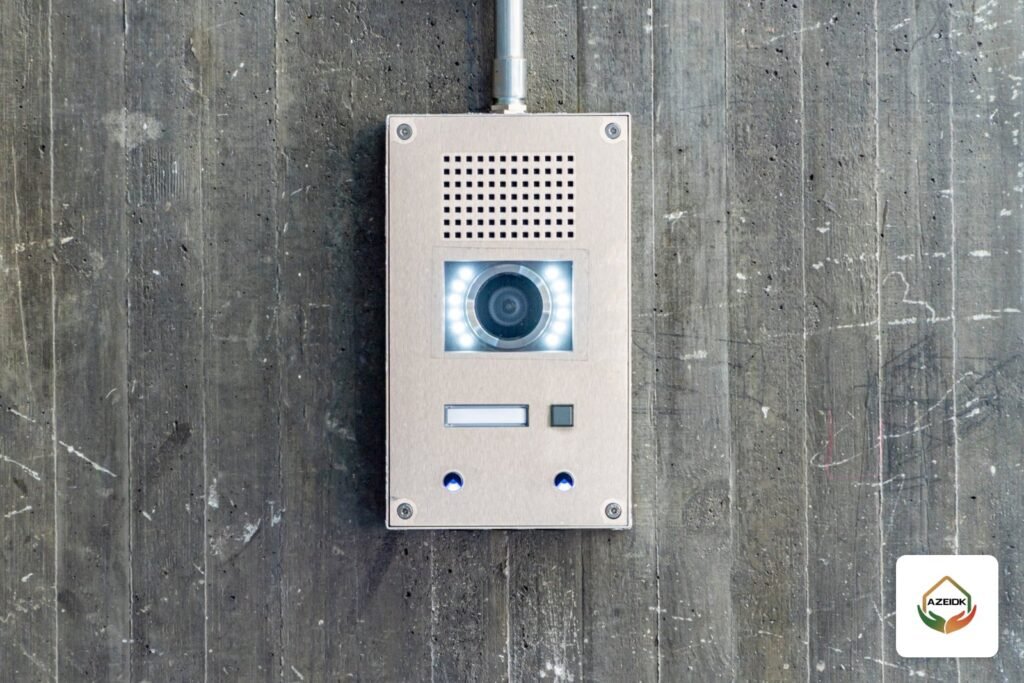
A standalone device combines the reader, memory and lock output in one unit. You enrol users on it directly and it decides whether to open the door without a server. It is simple and quick, but each door is managed on its own. Adding one employee to ten doors means enrolling them ten times.
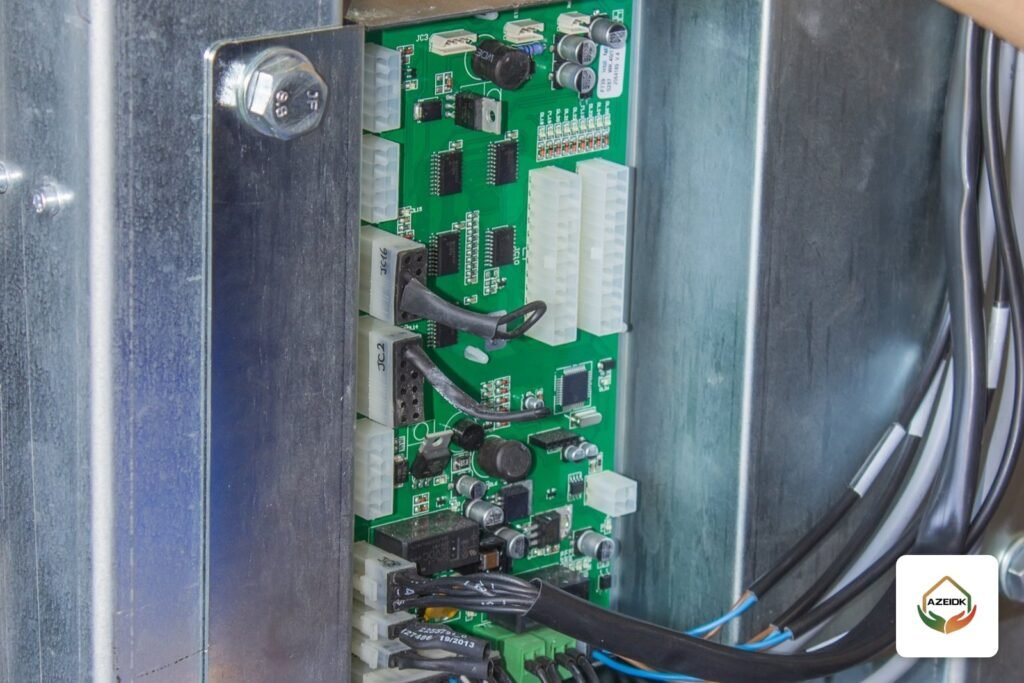
In a networked system, management moves to central software. You enrol a user once, assign the doors and times they are allowed, and the change reaches every device. Larger projects use an access control panel that takes readers from several doors over Wiegand or RS485, and ZKTeco’s official catalogue includes panels of this kind, such as the InBio and C3 series, both supplied by AZEIDK. Wiring readers, locks and exit buttons to a controller is covered in our access controller wiring guide, and single-door standalone devices in our standalone door access guide, so this article stays with the selection decision and the software.
ZKTeco access control models from AZEIDK
The table is taken from AZEIDK’s product pages and shows which models work standalone only and which can be networked:
| Model | Verification | Communication | Software listed |
|---|---|---|---|
| X100 / X101 | Fingerprint, 125 kHz card, PIN | Wiegand in/out, no network listed | None |
| MK2-V / MK2-H | 125 kHz card, PIN | Wiegand in/out | None |
| F34 Lite | Fingerprint, card, PIN | TCP/IP, RS485, Wiegand, USB, optional Wi-Fi | ZKBio Zlink, ZKBio CVAccess, ZKBio Time |
| SF300 | Fingerprint, optional card | TCP/IP, USB, Wiegand; network or standalone | ZKBio CVAccess |
The X100 and MK2 can act as the main controller for a secondary reader, or as a secondary reader for an existing controller over Wiegand. The F34 Lite and SF300 can be managed from networked software.
Capacity matters too, because it decides when a standalone unit outgrows the site. AZEIDK’s pages list 3,000 users, 3,000 fingerprints, 3,000 cards and 200,000 transactions for the F34 Lite, 500 fingerprint templates and 10,000 cards for the X100 / X101, and 10,000 users and 10,000 cards for the MK2. The X100 and MK2 are rated IP66 for indoor and outdoor use, which helps on external doors and exposed gates. If headcount is close to device capacity, or the site will grow within a few years, plan a networked system from the start rather than installing standalone units and replacing them later.
When is a standalone device enough?
- An office door, server room or small store with a limited number of users.
- The owner does not need combined access reports across doors.
- User changes are rare and one person can manage them at the device.
- You want an external reader on the other side of the door, which Wiegand on the X100 and MK2 allows.
When do you need a panel or networked devices with central software?
- Several doors, floors or branches that must follow one permission policy.
- Permissions by group and time, such as no entry after working hours.
- Entry and exit reports that security or management need from one place.
- Integration with turnstiles, cameras or visitor management.
- Releasing locks on fire alarm during evacuation, a design decision agreed with the designer and the authority and coordinated with the fire alarm system.
If the project includes pedestrian turnstiles or vehicle barriers, read the access gates and turnstiles guide, because the gate choice affects reader type and wiring.
ZKAccess 3.5, ZKBio CVAccess or ZKBio CVSecurity: which ZK access control software?
Many searches here are for “zkteco access control software 3.5 download”. Before downloading, check where each program stands according to ZKTeco:
| Software | Status according to ZKTeco | Where it fits |
|---|---|---|
| ZKAccess 3.5 | Discontinued and replaced by ZKBio CVAccess on the official comparison page. ZKTeco Europe announced permanent discontinuation from 1 October 2020, with technical support limited to version 3.5.4.3 | Existing legacy systems only |
| ZKBio CVAccess | A lightweight web-based platform for small and medium businesses. Modules: personnel, access control, time and attendance, smart video surveillance, system management | Listed on the F34 Lite and SF300 pages |
| ZKBio CVSecurity | A comprehensive web-based platform. Beyond access and attendance it adds visitor, parking, elevator control, video management and patrol modules, runs on Windows and Windows Server, and uses PostgreSQL by default | Large, multi-system buildings and compounds |
| ZKBio Zlink | Cloud service and mobile app | Listed as the default option on the F34 Lite page |
The practical rule: do not start a new project on ZKAccess 3.5. If you have a working system on it, plan the migration before adding new devices, and confirm each device’s compatibility with the new software from its datasheet. Note also that pure attendance software (such as ZKBio Time) is not door management software, so do not assume it handles door permissions.
Where to find the ZKTeco access control manual, catalogue and software
Manuals, datasheets and software files are on ZKTeco’s official download centre, and some files require a member login. AZEIDK provides the technical submittal and datasheet for its models on request, as its product pages state, which is usually what a consultant needs for material approval. Check the source of any software or firmware update before installing it on a device that controls your building’s doors.
How to choose for your project
- Count the doors and readers, and decide whether each door has entry only or entry and exit reading.
- Estimate users now and after expansion, and compare with the device capacity in the datasheet.
- Decide who manages the system and from where: the door device, a PC in the security room, or a browser.
- List the systems to integrate: attendance, gates, cameras, visitors, fire alarm.
- Choose the software next, then the devices compatible with it, not the other way round.
AZEIDK supports these steps through technical selection of systems and equipment and programming and systems integration within its low current systems. The full range is on the ZKTeco brand page.
Frequently asked questions
Is ZKAccess 3.5 still supported?
ZKTeco’s official site lists it as discontinued and replaced by ZKBio CVAccess, and ZKTeco Europe stated that support was limited to version 3.5.4.3. Choose current software for new projects.
What is the difference between ZKBio CVAccess and ZKBio CVSecurity?
CVAccess is a lightweight web platform for small and medium businesses covering access, attendance and video. CVSecurity is wider, adding visitor, parking, elevator and other modules for large buildings.
Can the X100 or MK2 be connected to a network?
AZEIDK’s product pages list Wiegand in/out only, with no network connection, so they work standalone or as a reader for another controller.
Where can I download ZK access control software?
From ZKTeco’s official download centre or through your supplier. Some files need a login. Avoid unofficial sites.
Can attendance software manage doors?
Not always. Pure attendance software handles reports and shifts. Door permissions need software with an access control module, such as ZKBio CVAccess or CVSecurity.
How many doors before I need a central system?
There is no fixed number. It depends on whether you need unified management, reports and permission schedules. Even two doors on two sites can justify a central system.
Conclusion
With ZKTeco access control, start from the number of doors and how the system will be managed, then pick the device. A standalone unit solves one door quickly, and a networked system covers a whole building. For software, keep ZKAccess 3.5 for legacy sites only and choose between CVAccess and CVSecurity by the size of the site and the systems you want to bring together.
Planning access control for your building? AZEIDK reviews your doors and integration needs and proposes the devices and software that fit. Talk to the AZEIDK team
Related guides
- NFPA 72: The Essential Guide to Fire Alarm Systems
- Foam Proportioning with Bladder Tanks: How They Work and How to Select One
- On-Demand Fire Alarm Maintenance or an Annual Contract? When to Call a Technician
- CCTV Software for PC: Hikvision iVMS-4200 and Dahua SmartPSS, Adding Devices, Recording and Export