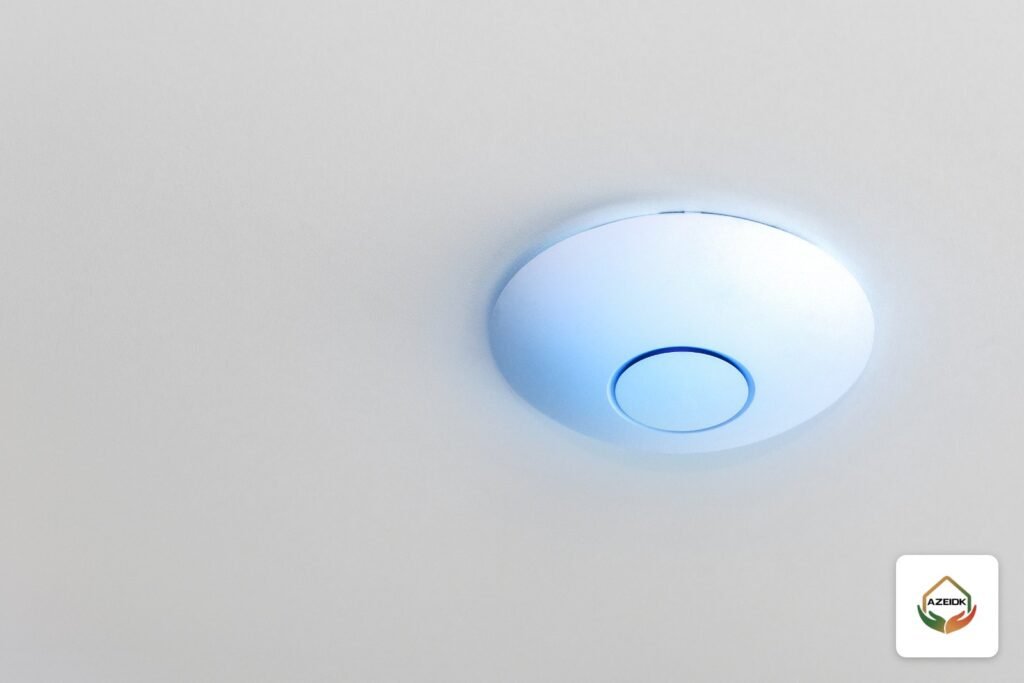
A wall plate access point is a slim Wi-Fi access point that replaces a network outlet on a standard 86 mm wall box. It gives the room its own Wi-Fi coverage plus wired ports for a TV or phone. That is why it is widely used in hotel rooms, serviced apartments, student housing and patient rooms, where the signal from a ceiling access point in the corridor weakens after passing through walls and doors.
The structured cabling and network products AZEIDK supplies are listed under network systems.
Below we explain when a wall plate access point beats a ceiling unit and compare three models available from AZEIDK under active network systems, with notes for hospitality network design.
Key points
- A wall plate access point fits an 86 mm wall box in place of a network outlet and runs on PoE from the switch.
- It suits closed rooms: hotel rooms, apartments, student housing and patient rooms.
- It adds wired ports in the room for a TV, IP phone or desktop.
- Models available: TP-Link Omada EAP615-Wall, Ruijie Reyee RG-RAP1261 and Huawei eKit AP162E, all Wi-Fi 6.
- They are managed centrally from the vendor platform, so technicians do not need to enter every room to change settings.
When is a wall plate access point better than a ceiling unit?
A common corridor design puts one ceiling access point every few rooms. That may work in open offices, but in hotels and housing there are walls and doors between the access point and the user, so the in-room signal weakens and many rooms share one access point. An in-room wall plate unit serves only that room’s guests, with the signal close to them.
Wall plate units also fit where ceiling mounting is difficult, or where cables already run to wall outlets, as in refurbishments. For working out access point numbers and positions in general see business Wi-Fi network design.
Wall plate access points compared
From AZEIDK product pages, based on each manufacturer’s official datasheet:
| Item | TP-Link EAP615-Wall | Ruijie RG-RAP1261 | Huawei eKit AP162E |
|---|---|---|---|
| Standard | Wi-Fi 6 (802.11ax) | Wi-Fi 6 | Wi-Fi 6 (802.11ax) |
| Maximum rate | 1201 Mbps (5 GHz), 574 Mbps (2.4 GHz) | 2974 Mbps total | 2.975 Gbps |
| Wired ports | Uplink plus 3 Gigabit (one with PoE pass-through) | 2 Gigabit | 2 Gigabit |
| Power | PoE 802.3af/at | PoE/PoE+ only | PoE 802.3af |
| Maximum consumption | 10 W (EU) | 10.2 W | 9.1 W |
| Users | 120+ concurrent | Up to 256 | Up to 128 (48 recommended) |
| Mounting | 86 mm wall box | 86 mm wall box | 86 mm wall box |
Choosing a model for the room
TP-Link Omada EAP615-Wall: more ports in the room
It has three Gigabit downlink ports, one of which passes 13 W (EU) of PoE to another device when the access point is fed with 802.3at. It suits rooms with a smart TV, a phone and another wired device, and it is managed within Omada.
Ruijie Reyee RG-RAP1261: slim and faster
A thin unit with a 2974 Mbps total rate and two Gigabit ports, powered by PoE only with no local power supply. The product page lists up to 256 users with both bands enabled. It is managed within the Reyee cloud ecosystem.
Huawei eKit AP162E: low power draw
The lowest consumption of the three (9.1 W) on 802.3af, which eases the switch PoE budget in buildings with hundreds of rooms. Huawei recommends 48 users per unit, a comfortable figure for a hotel room.
What to check when designing the room network
- Switch PoE budget: multiply the unit’s maximum draw by the rooms on each switch, plus any device powered from the pass-through port.
- Guest network separation: put guest traffic in its own VLAN, separate from management, cameras and phones. See ELV network design with VLANs.
- Corridors and public areas: wall plate units serve rooms; corridors and lobbies still need ceiling access points.
- Room phone: an IP room phone such as the Fanvil H602 hotel phone can plug into one of the wall plate ports instead of a separate cable run. See hotel PBX and room phones.
- Management platform: use one ecosystem for switches and access points to simplify management.
For the full low-current package in a hotel see low-current systems for hotels, and for patient rooms see low-current systems for hospitals.
Frequently asked questions
What is a wall plate access point?
A slim Wi-Fi access point that fits a standard wall box in place of a network outlet, giving Wi-Fi and wired ports inside the room.
Does a wall plate access point need a separate power supply?
Not for these three models: they run on PoE from the switch over the same network cable.
Are wall plate access points suitable for villas and apartments?
Yes, especially in rooms with a wall network outlet where a ceiling unit is hard to install.
Which is better for hotels: wall plate in the room or ceiling in the corridor?
An in-room wall plate unit gives a stronger signal and serves only that room; ceiling units remain right for corridors and public areas.
What wall box size is needed?
A standard 86 mm wall box for all three; the EAP615-Wall supports 86 mm EU or US boxes.
Can an IP phone connect to the wall plate access point?
Yes, through one of its wired ports; the EAP615-Wall has a port passing 13 W (EU) of PoE when fed with 802.3at.
Summary
A wall plate access point is a practical answer for any closed room that needs strong Wi-Fi and wired ports, most clearly hotel rooms, housing and hospitals. Choose the EAP615-Wall for more ports and PoE pass-through, the RG-RAP1261 for higher speed and the AP162E for the lowest draw, then size the switch PoE budget.
Related reading: HPE Aruba CX 6000 and CX 6100 Switches, Business Routers and VPN Gateways and Patch Panel Guide.
Fitting out a hotel or residential network? Send us room and floor counts with the drawings, and the AZEIDK team will propose access points and switches with datasheets. Contact AZEIDK
Related guides
- Legrand vs Corning Structured Cabling: Copper, Fibre, Warranty and When to Choose Each
- Avaya IP Office PBX in Saudi Arabia: Editions, Support Status and What to Check Before Expanding
- Patch Panel Guide: Choosing Cat6 or Cat6A, Port Count and Rack Layout with Legrand LCS³
- Addressable Fire Alarm Panel Programming: Addresses, Zone Names, Delays, Lift and HVAC Interfaces, and Program File Handover