Choosing between network cable types sets your network speed for years, because cable goes into walls and ceilings and is hard to replace. Cat5e, Cat6 and Cat6A differ in the frequency they carry and the speed they support over distance; for longer runs or higher speeds, fibre takes over.
AZEIDK supplies cabling under network and communication systems, including AZ Link Cat6 UTP, Belden 7965E Cat6 and Legrand Cat6A F/FTP.
Key points
- Cat5e 100 MHz, Cat6 250 MHz, Cat6A 500 MHz.
- Cat5e and Cat6 carry 1 Gbps up to 100 m per segment.
- Cat6 carries 10 Gbps only up to 55 m; Cat6A does it over the full 100 m.
- Beyond 100 m, use a switch or fibre.
Copper network cable types
| Category | Frequency | Speed and distance | Typical use today |
|---|---|---|---|
| Cat5e | 100 MHz | 1 Gbps to 100 m | Small extensions, existing networks |
| Cat6 | 250 MHz | 1 Gbps to 100 m; 10 Gbps to 55 m | Offices, CCTV, standard Wi-Fi points |
| Cat6A | 500 MHz | 10 Gbps over 100 m | New buildings, modern Wi-Fi, server rooms |
Figures are from Black Box. See Cat6 vs Cat6A and UTP vs FTP.
When you need fibre
- Runs longer than 100 m between buildings or floors.
- Backbone links between network rooms.
- Areas with heavy electrical interference.
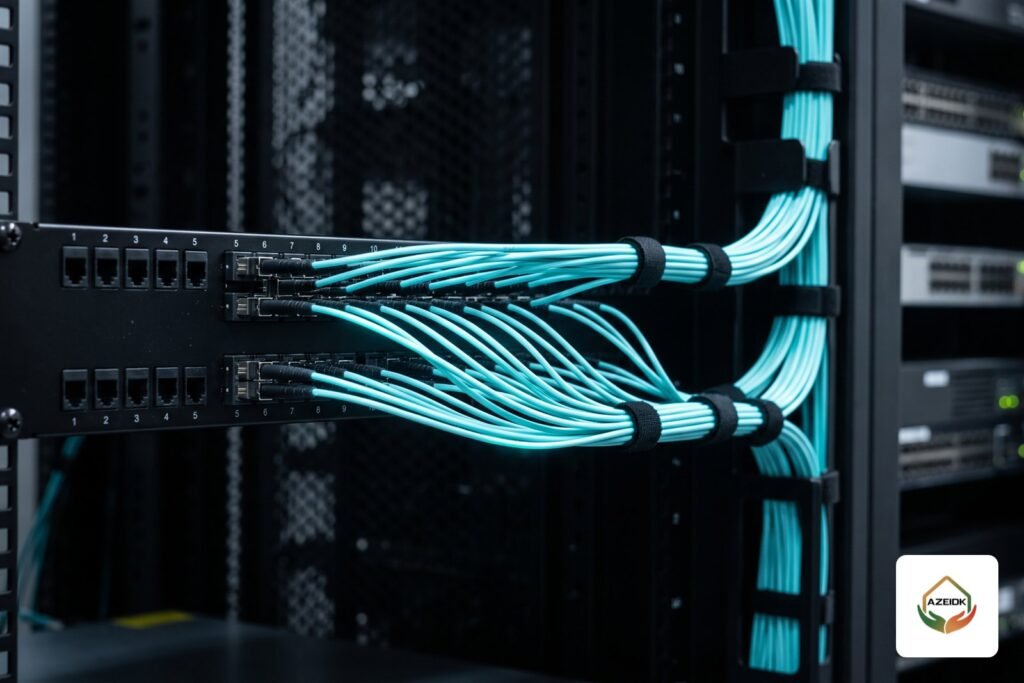
Multimode fibre suits medium distances within buildings and campuses; single-mode suits long distances. AZEIDK supplies fibre accessories such as the Legrand LCS3 fibre drawer and Corning connectivity as the project requires.
Choosing for your project
- Office or shop: Cat6 usually suffices.
- New long-life building: Cat6A horizontal, fibre backbone.
- PoE CCTV: Cat6 within 100 m; see CCTV cable.
- Ceiling voids and corridors: LSZH sheath when specified.
Do not mix categories in one link: Cat6A cable with Cat6 jacks performs as Cat6.
Frequently asked questions
Which network cable is best for offices?
Cat6 for most offices; Cat6A for new buildings needing 10 Gbps or modern Wi-Fi.
What is the maximum cable length?
100 m per segment for Cat5e, Cat6 and Cat6A.
Does Cat6 support 10 Gbps?
Yes, up to 55 m; Cat6A supports it to 100 m.
Cat5e vs Cat6?
Cat6 works to 250 MHz versus 100 MHz and supports 10 Gbps over a shorter distance.
When should I use fibre?
Over 100 m, for backbones and in high-interference areas.
Planning a new network? Send us the point count and distances, and AZEIDK will advise the cable category and accessories. Contact AZEIDK