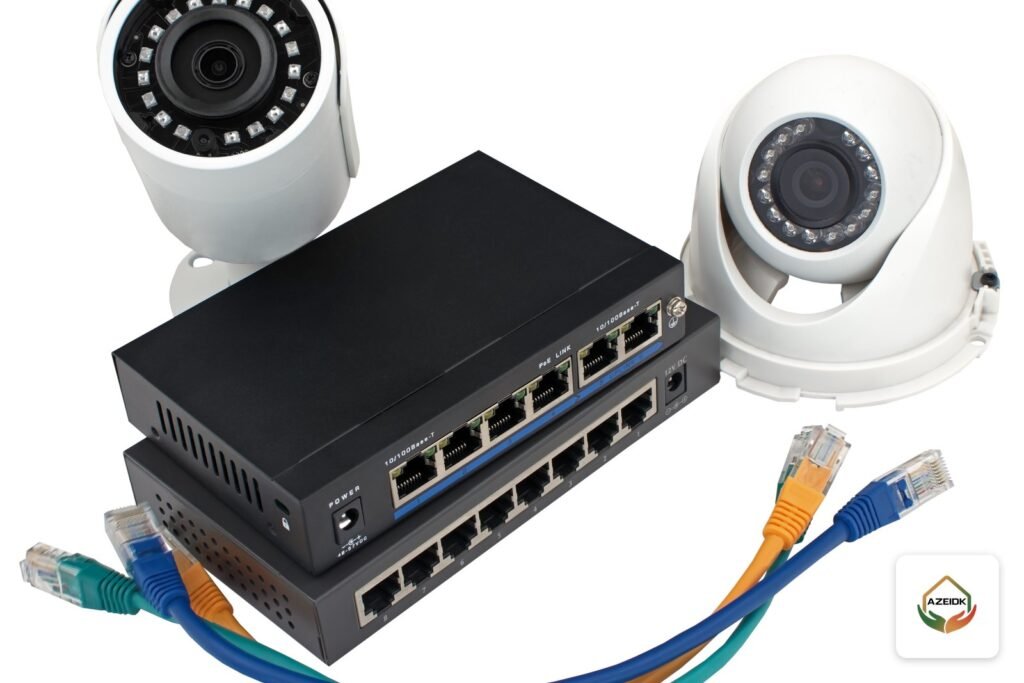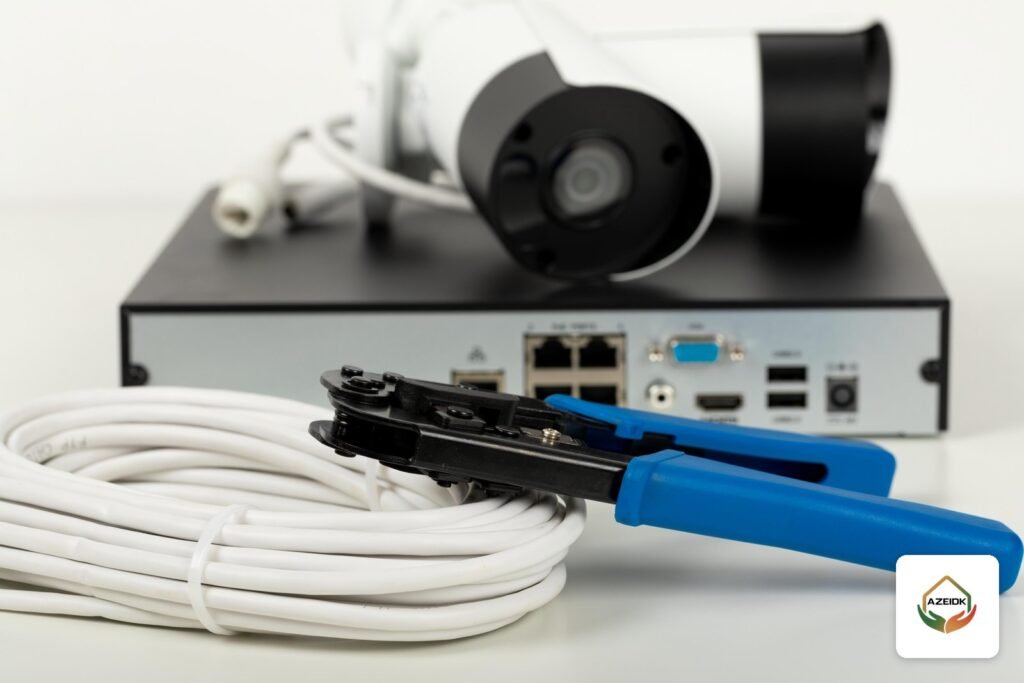
The right CCTV camera cable depends first on the camera technology. HD analog cameras (HD-TVI / Turbo HD) run on 75-ohm coaxial cable such as RG59 or RG6, while IP cameras run on Cat5e or Cat6 twisted-pair cable and usually take their power over PoE. A copper Ethernet channel is limited to 100 m under TIA-568; beyond that you need an intermediate switch, an extender or fiber.
This guide is about the cable itself: when coax still makes sense, when Cat6 is the answer, what limits distance, why solid copper matters with PoE, how to run cable outdoors and how to read the cabling lines in a quotation. AZEIDK designs, supplies and installs camera systems as part of its security and surveillance systems in Saudi Arabia.
Key takeaways
- Coax (RG59 or RG6) serves HD analog cameras and DVRs; Cat5e or Cat6 serves IP cameras, NVRs and switches.
- ANSI/TIA-568 and ISO/IEC 11801 limit the horizontal copper channel to 100 m: a 90 m permanent link plus patch cords.
- IEEE 802.3 defines four PoE types, from 15.4 W at the switch port (802.3af) to 90 W (802.3bt Type 4); part of that power is lost in the cable.
- Copper-clad aluminium (CCA) cable does not meet category cable standards and has higher resistance, so it runs hotter under PoE and delivers less voltage to the camera.
- Fiber is the answer beyond the copper limit when no power point exists for a mid-span switch, between buildings, and near heavy electrical interference.
In this article
- CCTV camera cable: coax or Cat6?
- Coax CCTV cable: RG59 and RG6
- Cat5e and Cat6 network cable for IP cameras
- The 100 m TIA-568 limit and what to do beyond it
- PoE for IP cameras: types, power and conductor quality
- Outdoor runs: sun, conduit and separation from power
- When do you need fiber instead of copper?
- How to read a CCTV cabling quotation
- Frequently asked questions
- Conclusion
CCTV camera cable: coax or Cat6?
An analog camera sends a video signal to a DVR, and the matching cable is 75-ohm coax. An IP camera is a network device that sends data to a switch and on to an NVR, so it needs twisted-pair network cable.
| Item | Coax RG59 / RG6 | Network cable Cat5e / Cat6 |
|---|---|---|
| Camera type | HD analog (HD-TVI / Turbo HD, HDCVI) | IP cameras |
| Recorder | DVR or hybrid recorder | NVR, through a switch or built-in PoE ports |
| Power | Separate pair (Siamese cable) or PoC over the same coax | PoE from the switch on the same cable |
| Distance | Depends on the manufacturer’s technology, cable quality and camera power | 100 m standard channel |
| Typical use today | Upgrading existing sites while keeping the cable | New projects and larger sites |
For a system-level comparison, see upgrading an old CCTV system to IP or PoC.
Coax CCTV cable: RG59 and RG6
Both are 75-ohm coaxial cables. RG6 is thicker with a larger centre conductor, so it loses less signal over long runs; RG59 is thinner and easier to pull through tight conduit. Installers in the Saudi market often use “Siamese” cable: coax bonded to a power pair that feeds 12 V to the camera from a central supply.
How far can HD video travel over coax?
There is no single figure in a general standard; the reference is the manufacturer’s documentation for each generation and model. When Hikvision launched third-generation Turbo HD in March 2016, it announced 1080p video up to 800 m and 720p up to 1,200 m over coaxial cable, without naming the cable type. For power over coax (PoC), Hikvision’s technical bulletin for TurboHD 4.0 PoC DVRs says transmission distance is proportional to cable material and camera power, and shows a PoC camera on RG6 at 300 m. Treat these as upper limits under the manufacturer’s conditions and check the datasheet of the model you install.
When coax still makes sense
- An existing building with sound coax runs, where the goal is higher resolution without re-cabling.
- Camera-to-DVR distances above 100 m that fall within the manufacturer’s documented range.
HD analog video can also travel over twisted pair using a video balun at each end. Hikvision’s PoC bulletin confirms support for balun-to-UTP connections but not for optical transceivers between the DVR and cameras.
Cat5e and Cat6 network cable for IP cameras
An IP camera works on any Cat5e or higher cable, since its port is usually 100 Mb/s or 1 Gb/s. Siemon notes that devices such as surveillance cameras typically run at 1000 Mb/s or lower. Cat6 is therefore enough for most camera projects. Cat6A is chosen when the building specification requires it or when the same cabling must carry 10 Gb/s data; Fluke Networks explains that Category 6A was developed to support 10GBASE-T over a 100 m link.
What matters more than the category number: solid bare copper conductors in horizontal runs, outlets, RJ45 plugs and patch panels of the same category, and a test of every link after installation. For standards and testing in more depth, see structured cabling and network systems.
The 100 m TIA-568 limit and what to do beyond it
ANSI/TIA-568 and ISO/IEC 11801 set the horizontal copper channel at 100 m, which Fluke Networks breaks down into a 90 m permanent link plus patch cords at each end. The main constraints are insertion loss and propagation delay, and both get worse with heat and PoE current. A camera may still work a little beyond 100 m on some sites, but the link is out of standard and will not pass a standard certification test.
Common options beyond the limit:
- Intermediate switch: a PoE switch in a local cabinet near a group of cameras, fed from a power point and linked back by copper or fiber.
- PoE extender: a mid-span unit that starts a new channel and consumes part of the power, so the budget must be recalculated after it.
- Long-range switch mode: some switches trade speed for distance as stated in their datasheets. It is non-standard and depends on the camera and cable condition. Details are in our article on PoE switches for CCTV.
- Ethernet over coax (EoC): when long existing coax must serve an IP camera.
- Fiber with a media converter or an SFP switch port: for long runs and links between buildings.
- Wireless bridge: where trenching or cabling is not practical, as covered in wireless bridges for CCTV.
PoE for IP cameras: types, power and conductor quality
Power over Ethernet carries power and data on the same cable. The IEEE 802.3 Working Group defines the four types as follows:
| Standard | Type | Power at switch port | Power at device | Pairs used |
|---|---|---|---|---|
| IEEE 802.3af | Type 1 | 15.4 W | 13 W | 2 |
| IEEE 802.3at (PoE+) | Type 2 | 30 W | 25.5 W | 2 |
| IEEE 802.3bt | Type 3 | 60 W | 51 W | 4 |
| IEEE 802.3bt | Type 4 | 90 W | 71.3 W | 4 |
The gap between the two power columns is what the cable dissipates as heat over the longest allowed run. Siemon notes that IEEE PoE standards assume a DC loop resistance of 25 ohms or less, and that heat from power loss increases insertion loss. Conductor size and metal therefore matter: thicker conductors have lower resistance, and stranded conductors have higher resistance than solid ones, which is why stranded cable is normally kept to short patch cords.
Why reject CCA cable for PoE?
CCA cable has aluminium conductors with a thin copper coating and costs less than solid copper. Fluke Networks’ application note states that these cables do not meet TIA-568-C.2 and ISO/IEC 11801, which require solid copper conductors, and that aluminium has about 55% more resistance than copper of the same diameter, so the cable heats more and less voltage reaches the device. To detect it: ask for the datasheet and look for “solid bare copper”, scrape a cut conductor to see whether silver metal sits under the copper, and request a DC resistance unbalance test with a certification tester, which the same note says CCA cable fails.
Outdoor runs: sun, conduit and separation from power
Indoor network cable with a standard PVC jacket is not designed for direct sun. On roofs and boundary walls in Saudi cities the jacket cracks over time and moisture gets in. Practical rules:
- Use outdoor cable with a UV-resistant jacket on exposed routes, and cable designed for burial or run inside conduit on underground routes.
- Keep the route in conduit or trunking from the source to the junction box at the camera, and seal conduit ends and boxes.
- Leave a drip loop before the cable enters the camera or box.
- Cameras on outdoor poles or remote fences need earthing and surge protection as the manufacturer instructs.
For separation from power cables, CommScope’s guidelines, which reference EN 50174-2, explain that the required distance depends on the voltage and current of the power circuit, the number of power cables and the screening of the data cable. Separation can be reduced inside continuous, earthed metallic trunking or conduit, crossings should be at right angles, and local electrical codes apply where they require more. As a practical installation rule, do not run camera cable in the same conduit as power cables. To choose the outdoor camera itself, see our outdoor CCTV camera guide.
When do you need fiber instead of copper?
- Cameras are more than 100 m from the main cabinet and there is no power point for an intermediate switch.
- Links between two buildings, or between a gatehouse and an office block: fiber does not conduct electricity, so it does not carry ground potential differences or surges between buildings.
- The route passes transformers or large switchboards and the separation conditions cannot be met; CommScope recommends fiber in that case.
- Many cameras are aggregated on a remote switch that needs a high-capacity uplink to the control room.
At the far end, a PoE switch with an SFP port or a media converter feeds the cameras over short copper runs. For fiber types and testing, see fiber optic backbone in buildings.
How to read a CCTV cabling quotation
Check each offer for:
- Cable type, category and manufacturer: Cat6 or RG6 with a datasheet, and confirmation of solid copper, not CCA.
- Jacket type: indoor, UV-resistant outdoor or burial grade, route by route.
- Pricing basis: per metre or per point, and whether conduit, trunking, trenching and junction boxes are included.
- The longest run on site: whether it exceeds 100 m and what solution is proposed.
- Switches and PoE budget: the PoE type of each port and total available power against the camera count.
- Testing: a simple continuity check or certification testing that measures length, loss and crosstalk on every link, with results handed over.
- Documentation: cable labels at both ends and as-built route drawings.
For choosing the installer, see network installation companies in Saudi Arabia.
Frequently asked questions
What is the cable difference between IP and HD analog cameras?
HD analog cameras use RG59 or RG6 coax with a DVR and separate power or PoC. IP cameras use Cat5e or Cat6 with a switch and NVR and are powered over PoE.
Cat6 or Cat6A for CCTV?
Cat6A was developed for 10 Gb/s over 100 m, while cameras usually run at 1 Gb/s or less, so Cat6 is normally enough. Choose Cat6A when the project specification requires it or the cabling also serves high-speed data.
What is the maximum network cable length from switch to camera?
100 m for the whole channel under TIA-568, including a 90 m permanent link. Beyond that, use an intermediate switch, an extender or fiber.
Can I reuse old coax with new cameras?
Usually yes, either with HD analog cameras and a suitable DVR or with an Ethernet-over-coax extender for IP cameras, after checking the cable and connectors.
When should I use fiber instead of copper?
Beyond 100 m with no power point for an intermediate switch, between buildings, and near heavy electrical interference where separation cannot be achieved.
Do I need a Fluke certification report after cabling?
The project specification decides, but certification testing is what proves each link meets its category and exposes CCA cable. A simple continuity tester does not replace it.
Conclusion
Choosing a CCTV camera cable starts with the system: coax for HD analog, network cable for IP. Distance then decides the solution: 100 m for copper Ethernet, manufacturer documentation for coax, and fiber beyond that. Solid copper with a documented test prevents faults that are hard to trace once ceilings are closed.
Have a site plan and need the cable routes worked out? Send us the camera count, locations and the longest run to the recording room, and we will propose the cable type, switches and any fiber points needed. Talk to the AZEIDK team