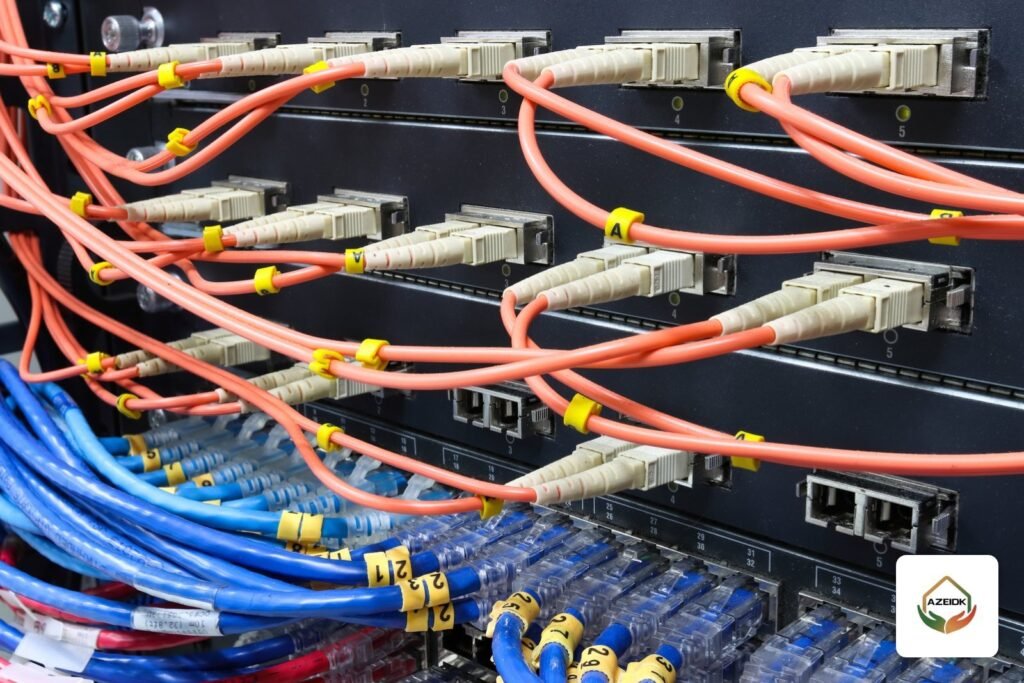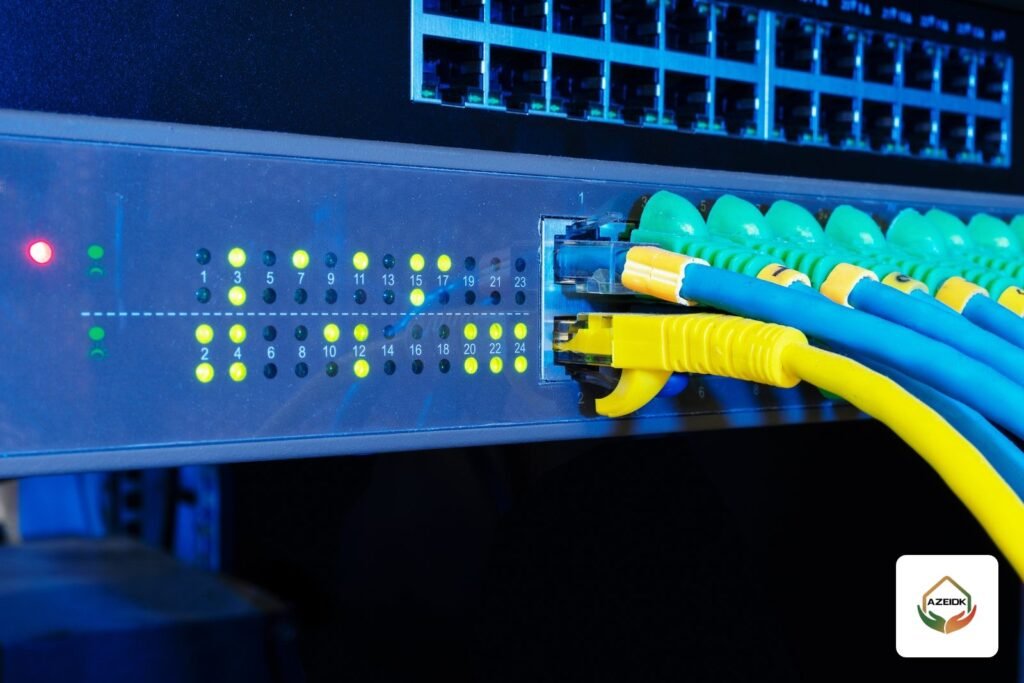
A Huawei switch for business comes in two main families at AZEIDK: the eKit S310 series for small and medium businesses, and the CloudEngine range for larger networks, with the S5735-L-V2 at the access layer and the S6730-H-V2 for aggregation and core. Alongside them are eKit and AirEngine Wi-Fi access points for indoor, outdoor and in-room use, and the NetEngine AR6100 router for branches. The right choice depends on site size, management model (cloud or controller) and the number of access points. This guide explains each family and where it fits an office, a hotel floor or a warehouse. Brand page: Huawei at AZEIDK.
Key takeaways
- eKit S310: managed Gigabit switches for SMBs in 24 and 48-port versions, PoE+ budgets of up to 846 W depending on the model, managed locally or from the cloud through the HUAWEI eKit app.
- CloudEngine S5735-L-V2: enterprise access switches in versions from 8 to 48 ports, stacking up to 9 units, managed from the cloud or iMaster NCE-Campus.
- CloudEngine S6730-H-V2: 10GE aggregation and core switch with a built-in wireless controller for up to 1,000 access points.
- Access points: AirEngine 5761-21 (Wi-Fi 6) and AirEngine 5776-26 (Wi-Fi 7) for ceilings, eKit AP371 (Wi-Fi 7) for SMBs, eKit AP162E wall plate for rooms and the IP68 AirEngine 6760R-51 for outdoors.
- AZEIDK supplies and installs these products in Saudi Arabia and does not present itself as a Huawei agent.
In this article
- Huawei switch families available from AZEIDK
- eKit S310 for small and medium businesses
- CloudEngine S5735-L-V2 at the enterprise access layer
- CloudEngine S6730-H-V2: core switch and wireless controller
- Access points: which one goes where?
- Cloud management or a controller?
- NetEngine AR6100 router for branches
- What to check before approving Huawei equipment
- Frequently asked questions
- Conclusion
Huawei switch families available from AZEIDK
Huawei splits its campus switches into lines by customer size. Our catalogue carries three series, each with a clear role in the network design. For other brands on the Saudi market, see network and communication systems.
| Series | Role | Ports and speed | Management | Fits |
|---|---|---|---|---|
| eKit S310 | Access | 24 or 48 Gigabit ports, GE or 10GE uplinks, a 2.5G-port version | Local web or eKit cloud app | Offices, clinics, shops, small branches |
| CloudEngine S5735-L-V2 | Enterprise access | 8 to 48 Gigabit ports, GE or 10GE uplinks | CLI, web, Huawei cloud, iMaster NCE-Campus | Office buildings, hotels, hospitals, factories |
| CloudEngine S6730-H-V2 | Aggregation and core | 24 to 48 × 10GE SFP+ plus 6 × 40/100GE | Built-in wireless controller, VXLAN | Campus core, floor aggregation |
eKit S310 for small and medium businesses
The eKitEngine S310 is sold through Huawei’s eKit channel for SMBs. It comes in many versions, including the S310-24P4S with 24 PoE+ ports, 4 GE SFP ports and a 400 W budget; the S310-48P4X with 48 PoE+ ports, 4 × 10GE and 380 W; the S310-48HP4X with the same ports and 846 W; and the S310-24PN4X with 2.5G ports that suit Wi-Fi 7 access points.
Management can be local through a web interface or cloud-based through the eKit app, and you can switch between the two. It supports up to 4094 VLANs, static routing, OSPF and VRRP, and iStack stacking. That covers most offices that need to separate staff, guest, camera and phone traffic.
When choosing a version, calculate the PoE budget for cameras, access points and phones, as covered in PoE switch power budget, and pick the 846 W model if a single switch carries heavy loads.
CloudEngine S5735-L-V2 at the enterprise access layer
This is the usual floor switch in larger buildings. Versions run from 8 to 48 ports with GE or 10GE uplinks. Datasheet examples: the S5735-L8P4S-A-V2 with eight ports and a 125 W PoE budget, the S5735-L24P4S-A-V2 with 24 ports and 400 W, and the S5735-L48P4XE-A-V2 with 48 ports, 4 × 10GE and a 1000 W supply giving 846 W of PoE at 220 V.
What matters on larger projects:
- Perpetual PoE: cameras and access points stay powered during a switch reboot or upgrade, per the datasheet.
- Stacking: XE models have dedicated stack ports, and up to 9 switches can be stacked and managed as one.
- Layer 3: static routing, RIP, OSPF and VRRP, so the switch can act as the VLAN gateway on the floor.
- Management: CLI, web and SNMP, cloud management, or the iMaster NCE-Campus platform.
CloudEngine S6730-H-V2: core switch and wireless controller
In a multi-storey building or a campus, you need a core switch to collect the fibre links from each floor. The S6730-H-V2 is built for that: 24 or 48 × 10GE SFP+ and 6 × 40/100GE, full routing including OSPF, IS-IS and BGP, VXLAN with BGP EVPN, and hot-swappable power supplies with 1+1 redundancy.
The key point for anyone looking for a Huawei access point controller: this switch has a native WLAN AC function that manages up to 1,000 access points, according to the datasheet. A large site may therefore not need a separate wireless controller, since the AirEngine access points can be managed from the core switch itself.
Access points: which one goes where?
| Model | Standard | Key datasheet points | Best location |
|---|---|---|---|
| eKit AP371 | Wi-Fi 7 | 2×2 on 2.4 and 5 GHz, 3.57 Gbps, 2.5GE port, PoE 802.3af/at | Small and mid offices, shops, clinics |
| eKit AP162E | Wi-Fi 6 | Wall plate on an 86 mm box, two GE ports, PoE 802.3af, 9.1 W | Hotel and staff rooms, classrooms |
| AirEngine 5761-21 | Wi-Fi 6 | 4×4 on 5 GHz and 2×2 on 2.4 GHz, up to 5.375 Gbps, PoE+ | Open-plan offices, meeting rooms |
| AirEngine 5776-26 | Wi-Fi 7 | 6 spatial streams, up to 6.45 Gbps, 2.5GE port, BLE | High-density offices, smart buildings |
| AirEngine 6760R-51 / 51E | Wi-Fi 6 outdoor | IP68, 5GE and 10GE SFP+ ports, PoE 802.3bt, 6 kV surge protection | Warehouse yards, car parks, open areas |
Selection examples:
- Hotel floor: AP162E wall plates inside rooms where a ceiling AP is impractical, with ceiling APs in corridors. See our hospitality page.
- Warehouse: outdoor AirEngine 6760R-51 units for yards and loading areas, and indoor APs between racks based on a coverage survey, under warehouses and logistics.
- Small office: an eKit S310 switch with eKit AP371 access points, managed from the cloud app without a controller.
Note that Wi-Fi 7 access points with 2.5GE ports benefit from a switch with 2.5G ports such as the S310-24PN4X, and the outdoor 6760R-51 needs PoE 802.3bt, which is higher than standard PoE+.
Cloud management or a controller?
The most common question on Wi-Fi projects is whether you need a controller. The practical answer with Huawei:
- Small site with a few access points: cloud management through the eKit app is usually enough, with no extra hardware.
- Enterprise building or multiple branches: central management through iMaster NCE-Campus or Huawei cloud, with CloudEngine switches.
- Large site with a local core: the built-in controller in the S6730-H-V2 manages up to 1,000 access points and keeps control on site.
Some organisations prefer to keep management on site for information security policy reasons, and that decision should be made with the IT team before design. To compare with other brands in our catalogue, see Cisco, Ruijie and TP-Link.
NetEngine AR6100 router for branches
To connect head office to branches or the internet, our catalogue includes the NetEngine AR6100 in AR6121E and AR6140E-9G-2AC models. Per the datasheet it supports IPsec VPN and SD-WAN, optional 5G uplink modules and expansion slots for extra interface cards. It suits small and mid-size headquarters and branches that need a secure link to the centre.
What to check before approving Huawei equipment
- Coverage survey: the number of access points comes from the floor plan, wall materials and user density, not floor area alone.
- PoE budget: add up access points, cameras and phones on each switch.
- Uplinks: Wi-Fi 7 access points and dense floors need 10GE links to the core.
- Conformity certificates: confirm the conformity certificates required for telecom and Wi-Fi equipment in Saudi Arabia through the SABER platform before supply.
- Licensing: some features, such as upgrading 40GE uplinks to 100GE on the S6730-H-V2, depend on a licence, so state them in the quotation.
Frequently asked questions
Is AZEIDK a Huawei agent in Saudi Arabia?
No. AZEIDK supplies and installs Huawei switches, access points and routers on network projects and does not present itself as an agent for the brand.
What is the difference between eKit and CloudEngine?
eKit is Huawei’s SMB line with simplified management through the web or an app. CloudEngine is the enterprise line with broader stacking, routing and central management through iMaster NCE-Campus.
Do I need a controller for Huawei access points?
Not always. Small sites run from the cloud, and large sites can use the built-in controller in the S6730-H-V2, which manages up to 1,000 access points, or the iMaster NCE-Campus platform.
Which Huawei access point suits hotel rooms?
The eKit AP162E wall plate fits an 86 mm electrical box and runs on PoE 802.3af, which suits rooms where a ceiling AP is hard to install.
Does Huawei have an outdoor access point?
Yes, the AirEngine 6760R-51, rated IP68 with surge protection, and the 6760R-51E with external antennas for directional or long-range coverage. It needs PoE 802.3bt.
How many CloudEngine S5735-L-V2 switches can be stacked?
Per the datasheet, up to 9 units through iStack, with dedicated stack ports on the XE models.
Conclusion
Site size decides the right Huawei switch: eKit S310 for offices and small branches, CloudEngine S5735-L-V2 for enterprise floors and the S6730-H-V2 for the core with a built-in wireless controller. Access points follow the location: wall plates for rooms, ceiling units for offices and outdoor units for yards. Start with the coverage survey, PoE budget and management model, then pick the models.
Planning a wired and wireless network for a building or warehouse? Send the drawings and the number of users and devices, and our team will propose the switches, access points and management model. Talk to the AZEIDK team
Related guides
- 5MP CCTV Cameras: When to Choose 5MP over 4MP or 8MP, and Available Hikvision and Dahua Models
- Commercial Kitchen Fire Suppression in Saudi Arabia: Components and Requirements
- Civil Defense Licence for Hospitals and Private Medical Complexes: Required Systems and Documents
- Falcon Gold FG4001RF Foam Fire Hose Cabinet: Components, Foam Type and When You Need It