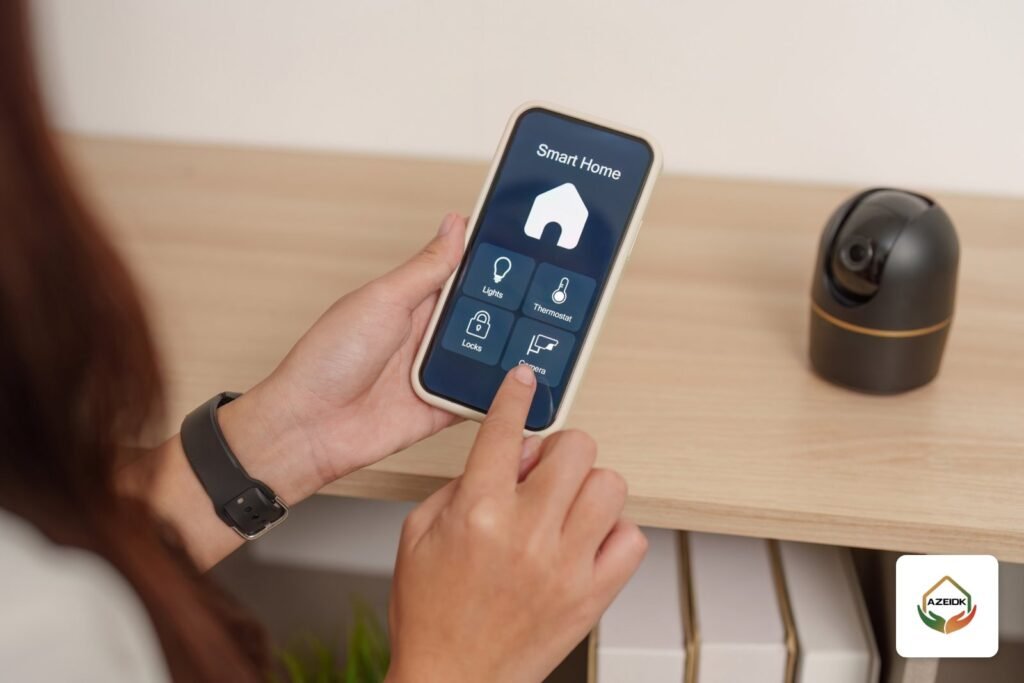
The Hikvision Wi-Fi camera range at AZEIDK comes in two Wi-Fi 6 models: the DS-2CFW02 outdoor bullet at 2 MP with IP66 and Wi-Fi range up to 120 m depending on the environment, and the DS-2CFWQ3 indoor pan-tilt camera at 2K with up to 345 degrees of pan. Both have two-way audio and human and vehicle detection, within AZEIDK’s CCTV systems.
This guide covers each model with the figures from its product page, and a point many buyers miss: a Wi-Fi camera sends video without a cable, but still needs power where it is mounted.
Key points
- Both models support Wi-Fi 6 (IEEE 802.11ax) on 2.4 GHz.
- DS-2CFW02: outdoor 1080p bullet, 2.8 or 4 mm lens, IR and white light up to 30 m, IP66, 12 V power.
- DS-2CFWQ3: indoor pan-tilt at 2304 x 1296, pan 0 to 345°, tilt 15 to 85°, light up to 10 m, 5 V over Type-C.
- The DS-2CFWQ3 has one-touch privacy mode and works with the Hik-Connect app per the official datasheet.
- Neither product page lists memory card capacity, so confirm how recording works before buying.
What Wi-Fi 6 means on a Hikvision Wi-Fi camera
Wi-Fi 6 is the trade name for IEEE 802.11ax. On both models it runs on 2.4 GHz only, per the pages. That band reaches further and passes walls better than 5 GHz, but is more crowded in buildings full of networks. The real Wi-Fi 6 benefit shows when the router or access point also supports it, especially with many devices on the same network; with an older router the camera works on the older b/g/n standards it supports.
So check the network equipment before the camera. If Wi-Fi is weak in the yard or on the roof, an outdoor access point may be needed; see Hikvision outdoor access point.
DS-2CFW02 outdoor bullet
| Item | Value |
|---|---|
| Model | DS-2CFW02(/EU) |
| Sensor and resolution | 1/3″ CMOS, 1920 x 1080 |
| Lens | Fixed 2.8 or 4 mm, F1.6 |
| Field of view (2.8 mm) | Horizontal 109°, vertical 61° |
| Night light | IR up to 30 m (850 nm), white light up to 30 m |
| Wi-Fi | IEEE 802.11b/g/n/ax, 2.4 GHz |
| Wi-Fi range | Up to 120 m, environment dependent |
| Compression | H.265, H.264 |
| Audio | Built-in mic and speaker, two-way |
| Smart features | Human and vehicle detection |
| Power | 12 VDC ± 25%, max 7.2 W |
| Protection | IP66 |
What “up to 120 m” really means
The page says up to 120 m depending on the environment. That is open space with nothing between camera and router. In Saudi villas, concrete, block, steel and reflective glass cut range a lot. In practice, test signal strength at the mounting point with a phone before fixing the camera, and place the router or access point as close as possible.
Power at the mounting point
The DS-2CFW02 needs 12 V where it is mounted: a weatherproof outlet near the camera or a power cable run to it. If running power is hard anyway, a single network cable with PoE may be easier, since it carries both video and power.
DS-2CFWQ3 indoor pan-tilt
| Item | Value |
|---|---|
| Sensor and resolution | 1/2.8″ CMOS, 2304 x 1296 (2K) |
| Lens | Fixed 2.8 or 4 mm, F2.2 |
| Field of view (2.8 mm) | Horizontal 106.4°, vertical 58.4°, diagonal 126.6° |
| Pan and tilt | Pan 0 to 345°, tilt 15 to 85° |
| Illumination | IR up to 10 m (850 nm), white light up to 10 m |
| Wi-Fi | IEEE 802.11b/g/n/ax, 2.4 GHz |
| Compression | H.265 |
| Audio | Built-in mic and speaker, two-way |
| Smart and privacy | Human and vehicle detection; one-touch privacy mode |
| Power | 5 VDC ± 5%, 1.6 A, Type-C |
| Operating conditions | -10 °C to 40 °C, humidity up to 95% non-condensing |
This is a camera for homes, offices and small shops. The 40 °C limit means it does not suit a roof, yard or un-air-conditioned storeroom in summer. The 345 degree pan covers a room when mounted with the wall behind it. For other indoor types such as cube and dome cameras, see Indoor CCTV cameras for homes and offices.
DS-2CFW02 or DS-2CFWQ3?
| Item | DS-2CFW02 | DS-2CFWQ3 |
|---|---|---|
| Location | Outdoor, IP66 | Indoor, up to 40 °C |
| Resolution | 1080p | 2K (2304 x 1296) |
| Movement | Fixed | Pan 345°, tilt 15 to 85° |
| Light range | Up to 30 m | Up to 10 m |
| Power | 12 V, max 7.2 W | 5 V Type-C, 1.6 A |
| Typical use | Villa entrance, yard, outside shop door | Living room, office, shop, nursery |
When to choose a Hikvision Wi-Fi camera, and when to go wired
Wi-Fi cameras suit a few cameras in a villa, flat or shop, or a spot where running network cable is hard. For warehouses, factories, multi-storey buildings or anywhere that needs reliable continuous recording for weeks, a wired PoE system with an NVR is more dependable. Recorder choice is covered in CCTV Recorder (NVR or DVR), and the general comparison in Wi-Fi CCTV camera.
Where is footage stored?
Neither AZEIDK product page lists memory card capacity or storage options, so we do not assume a figure here. Before buying, agree with the technician where footage will be stored and how long you need to keep it, and ask for the full datasheet. For why this matters during internet outages, see CCTV cameras without internet.
Hikvision Wi-Fi camera or EZVIZ?
EZVIZ and Hikvision belong to the same group but target different users. EZVIZ focuses on homes and shops with the EZVIZ app and a wide range of smart cameras; the Hikvision Wi-Fi line suits buyers who already run other Hikvision devices and want them in the same Hik-Connect app. Differences in app, storage and support are covered in EZVIZ vs Hikvision.
Wi-Fi cameras in residential projects
In residential developments, Wi-Fi cameras are usually added inside units after handover at the resident’s choice, while shared entrances, car parks and service rooms are designed with a central wired system from the start. In existing villas with no network cabling, the DS-2CFW02 is a practical answer for the entrance and yard, with the DS-2CFWQ3 for the living room.
Installation tips
- Test 2.4 GHz Wi-Fi signal at the mounting point before fixing the camera.
- Prepare power: 12 V in a protected box for the outdoor model, 5 V Type-C for the indoor one.
- Do not aim the outdoor bullet straight into the sun; pick 4 mm for longer distances and 2.8 mm for a wider view.
- Change the default password, enable app verification and give viewing rights only to those who need them.
- If the camera shows offline, follow Camera offline in Hik-Connect.
Frequently asked questions
Does a Hikvision Wi-Fi camera need power?
Yes. Wi-Fi carries only the video; the DS-2CFW02 needs 12 V and the DS-2CFWQ3 needs 5 V over Type-C.
What is the Wi-Fi range of the DS-2CFW02?
Up to 120 m depending on the environment per the product page; real range inside buildings is lower because of walls.
Do they work on 5 GHz?
Both pages list 2.4 GHz only.
Can the DS-2CFWQ3 go outdoors?
No. It is an indoor camera rated to 40 °C.
Which app does the DS-2CFWQ3 use?
Hikvision’s official datasheet lists Hik-Connect.
Does the outdoor camera have audio?
Yes, the DS-2CFW02 has a mic and speaker for two-way audio.
2.8 mm or 4 mm lens on the DS-2CFW02?
The 2.8 mm lens is wider, 109 degrees horizontal per the page, for yards and close entrances. The 4 mm lens is narrower and gives clearer detail further away, such as a gate at the end of a driveway.
How many Wi-Fi cameras can one router handle?
It depends on the router, internet speed and other devices. With more than two or three cameras in a large villa, use a Wi-Fi 6 router or access point, or move some cameras to network cable.
Need Wi-Fi cameras for a villa or shop? Send the number of positions and photos, and the AZEIDK team will check signal and power and suggest the right model. Contact AZEIDK
AZEIDK provides CCTV camera installation, supply and maintenance for homes and facilities in Saudi Arabia.
Related guides
- Grooved Flange Adapter: Connecting Grooved Fire Piping to Flanged Valves and Pumps with the Shurjoint 7041
- Fire Alarm Brands in KSA: Who Makes What and How to Verify Each Model’s Approval
- Hikvision DS-QAZ1307G1T-E IP Horn Speaker for Outdoor Paging and Warnings
- Common Civil Defense Inspection Notes on Fire Alarm and Fire Fighting Systems, and How to Fix Them Before Resubmission