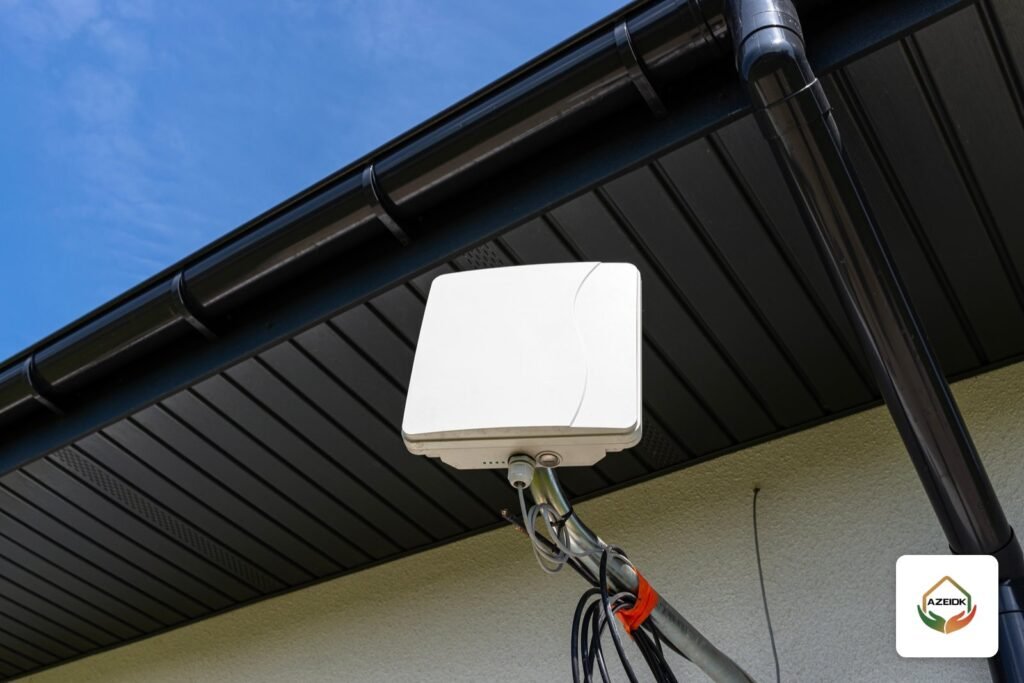
An outdoor access point such as the Hikvision DS-3WAP623E-SI brings Wi-Fi to yards, car parks, factory walkways and compounds, where indoor access points do not reach. It is a Wi-Fi 6 (802.11ax) unit working on 2.4 GHz and 5 GHz with a maximum combined rate of 2975 Mbps, powered over PoE and rated IP68. This article covers when you need one, how to plan positions and user counts, and how it differs from a wireless bridge.
Key takeaways
- The DS-3WAP623E-SI is a dual-band Wi-Fi 6 outdoor access point: 575 Mbps on 2.4 GHz and 2400 Mbps on 5 GHz.
- Built-in omnidirectional antennas with 10 dBi gain on 2.4 GHz and 5 dBi on 5 GHz; 23 dBm transmit power.
- Up to 256 clients (100 recommended) and up to 8 SSIDs.
- One Gigabit port, IEEE 802.3af/at PoE input, IP68, operating from -30 °C to 55 °C.
- An access point serves phones and devices in an area; linking two buildings is the job of a wireless bridge.
In this article
- When do you need an outdoor access point?
- Hikvision DS-3WAP623E-SI specifications
- Outdoor access point or wireless bridge?
- How do you plan outdoor access point positions?
- Common outdoor Wi-Fi mistakes
- Securing outdoor wireless networks
- What should an outdoor Wi-Fi quotation include?
- Frequently asked questions
- Conclusion
When do you need an outdoor access point?
Indoor access points are built for ceilings and offices, and their signal drops quickly outside the walls. Outdoor units are needed in cases such as:
- Warehouse and logistics yards: handheld scanners and driver devices need coverage across loading areas and between buildings.
- Factories: outdoor production walkways, open storage and guard rooms at gates.
- Compounds and residential communities: gardens, pools, courts and shared areas.
- Open car parks: parking payment devices or security staff handhelds.
- Event spaces and outdoor hotel or restaurant seating: guest networks outside.
An outdoor access point is part of the site’s network and communication system design, not a device installed in isolation.
Hikvision DS-3WAP623E-SI specifications
Values below are from the AZEIDK product page:
| Item | Value | Design impact |
|---|---|---|
| Standard | 802.11ax (Wi-Fi 6) | Better efficiency with many simultaneous devices |
| Bands | 2.4 GHz and 5 GHz | 2.4 for range, 5 for speed and less interference |
| Max. combined rate | 2975 Mbps (575 + 2400) | Theoretical radio rate; real per-user speed is lower |
| Spatial streams | 2×2 MU-MIMO on both bands | Serves several devices at the same moment |
| Antenna gain | 10 dBi (2.4 GHz), 5 dBi (5 GHz), built-in omni | Circular coverage around the pole |
| Transmit power | 23 dBm | Input to the coverage study |
| Clients | Up to 256, 100 recommended | Design for 100, not the maximum |
| SSIDs | Up to 8 | Staff, guest and device networks |
| Ports | 1 x Gigabit RJ45 | One cable for data and power |
| Power | PoE IEEE 802.3af/at | Runs from a PoE switch, within its budget |
| Protection | IP68 | Dust and rain resistant |
| Operating temperature | -30 °C to 55 °C | Watch direct sun and hot mounting surfaces |
Outdoor access point or wireless bridge?
The two are often confused in quotations. The simple rule:
| Comparison | Outdoor access point | Wireless bridge |
|---|---|---|
| Purpose | Wi-Fi coverage of an area for phones and devices | Linking two points or buildings into one network |
| Users | Many moving devices | Only the two link units |
| Signal shape | Circular around the unit | Focused in a straight line |
| Example from AZEIDK | DS-3WAP623E-SI | DS-3WF02C-5AC |
Large sites often use both: a wireless bridge takes the network to a remote guard room, then an outdoor access point there covers the yard.
How do you plan outdoor access point positions?
Start with a survey, not the catalogue
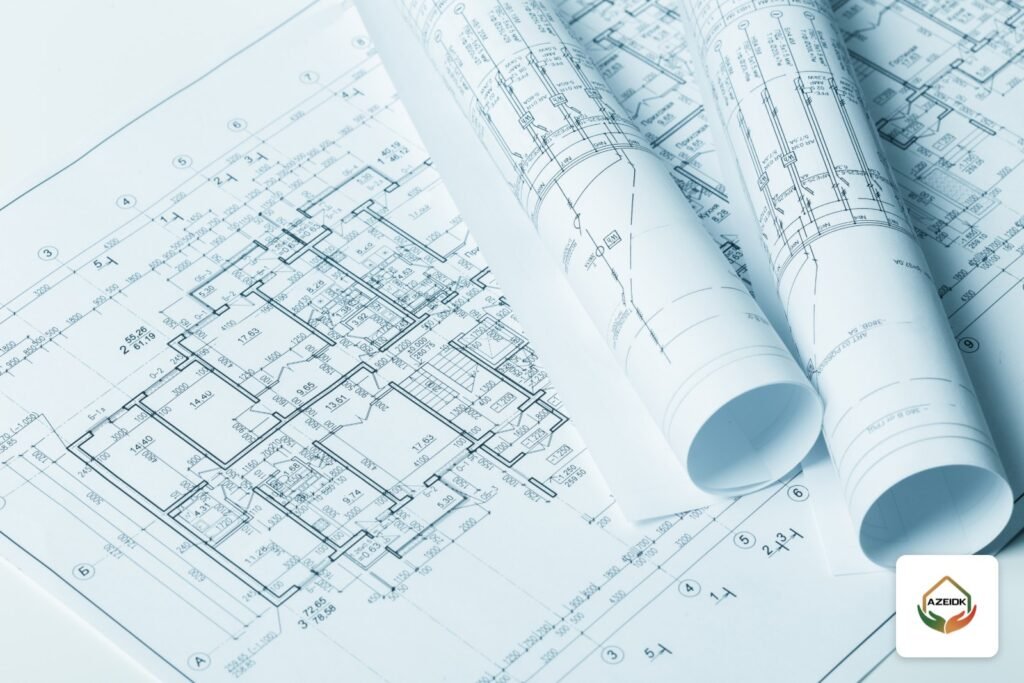
Containers, steel racking, buildings and trees block and reflect the signal. The study starts with a technical site inspection to identify available poles and walls and the cable route to each point.
Design for the real device count
The datasheet gives 256 clients maximum and 100 recommended. In a yard with 150 workers carrying phones and scanners, one unit is not enough. Spread the load over several points and enable 5 GHz for devices that support it.
Separate the networks
Use one SSID for staff and another for guests, each mapped to its own VLAN on the switch. Never put the guest network on the same VLAN as cameras or access control devices.
Cable and power
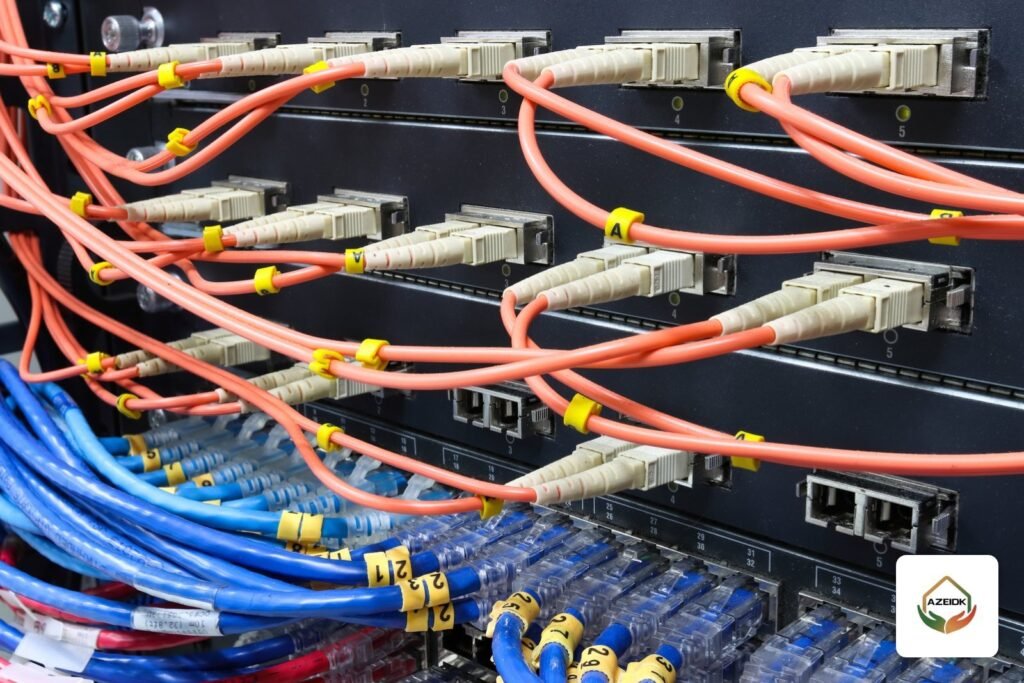
The access point draws power from a PoE switch. Add its load to the other devices as shown in our PoE switch power budget article, and keep copper Ethernet runs within 100 m. For longer runs use fibre or a field switch in an outdoor enclosure.
Pole mounting
Because the antenna is omnidirectional, place the unit near the centre of the target area rather than in a corner. Form a drip loop in the cable so rainwater does not run into the port, and use a surge protector on the cable for tall exposed poles where the network designer recommends it.
Common outdoor Wi-Fi mistakes
- Setting transmit power to maximum to “improve coverage”, while the phone cannot reply at the same strength.
- One unit for a large yard, then complaints about slow speeds at peak times.
- Ignoring the temperature of the mounting surface in summer.
- Leaving the default admin password unchanged.
- Not recording each unit’s IP address and location in the handover documents.
Securing outdoor wireless networks
An outdoor unit is more exposed than an indoor one: its signal can reach beyond the fence, and the device itself is mounted where people can reach it. So:
- Change the default admin password at commissioning and record it only in the owner’s handover documents.
- Use the strongest encryption supported by the unit and the client devices, and leave no network open except a fully isolated guest network.
- Isolate the guest network from the internal network with VLANs and firewall rules.
- Hide the management network from users and never manage devices from the guest network.
- Update firmware from the manufacturer’s official source as part of the network maintenance schedule.
- Fix the unit firmly to the pole and protect the cable in conduit so it cannot be pulled out easily.
What should an outdoor Wi-Fi quotation include?
When comparing offers, make sure each one clearly states:
- The number, model and marked positions of access points.
- Switches, PoE ports and budget, and where each cable comes from.
- Outdoor cable lengths and type, and fibre where used.
- Poles, brackets and outdoor enclosures.
- Configuration: networks, separation and encryption.
- Handover testing: signal measurements at defined points in the yard.
A quotation that just says “outdoor access point” with no position, switch or cable is hard to compare and usually grows extra items during installation.
Frequently asked questions
What range does a Hikvision outdoor access point cover?
The datasheet does not give a fixed range, because it depends on obstacles, mounting height and client devices. Range is set by the site study.
Can CCTV cameras connect over outdoor Wi-Fi?
Technically yes, but fixed cameras are better on cable or a dedicated wireless bridge, leaving the access point for mobile devices so recording is not affected by user traffic.
Is a standard PoE switch enough to power it?
The unit accepts 802.3af and 802.3at. Check the actual consumption in the datasheet and the switch’s total budget before relying on an af port.
What is the difference between 2.4 GHz and 5 GHz outdoors?
2.4 GHz reaches further and passes obstacles better but is more crowded; 5 GHz is faster with less interference but shorter range. The unit runs both bands at once.
Do I need an outdoor unit for a compound, or will indoor units near windows do?
Indoor units behind glass and walls do not cover gardens and pools reliably. Outdoor units are built for rain, dust and heat.
Can several outdoor access points work as one network?
Yes. Several units can share the same network name so phones move between them across the yard. Success depends on unit spacing, coverage overlap and management, and is tested on site at handover by walking the area.
Does an outdoor access point need routine maintenance?
Yes. Mounting, cable and water ingress points are checked, firmware is updated, and signal strength and client load per unit are reviewed. These items belong in a separate network and low current maintenance contract.
Conclusion
An outdoor access point such as the DS-3WAP623E-SI solves Wi-Fi in yards, car parks and shared areas, provided it is designed for the real device count, networks are separated and PoE is budgeted. If the need is to link two buildings, the right device is a wireless bridge. Start with the survey, then positions and quantities, then switches and cabling.
Need Wi-Fi in a yard, compound or factory? Send your site layout and expected user count to the AZEIDK team to define outdoor access point quantities, positions and switches as part of your low current systems, using available Hikvision products. Talk to the AZEIDK team
See AZEIDK CCTV solutions: supply, installation and maintenance.
Related guides
- Fire Safety Systems in Saudi Buildings: Alarm, Suppression, Emergency Lighting, Doors and What Civil Defense Requires
- AFFF Foam Concentrate Shelf Life: Storage, Annual Testing and Replacement
- Structured Cabling and Network Systems: Standards and Testing
- How to Test Smoke Detectors: Monthly Checks, Battery Changes and When to Replace