
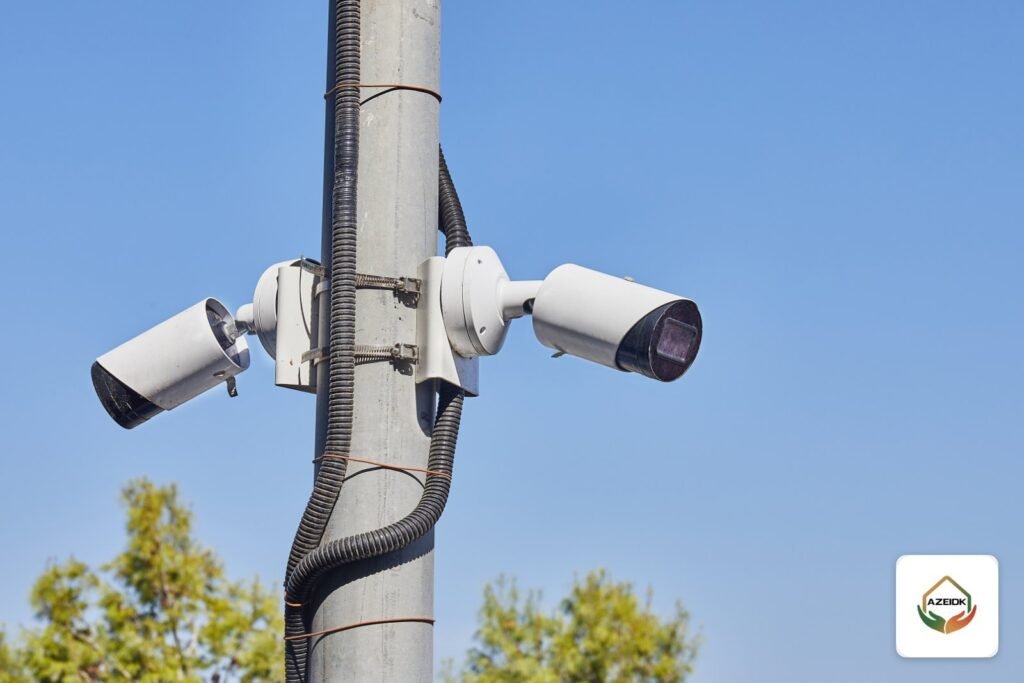
CCTV poles are used where there is no wall or building in the spot the yard has to be watched from: open car parks, long perimeter fences, warehouse and factory yards, and compound entrances. A CCTV pole works only when four decisions are right: pole height against the camera’s field of view, a concrete base designed for the site, the cable route from the ground to the pole top, and earthing and lightning protection. This guide explains each decision and what the owner or consultant should check before work starts.
Key takeaways
- Pole height follows what the camera must see (general activity, faces or number plates) and the lens, not a fixed figure for every site.
- A taller pole covers more ground but gives less detail and sees faces from a steep angle.
- The concrete base and anchor bolts are structurally designed for each site, based on soil, wind loads and the weight of cameras and cabinet.
- Cables reach the pole through underground ducts and a handhole, and run inside the pole, not on its surface.
- A metal pole is bonded to earth, and power and network lines are protected against surges.
In this article
- When do you need a CCTV pole instead of a building mount?
- How is CCTV pole height decided?
- Loads and wind: what drives the pole design?
- Concrete base and anchor bolts
- Cable routing and the pole cabinet
- Earthing and lightning protection
- Mounting the camera: the right pole mount bracket
- Steps in a CCTV pole project
- Frequently asked questions
- Conclusion
When do you need a CCTV pole instead of a building mount?
The simple rule: if the area to be watched is far from the building, or the building cannot see it, use a pole. Common examples on Saudi projects:
- Open car parks at malls, hospitals and compounds, where driving aisles are far from the facades. See also parking management and barrier systems.
- Long perimeter fences around factories, warehouses and remote sites, covered in our guide to CCTV for factories.
- Loading yards and container yards that need a high-mounted PTZ camera.
- Site entrances that need a licence plate recognition camera mounted low and close to the vehicle lane.
How is CCTV pole height decided?
There is no single correct height. Height is the result of what the camera has to see, so the calculation starts from the target, not the pole:
| Camera purpose | Height direction | Reason |
|---|---|---|
| General overview of a yard or large car park | Higher | Clears obstructions such as vehicles and trees and widens the visible area |
| Identifying people at an entrance | Lower | A very high camera sees the top of the head instead of the face |
| Number plate reading | Low and close to the lane | The viewing angle affects read accuracy, per the manufacturer’s instructions |
| PTZ over a wide yard | Usually higher | Lets the camera pan and zoom over obstructions |
Once the purpose is set, measure the distance from the pole to the farthest point of interest, then choose the lens or zoom range that delivers enough pixel density at that distance. We explain that calculation in our article on CCTV coverage. A practical rule: if a location needs both a wide view and fine detail, two cameras with separate jobs usually beat raising one pole until it loses detail. For choosing a PTZ for poles, see PTZ cameras from Dahua and Hikvision.
Loads and wind: what drives the pole design?
The pole carries the weight of cameras, brackets and the equipment cabinet, but the governing load is often wind. Every camera, cabinet and sign adds area for the wind to push, and the moment at the base grows with height. The second effect of wind is vibration: a pole that moves slightly may be structurally safe while the image shakes, especially when a PTZ zooms in.
In Saudi Arabia, loads on structures are calculated under the Saudi Building Code SBC 301 (loads and forces), which includes wind loads, and concrete elements are designed under SBC 304. So ask the supplier or structural designer for:
- Pole height, section, steel thickness and corrosion protection (galvanising or paint system).
- A list of everything to be mounted: number and type of cameras, the cabinet, and any lighting or speakers.
- Pole and foundation calculations for the specific site, not a generic table.
- Whether the pole is fixed and serviced by a lift, or hinged so it can be lowered for maintenance.
Concrete base and anchor bolts
The foundation is designed for each site and is never copied from another project. Its size, depth and reinforcement are set by the structural engineer from the soil investigation, the pole and wind loads, and any buried services. That is why we give no base dimensions here: a generic figure could be wrong on a different site.
What can be checked on site:
- The anchor bolt template matches the base plate of the pole supplied and is fixed before the pour.
- Anchor bolts project by the required length and are protected from corrosion and damage during works.
- Cable ducts and the earth conductor are cast into the base and emerge at the centre of the pole base plate.
- The pole is plumb after erection and the levelling nuts are tightened to the supplier’s instructions.
- The pole is set clear of vehicle paths or protected by a barrier, especially in car parks.
Cable routing and the pole cabinet
Cables reach the pole through underground ducts from a nearby handhole and rise inside the pole to its top. Power and data cables are separated along the route where possible, and spare length is left in the handhole and at the pole top for maintenance.
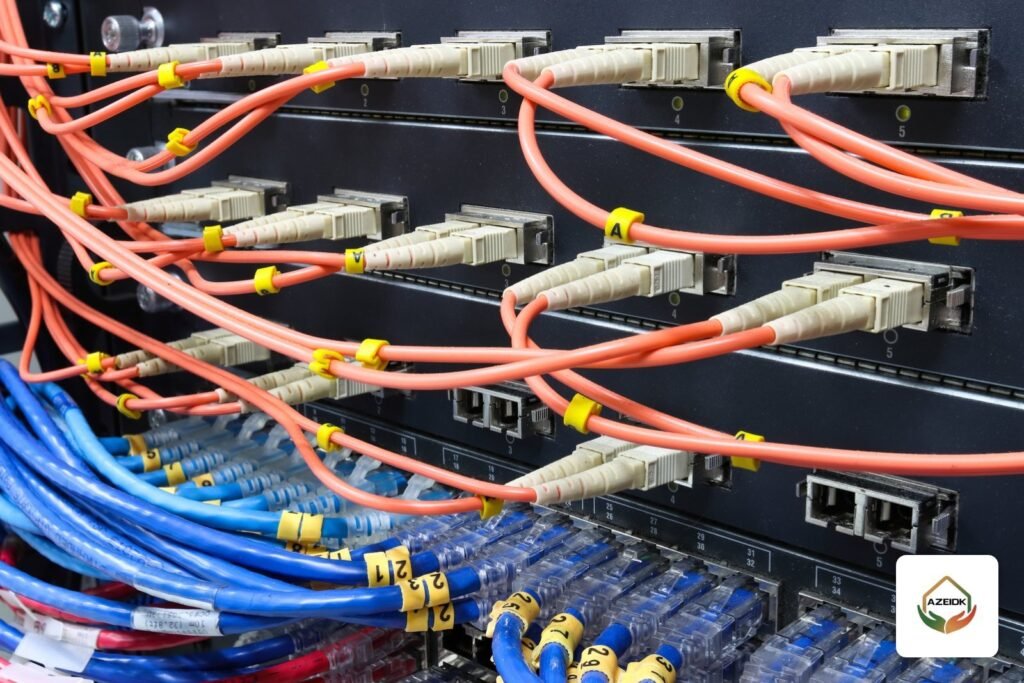
Cable type depends on the distance from the equipment room. Copper network cable has a distance limit stated by the switch and camera manufacturers; longer runs use fibre with a media converter in the pole cabinet. Where trenching is difficult, a wireless bridge can carry the video, although the pole still needs power. Cable types are compared in our article on CCTV cable.
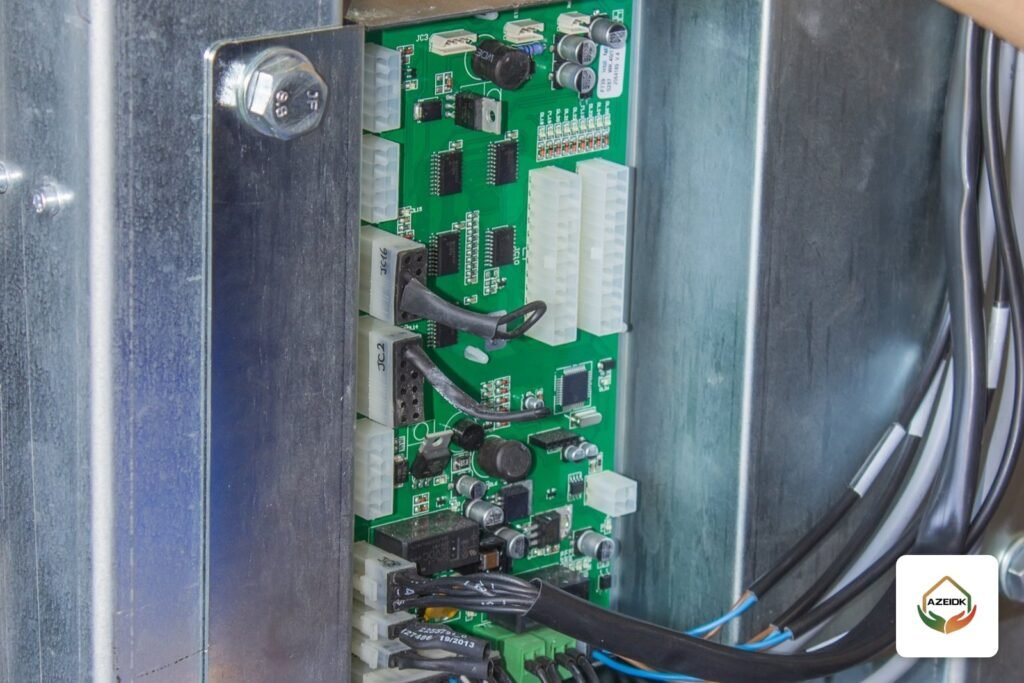
A pole cabinet usually holds a PoE switch or media converter, a power supply, breakers and surge protection devices. Choose an IP rating suitable for outdoor use, and think about its position, shading and ventilation, because Saudi summer heat raises the temperature inside a closed cabinet. Every device inside must have an operating temperature range in its datasheet that suits the site.
Earthing and lightning protection
A tall metal pole in an open yard is often the highest point around it, so earthing is part of the design:
- Bond the pole and cabinet to an earth electrode or grid, connected to the site earthing system as designed by the electrical engineer.
- Fit surge protection on the power and network lines at the pole and at the other end in the equipment room.
- Assess whether the site needs a lightning protection system, an area covered by the IEC 62305 series and decided by a qualified designer.
- Measure earth resistance after installation and record the result in the handover documents.
When this is skipped, it shows up later as switch ports or cameras failing after thunderstorms.
Mounting the camera: the right pole mount bracket
Cameras are not fixed straight to the pole. They go on a pole mount bracket that clamps around the pole with metal straps, followed by the camera’s junction box. Each bracket fits a stated diameter range. For example, Dahua’s page for the PFA152-E pole mount lists poles of 80 to 150 mm diameter and a 3.0 kg load capacity, and Hikvision lists its DS-1275ZJ series as vertical pole mounts. Match the pole diameter at the mounting height to the bracket range, because tapered poles get thinner towards the top. PTZ cameras have dedicated pole mounts specified by the manufacturer for each model.
Steps in a CCTV pole project
- Survey the site and mark pole locations, obstructions and buried services, as part of a technical site inspection.
- Define each camera’s purpose, type and lens, then the pole height.
- Obtain pole and foundation calculations from the structural designer and the earthing design from the electrical designer.
- Excavate, lay ducts and pour the bases with the bolt template.
- Erect poles, cabinets and cameras and pull the cables.
- Programme and test, measure earthing, then hand over with as-built drawings.
Installation, programming and handover are delivered under installation and implementation for security and surveillance systems.
Frequently asked questions
What is the right height for a CCTV pole?
There is no single figure. Height depends on the camera’s purpose (overview, faces, plates), the lens, the distance and the obstructions on site.
Does a CCTV camera pole need a concrete base?
Yes, for free-standing poles. The base and anchor bolts are structurally designed for each site based on soil, loads and wind.
Why does the image shake on a pole-mounted camera?
Usually wind on a flexible pole or a loose bracket, most visible when zoomed in. The fix is to review the pole, the bracket and the camera position on it.
Does a CCTV pole need earthing?
Yes. The pole and cabinet are bonded to earth, and surge protection is fitted on power and network lines to protect cameras and switches.
How does the network reach a distant pole?
With network cable within the manufacturer’s distance limit, with fibre for longer runs, or with a wireless bridge where trenching is difficult.
What is the difference between a fixed and a hinged pole?
Cameras on a fixed pole are serviced with a lift or suitable ladder, while a hinged pole lowers its head for maintenance. The choice depends on lift access and the number of poles.
Conclusion
A CCTV pole is a small project inside the surveillance project: the camera’s purpose sets the height, the structural engineer designs the pole and base for the site, cables run inside the pole from a handhole, and earthing and surge protection are designed in from the start. Get those decisions right and the image stays steady and the equipment stays healthy for years.
Planning pole-mounted cameras for a car park, fence or yard? Send the site plan and the areas to be covered, and our team will work out pole and camera positions and cable routes with you. Talk to the AZEIDK team