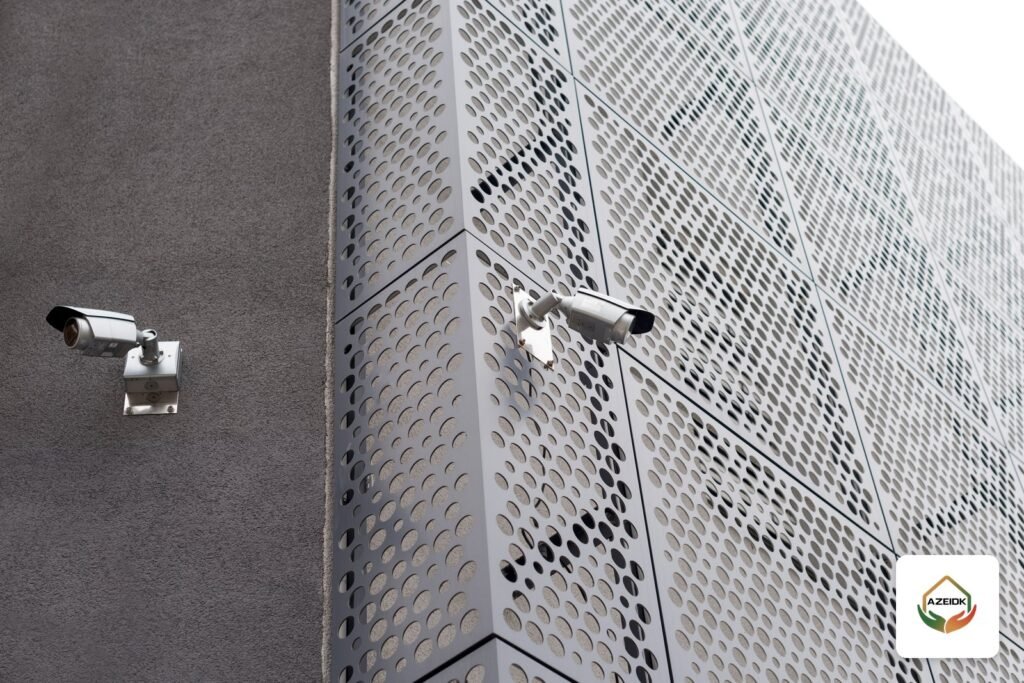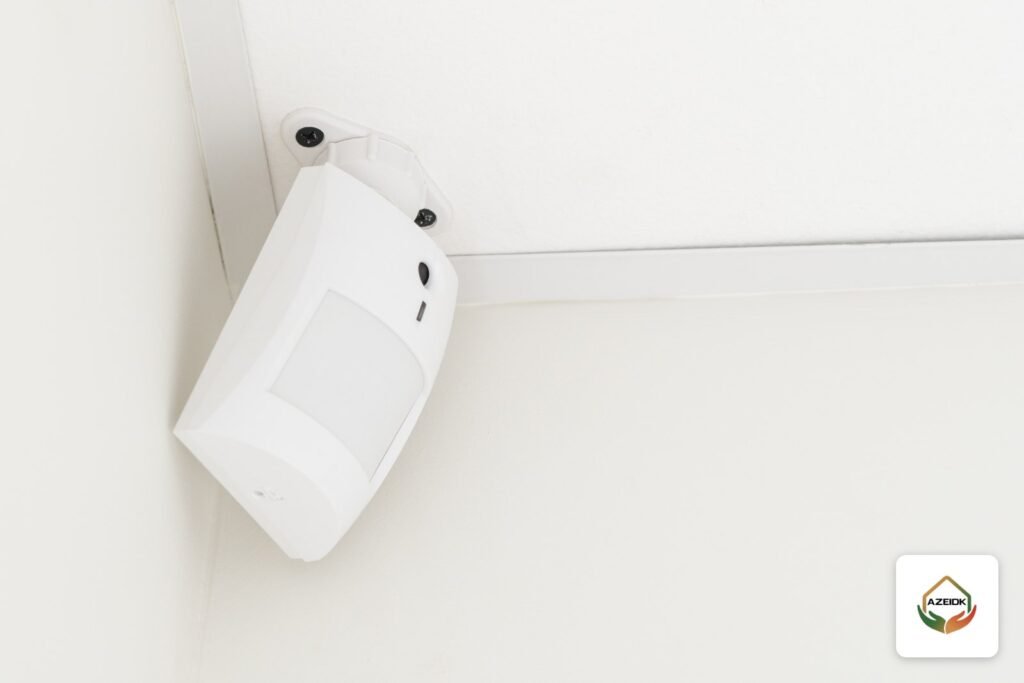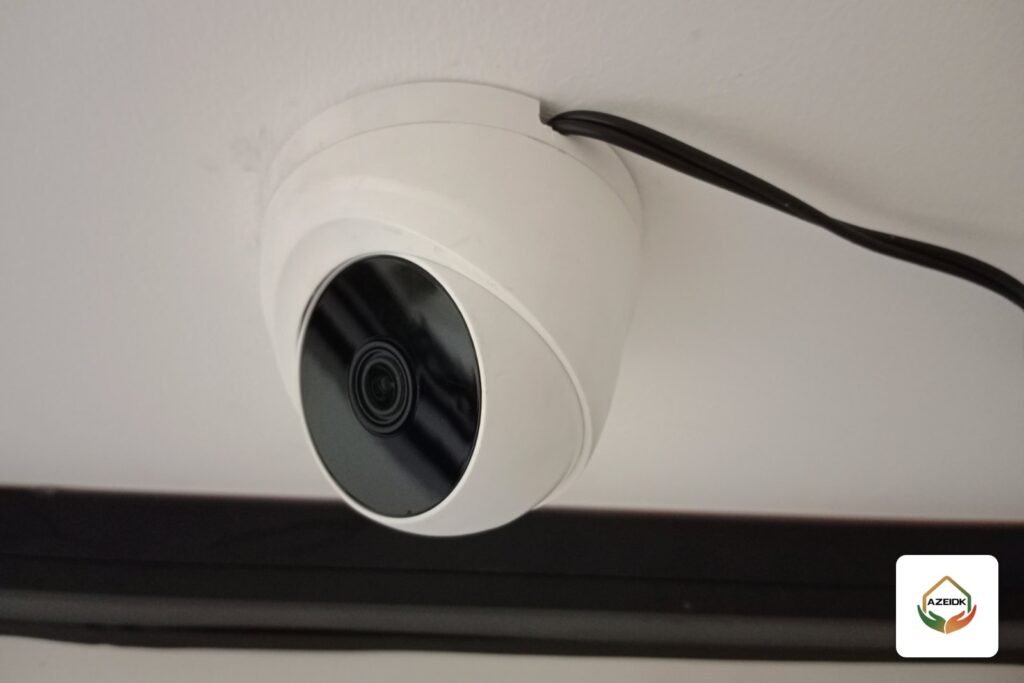
Data center CCTV is not designed like office CCTV. The aim is to record every entry to the building and the data halls, to see who opened any rack or cage and when, and to tie each recording to access control events. The UK National Protective Security Authority (NPSA) guidance for data centres states that CCTV should cover all access points you control, and suggests considering cameras built into the racks themselves.
For camera types, resolution, night vision and storage, see our CCTV cameras guide for Saudi Arabia.
This guide covers where to place cameras in a data center or server room, how to choose cameras and recorders, storage, protecting the system from attack, and what to check at handover. AZEIDK supplies Hikvision and Dahua cameras and recorders and designs and installs complete systems under its security and surveillance systems, part of what we offer the data centers and server rooms sector.
Key points
- Cover every access point the facility controls first: gate, reception, mantrap, data hall doors and loading dock.
- Inside the hall, cover the aisles between rack rows from both ends, and add in-rack or cage cameras for sensitive equipment where needed.
- Integrating CCTV with access control pairs every entry event with a video clip that can be reviewed.
- The CCTV system itself is an attack target if it sits on a network, Wi-Fi or the internet, so isolate and update it.
- CCTV and access control maintenance belongs in the low current contract, separate from the fire systems maintenance contract.
In this article
- Why data center CCTV is different
- Where to place CCTV cameras in a data center
- Choosing cameras for data halls
- Integrating CCTV with access control
- Storage and retention
- Protecting the CCTV system from attack
- Server rooms in offices: the same plan, smaller
- Commissioning and maintenance
- Frequently asked questions
- Summary
Why data center CCTV is different
In a shop, a camera looks for theft or a fight. In a data center the bigger risk is an authorised person reaching somewhere they should not: a contractor opening another client’s rack, or a storage device leaving through the loading dock without a permit. The design question is not how many cameras, but whether, after any incident, you can tell who entered, through which door, which rack they reached and what they carried out.
NPSA also notes that, where CCTV is paired with intrusion detection, the owner must decide what level of monitoring, verification and response is needed, and whether the security team will check access logs against permits to work.
In colocation facilities a further request is common: each client wants to see only the cameras covering its own cage or racks. This is handled by partitioning rights in the management software, defining who may export clips, and logging every view and export.
Where to place CCTV cameras in a data center
| Area | What the camera must show | Design note |
|---|---|---|
| Perimeter and main gate | Vehicles, plates and people on arrival | Long-range cameras and adequate night lighting |
| Reception and mantrap | Each face clearly enough for recognition | Front-on angle, away from strong backlight |
| Data hall doors | The person at the moment of card or fingerprint use | Link the clip to the door event in access control |
| Aisles between racks | Movement along the aisle and rack doors | A camera at each end of every aisle |
| Sensitive cages and racks | Who opened the rack and when | In-rack or over-cage cameras where needed |
| Loading dock and store | Equipment coming in and going out | Cover vehicle plates and boxes |
| Electrical, generator and cooling rooms | Access to support systems | Dust and heat rated cameras where needed |
Do not aim cameras at screens or keyboards in a way that exposes sensitive data; agree this with the information security team. For facility obligations, recording and retention, see our article on the Saudi security surveillance cameras law.
Choosing cameras for data halls
Lighting and long aisles
Data halls may run with reduced or motion-triggered lighting, and aisles are long and narrow. Cameras that perform well in low light are preferred, and the lens is chosen from the identification distance needed along the aisle, as explained in our article on CCTV field of view and DORI.
Heat in hot aisles
For cameras in a hot aisle or above racks, check the operating temperature in the camera datasheet against the actual temperature at that position, not the general room temperature.
Recorder and management software
Larger facilities usually use a network video recorder (NVR) or central video management software that shows cameras and door events on one screen in the security room. AZEIDK offers Hikvision and Dahua cameras and recorders in several series to suit the project.
Integrating CCTV with access control
A camera in a data center is far more useful when linked to data center access control. Every badge, refused attempt or door held open appears in the software with the video from the same moment. NPSA recommends an automated access control system with two-factor authentication and anti-passback, which may be separate from the operator’s own system in shared halls.
- Alarm when a hall door stays open beyond the allowed time, with the matching camera pushed to the main screen.
- Search recordings by cardholder name rather than by time only.
- Monitor compliance with no-phone signs or device lockers in sensitive areas.
Storage and retention
Retention is set by applicable regulations and the facility’s own policy; storage is then calculated from camera count, resolution, frame rate and recording mode. Use our CCTV storage calculator or the article on storage and bandwidth calculation. In data centers, plan storage redundancy (RAID or a backup recorder) so a single disk failure does not lose footage, and power recorders and switches from an uninterruptible supply.
Protecting the CCTV system from attack
NPSA warns that a CCTV system may have a network, Wi-Fi or internet-facing presence and can therefore be attacked. In a data center, a neglected camera system can become a way into the network. So:
- A separate network or VLAN for cameras and recorders.
- Disable unneeded cloud access services and change default passwords.
- Update firmware only from the manufacturer’s official source.
- Defined user rights for each operator, and a log of every clip export.
- Regular inspection for damage and tampering, as NPSA advises, with tamper-evident seals on sensitive racks and cables.
Server rooms in offices: the same plan, smaller
Not every company runs a data center, but most have a server or network room that needs the same logic at a smaller scale:
- At least one camera outside the door showing the face of anyone entering.
- A camera inside covering the rack fronts and the main rack door.
- A card or fingerprint reader on the door linked to the recording, instead of a shared key.
- Recording on the building’s main recorder, with viewing rights limited to IT and security.
Our article on CCTV for companies and offices covers the rest of an office building, and server room preparation covers power, cooling and fire protection.
Commissioning and maintenance
Before handover, test each camera angle and image quality under real lighting, retention, door event integration and user rights, as described in our CCTV commissioning article. After that, cameras and access control go into the low current maintenance contract, which is separate from the contract for fire alarm and suppression systems.
Frequently asked questions
How many cameras does a data center need?
There is no fixed number. Start with access points, then rack aisles from both ends, then sensitive cages, the loading dock and support systems.
Should cameras be installed inside racks?
NPSA guidance lists them as an option to consider, especially for sensitive racks and cages in shared halls.
Can CCTV be linked to card or fingerprint access?
Yes, and it is recommended so that every entry event appears with its video clip in the same software.
Does data center CCTV need a separate network?
A separate network or VLAN for cameras and recorders is advised, to reduce attack risk and keep video traffic off the production network.
Is CCTV maintenance part of the fire systems contract?
No. Cameras and access control belong to the low current maintenance contract; fire systems have their own contract.
Summary
Data center CCTV is built around one question: can any person be traced from the gate to the rack? That comes from covering access points and aisles, linking cameras to access control, failure-resistant storage and an isolated network.
Planning surveillance for a data center or server room? Send us the layout, access points and rack count, and we will propose camera positions, recorders and access control integration. Contact the AZEIDK team
Related guides
- Connecting Sprinklers to the Fire Alarm Panel: Context Plus Switch Monitors for Flow Switches and Valve Supervision
- Low Current Maintenance Contract: CCTV, Network, PBX and Access Control in One Agreement
- Comprehensive vs Non-Comprehensive Fire and Security Maintenance Contracts: Spare Parts, Emergency Call-Outs and How to Choose
- Sprinkler Zone Control Valve Assembly: Supervised Valve, Flow Switch and Test and Drain on Each Floor