Access control for banks decides who can enter each area of a branch or head office and when, and logs every attempt. In a bank, areas step up from the open banking hall to staff offices, then to cash, server and archive rooms. A good system protects those areas without trapping anyone in a fire: electrically locked doors on escape routes must release automatically when the fire alarm operates.
This guide covers zoning, reader and controller selection, interlocked doors for cash rooms and the interface with the fire alarm. AZEIDK supplies and installs these systems under its security and surveillance solutions and serves the sector through its banks and financial institutions page.
Key points
- Divide the branch into zones with access levels, and give nobody more access than their job needs.
- Doors to cash rooms can be interlocked so the second door will not open until the first is closed.
- Networked controllers suit a branch network because they are managed centrally and keep the event log.
- Any electrically locked door on an escape route releases on fire alarm and on power loss, with a manual release next to it.
- CCTV and intrusion alarms are covered in a separate article; this one focuses on doors and permissions.
In this article
How is access control for banks zoned?
| Area | Who enters | Common credential |
|---|---|---|
| Banking hall | Public during opening hours | Usually no access control; covered by CCTV |
| Staff area and back offices | Branch staff | Card or fingerprint |
| Server and network room | Named IT staff | Card plus PIN, or face recognition |
| Cash rooms and vaults | Named staff only | Two-factor, and possibly two people together, per bank policy |
| Archive | Records staff | Card or fingerprint with an entry log |
The bank sets the access policy, and the low current contractor turns it into access groups and time schedules in the management software. Project documents should not carry more detail on sensitive room locations than installation needs.
Reader and controller: which to choose?
Standalone terminal
One device combines reader, memory and lock control. It suits one or two doors in a small branch and is quick to install, but managing permissions across dozens of branches this way becomes a burden.
Networked controller
A panel controls several doors and connects to central software. It suits head offices and branch networks: adding a staff member or revoking access is done from one place, and the event log is kept centrally. The difference is explained in our guide to ZKTeco access control, standalone or networked.
Credential type
Cards are fast but can be lent. Fingerprint and face recognition tie entry to the person. In the most sensitive areas two factors are combined, such as card plus face.
Interlocked doors for cash rooms
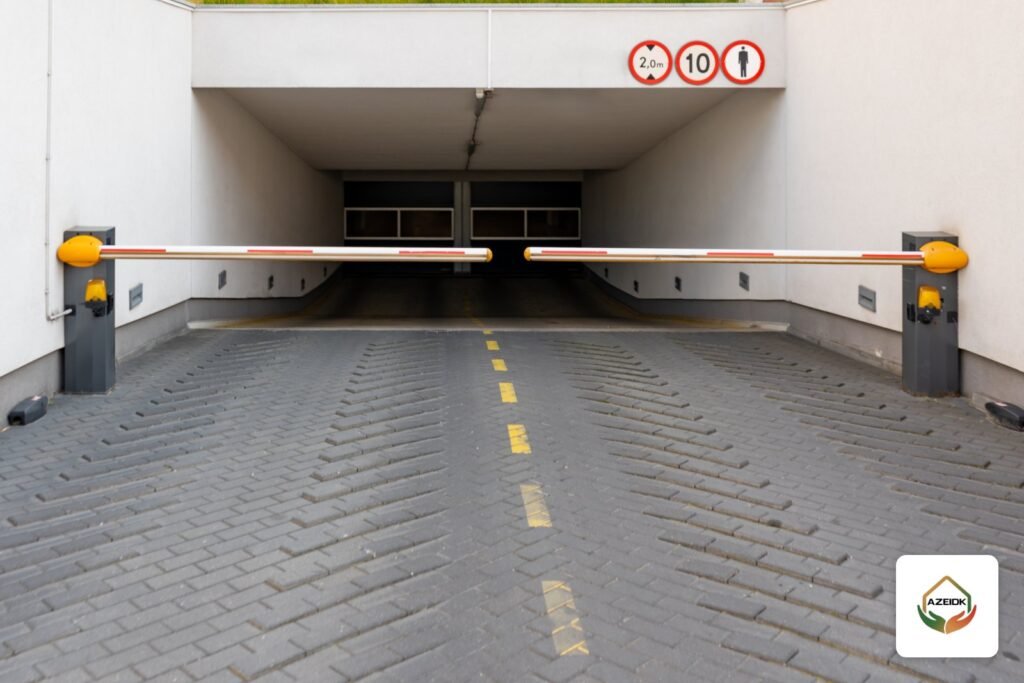
An interlock links two consecutive doors so the second opens only after the first has closed. It is used in front of cash rooms and vaults, and sometimes server rooms, and is built with a controller that supports the function plus door position sensors. The design must still show how people inside get out in a fire. The interlock serves security; it must never prevent evacuation.
Other useful functions are anti-passback, which refuses a card that has not logged out, and door-held-open alarms.
Fire alarm interface: the doors must release
This is the key life-safety point of the system. For illustration only, here are reference values from a US code: the 2020 Minnesota State Fire Code (Section 1010.1.9.9, based on the International Fire Code), as summarised by the Minnesota State Fire Marshal for sensor-release electrically locked egress doors:
- A sensor on the egress side unlocks the door when an occupant approaches.
- The door unlocks on loss of power to the sensor, the lock or the locking system.
- A manual unlocking device marked “PUSH TO EXIT” sits 40 to 48 inches above the floor and within 5 feet of the door. It cuts power to the lock directly, and the door stays unlocked for at least 30 seconds.
- Activation of the building fire alarm or sprinkler system unlocks the door automatically, and it stays unlocked until the system is reset.
These are reference values from a US code, not a requirement in the Kingdom. In Saudi Arabia the binding references are the Saudi Fire Protection Code SBC 801, the Saudi Building Code, Civil Defense requirements and the project documents, and the designer takes the governing figures from them. The principle is the same: an electric lock on an escape route never stays locked during a fire. How to test it at handover is covered in access control installation and commissioning.
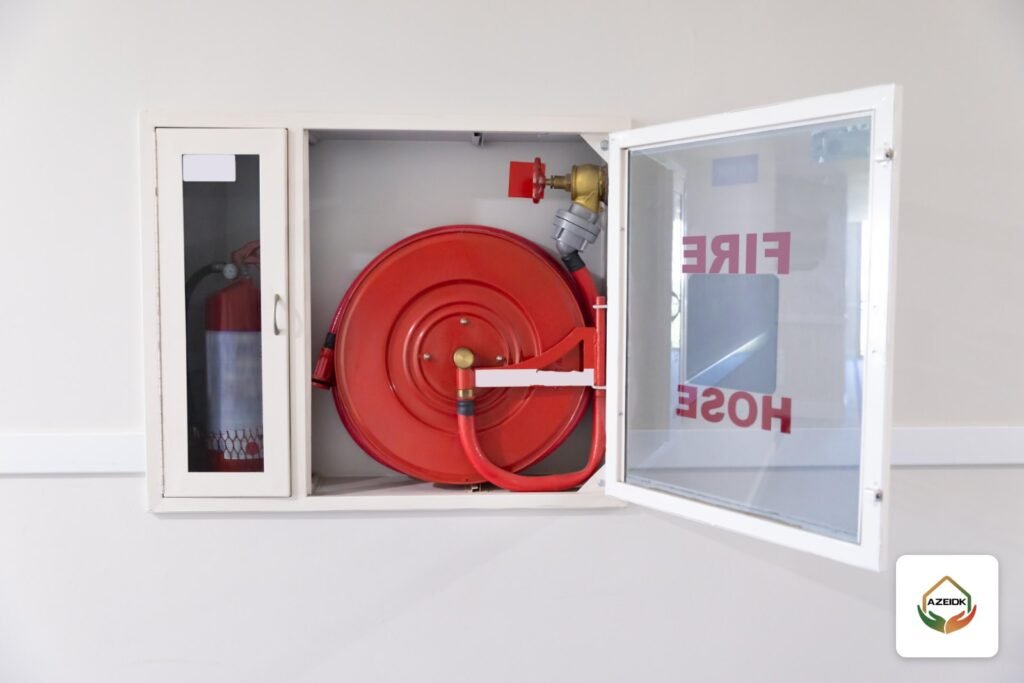
The interface is a signal from the fire alarm panel to the controller or directly to the lock power supply. For branch fire alarm systems see our fire alarm solutions.
Equipment available from AZEIDK
AZEIDK supplies access control from ZKTeco, Hikvision and Dahua, including the Hikvision DS-K2801 controller, the Dahua ASI1202M controller, ZKTeco standalone terminals and face recognition devices such as the FaceDepot-7B, and ZKTeco InBio and C3 networked panels for multi-door buildings. Datasheets for each model are on the products page.
How does this relate to CCTV and intrusion alarms?
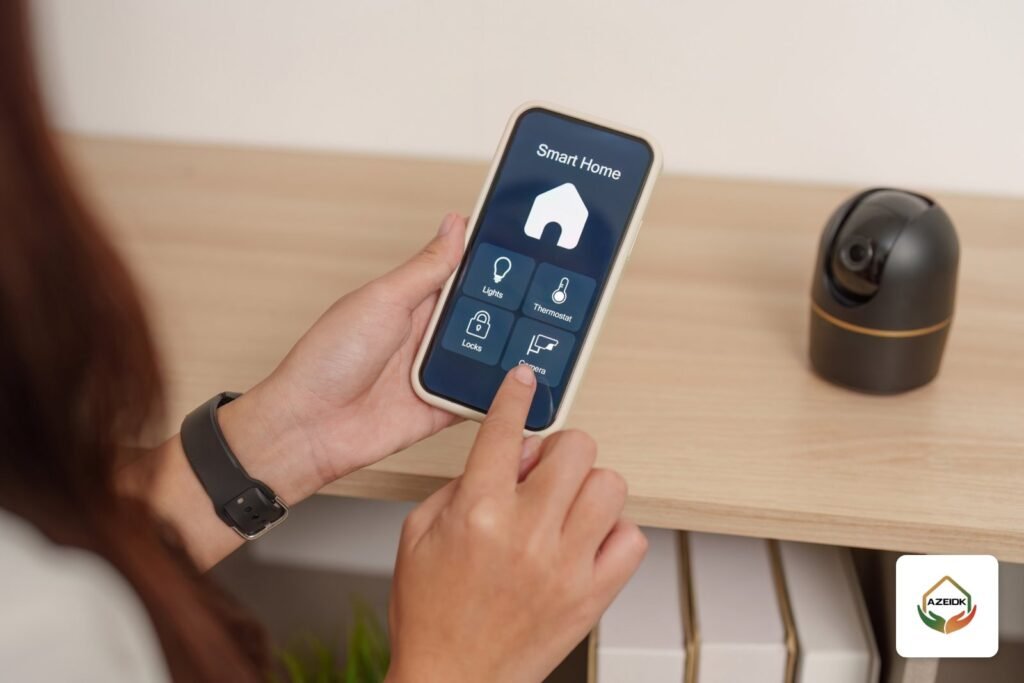
Access control decides who opens the door, CCTV records what happened, and the intrusion alarm warns of entry outside permissions or hours. Linking the three in one management platform makes any incident easier to investigate. Bank CCTV and intrusion requirements are covered in bank and ATM CCTV and intrusion alarms. Maintenance falls under the low current and CCTV contract, which is separate from the fire systems maintenance contract.
Common mistakes in bank access control projects
- Permissions never revoked: a staff member moves branch or leaves and the card stays active. Link leaver and transfer procedures to same-day revocation in the central software.
- Wrong lock type: a lock that stays locked on power loss is not suitable for a door on an escape route.
- Exit button hard to find: the manual release must be easy to see and must work without relying on the system software.
- No fire alarm interface: often found at handover or inspection, and harder and costlier to fix once ceilings are closed.
- Event log kept only in the device: if the device fails, the log is lost. Networked controllers keep events in central software.
- Ignored firmware: firmware and software updates are part of maintenance and are coordinated with the bank’s IT team.
All of these belong on the handover checklist before go-live, not after.
FAQ
Is a fingerprint reader enough on a cash room door?
Usually not. Cash rooms normally need two-factor verification and a central log, and may need interlocked doors under the bank’s security policy.
What happens to electrically locked doors in a fire?
Escape route doors release automatically on a signal from the fire alarm and also on power loss, with a manual release beside them.
Can all branch permissions be managed from head office?
Yes, with networked controllers and central management software connected over the bank’s network.
What is the difference between access control and intrusion alarm?
Access control allows or denies each person at the door. The intrusion alarm detects unauthorised movement or opening and alerts the monitoring point.
Card or face recognition for bank staff?
Cards are faster and cheaper; face recognition stops credentials being lent. Sensitive areas combine both.
Does AZEIDK install and programme the system?
Yes. The service covers supply, installation, programming, testing door release on fire alarm and handover.
Can access control be linked to time attendance in branches?
Some devices can serve both, but in banks it is better to keep sensitive-area readers separate from general attendance terminals and set this in the access policy.
What happens if the network link between branch and head office fails?
Networked controllers usually keep permissions locally and keep opening doors for authorised users, then upload stored events when the link returns. Check this function in each model datasheet.
Summary
Start with a zone and permission map taken from the bank’s policy, then choose controllers and readers, design interlocks for cash rooms, and make door release on fire alarm a core handover test, not a last-minute remark. When standardising across branches, choose one device family and one management platform. It simplifies training, spare parts and adding new branches later.
Planning access control for a branch or head office? Send us the number of doors and the access levels you need, and we will propose controllers and readers with datasheets. Contact the AZEIDK team
Related guides
- Civil Defense Conditions for Facilities in Saudi Arabia: General Requirements Before, During and After Licensing
- Manufacturer, Authorised Distributor, Supplier and Contractor: The Difference
- Fire Alarm Symbols on Drawings: Legend, Layout Plan and Riser for Civil Defense and Shop Drawings
- Compliance Statement for Fire and Security Bids: Proving Each Clause and Declaring Deviations