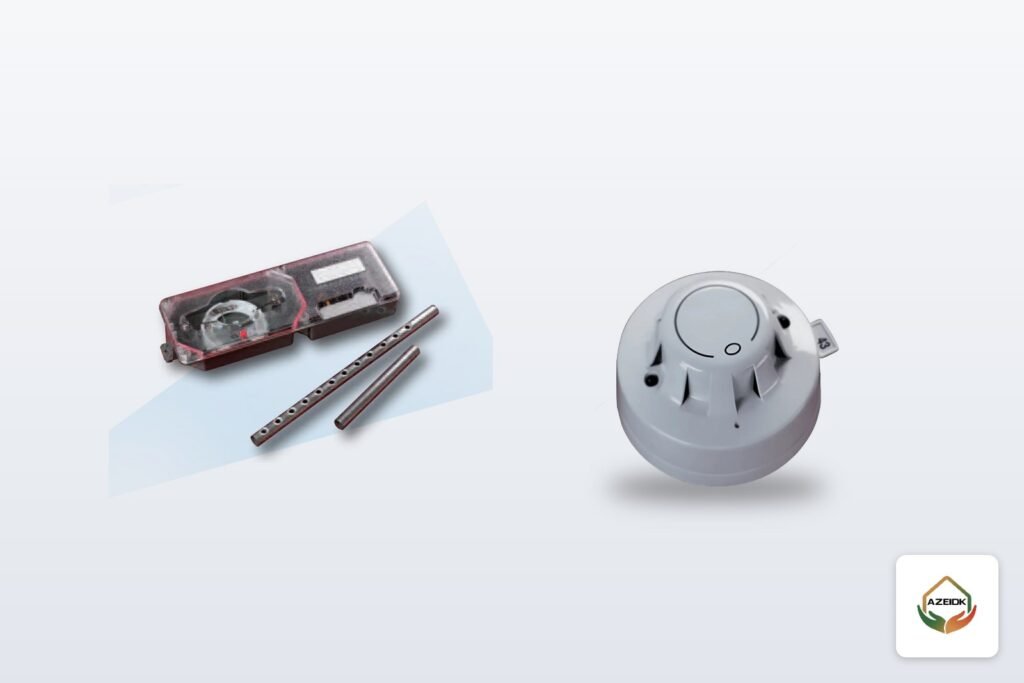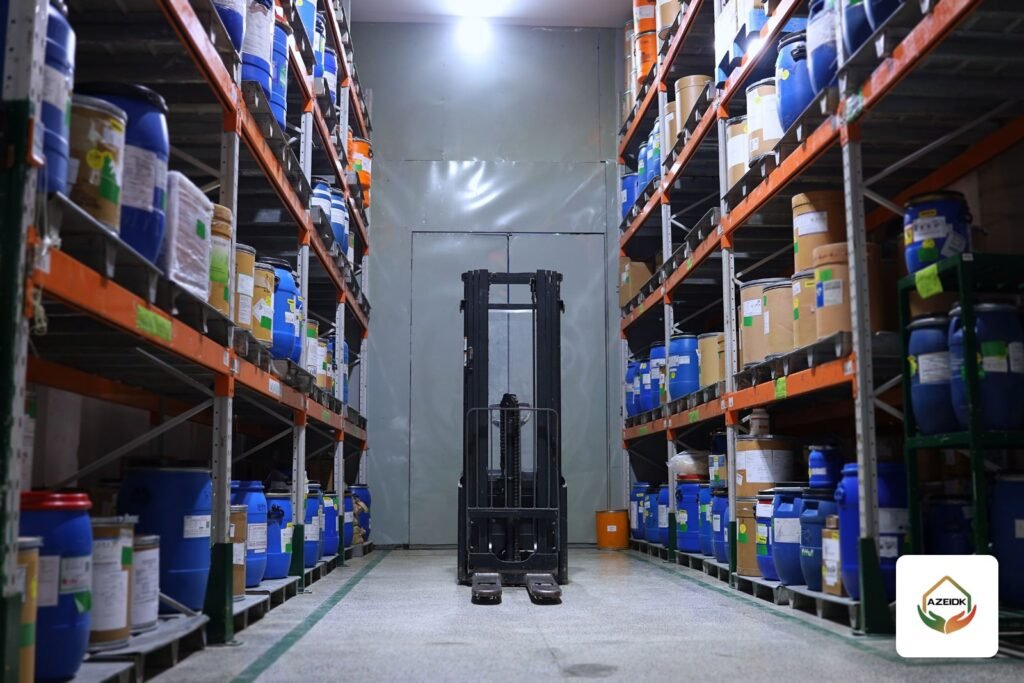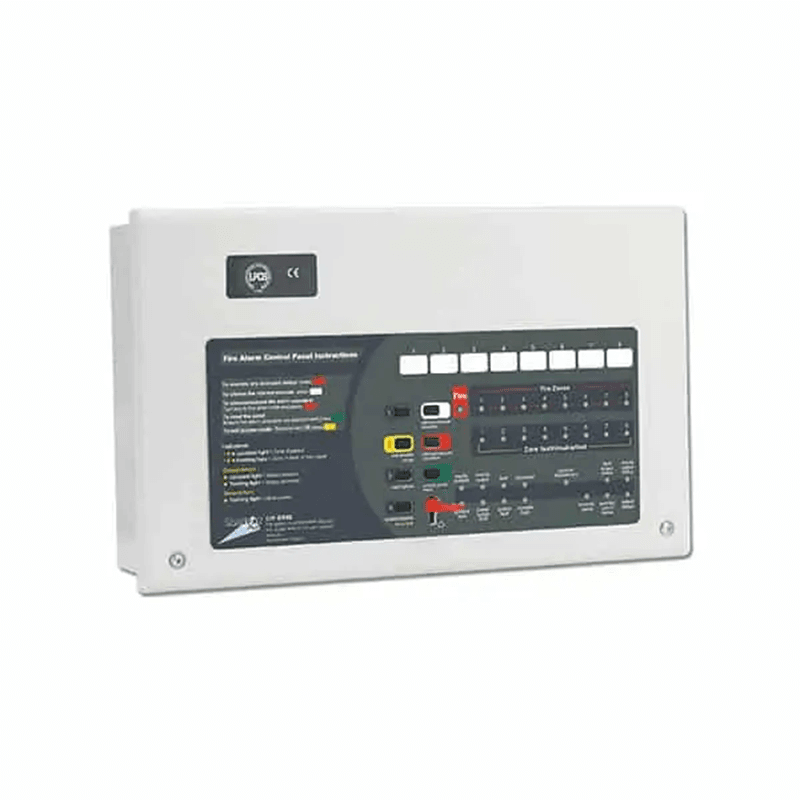
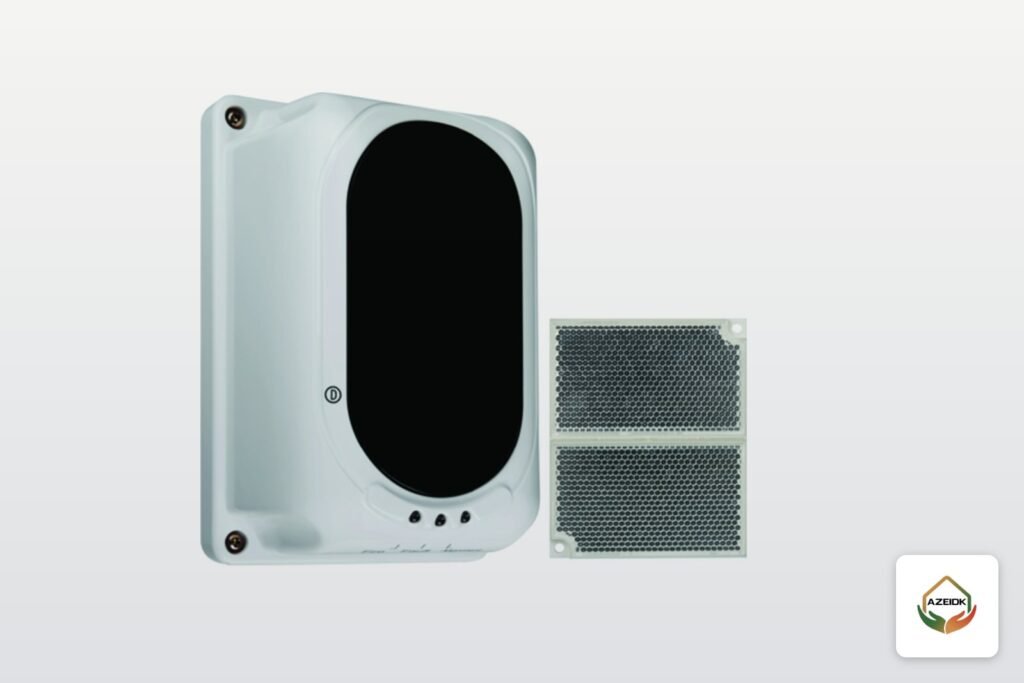
A beam detector that worked at handover may, months later, show a yellow fault LED, alarm at the same hour daily, or return to fault after every reset. This article covers beam detector faults troubleshooting for the TANDA TX7130 in service in warehouses and factories in 10th of Ramadan, 6th of October and Sadat City: symptom, likely cause, fix.
The detector is part of the TANDA range supplied by AZEIDK Egypt, and its indicator and function details here come from the official datasheet. Installation and first alignment are covered in TANDA TX7130 beam detector in Egypt: applications and installation.
Key takeaways
- Per the datasheet: red LED for fire, yellow for fault, green for alignment, plus a digital display of returning signal strength.
- Automatic compensation handles gradual dust build-up, positional movement and transmitter ageing; it does not replace removing a new obstruction or putting back a reflector that was moved.
- Reset is by a power cut of under 2 seconds; if the panel does not cut the detector supply, the alarm will not clear.
- Lowering sensitivity to silence false alarms is a design decision, not a repair.
In this article
- Before any repair: what is the detector telling you?
- Beam detector faults troubleshooting table for the TX7130
- Yellow fault LED and signal loss after racking changes
- Alignment drift from heat and vibration
- False alarms from dust and steam
- Sunlight through rooflights
- Reset does not clear the alarm or fault
- Periodic checks that stop faults coming back
- Common mistakes when repairing a beam detector
- Frequently asked questions
- Conclusion
Before any repair: what is the detector telling you?
First, separate what the panel shows from what the detector shows. The TX7130 is a conventional detector connected to the panel through two separate relays, fire and fault, both normally open (NO) and rated 2.0 A at 30 VDC. The fault may be in the detector, the zone wiring or the panel.
| What you see | What it means per the datasheet | First thing to check |
|---|---|---|
| Red LED on the detector | Fire condition | Was there smoke, heavy dust or steam in the beam path at the time of the alarm? |
| Yellow LED on the detector | Fault condition | Beam path, reflector, alignment and supply voltage |
| Green LED | Alignment indicator | Used during adjustment per the installation instructions |
| Digital display (Nixie tube) | Guide to the light intensity returning from the reflector | Compare the reading with the value in the commissioning record |
| Fault on the panel, no yellow LED on the detector | Not covered by the datasheet | Zone circuit wiring and relay output per the wiring diagram |
The commissioning record matters here: handover display reading, selected range and sensitivity level. Without them you cannot tell whether the signal has weakened.
Beam detector faults troubleshooting table for the TX7130
| Symptom | Likely cause | Fix |
|---|---|---|
| Yellow fault appeared suddenly | New obstruction in the path: higher racking, stacked goods, a sign, an overhead crane | Walk the full path and remove the obstruction, or re-study the beam position |
| Fault after roof or structural works | Detector or reflector moved from its position | Re-align using the laser pointer and digital display per the instructions |
| Reading drops gradually, then fault | Dust on the lens or reflector beyond the compensation limit | Clean by the method the manufacturer specifies, then recheck the reading |
| Alarm repeats at specific hours | Direct sunlight from rooflights, steam, or process dust | Match alarm times with site activity, then treat the source |
| Intermittent fault with no visible cause | Vibration or thermal movement of the mounting surface, or unstable supply voltage | Check the mounting and measure voltage at the detector terminals |
| Reset does not clear the condition | Power is not removed from the detector, or the cause is still there | Review the reset circuit, then remove the cause first |
Yellow fault LED and signal loss after racking changes
The most common warehouse cause: the space changed and the beam did not. A storage level was added, a crane installed, or signs hung. Anything that cuts the straight line from detector to reflector changes the returning signal.
A practical check sequence:
- Compare the display reading with the commissioning value.
- Walk the path from detector to reflector, looking up for anything new.
- Check the reflector is in place and the count matches the range: one up to 40 m, four from 40 to 100 m per the datasheet.
- Make sure it was not covered or painted during building works.
If the obstruction is permanent, do not just shift the reflector. Re-study beam position and spacing, as in our article on beam detector spacing and layout in warehouses and factories, with the designer’s approval.
Alignment drift from heat and vibration
The beam path angle of the TX7130 is ±0.5° according to the datasheet. On an 80 m path, a small tilt moves the beam well off the reflector. In steel-frame hangars in Egyptian industrial zones, steel expands in summer heat and vibrates with wind and cranes, so faults come and go.
Signs of a mounting problem: faults on hot days or when the crane runs, and a fluctuating rather than falling reading. Move the detector or reflector to a stable surface such as a concrete column or main beam, then re-align. Re-aligning on a moving surface only delays the fault. Technical guidance, including the Electrical Contractor article in the references, also calls for mounting beam detectors and reflectors on stable surfaces to avoid false or erratic operation caused by movement. The datasheet operating range is -10°C to 55°C, so check temperature at mounting height under uninsulated metal roofs.
False alarms from dust and steam
A beam detector measures light attenuation and cannot tell smoke from a dense dust cloud. The datasheet says it compensates for gradual signal loss, including dust contamination. That does not cover a sudden dust cloud from unloading a shipment, the khamaseen wind season, or fabric lint in garment factories.
Steam is different. The datasheet specifies 0 to 95% RH non-condensing and IP30. In dyeing, sterilising or food halls, steam can condense on the lens or fill the path, outside the stated conditions. The answer is beam position or a suitable detection type, not the detector.
Moving from Level 1 (2.6 dB, high sensitivity) to Level 3 (5.8 dB, low sensitivity) may stop alarms but slows response to a real fire. That is a documented designer decision, not maintenance. For other false alarm causes, see false alarms in fire alarm systems.
Sunlight through rooflights
Many Egyptian warehouses have translucent roof sheets. If a fault or alarm repeats at a certain hour in certain months, suspect direct sunlight on the receiving lens or glare off a shiny surface near the reflector.
The datasheet gives no sunlight figure; EN 54-12 includes a stray light test. Log event times over several days and check the sun’s position then. Fix by turning the beam so the lens does not face the rooflight, or shading direct light without cutting the path, per the manufacturer’s instructions.
Reset does not clear the alarm or fault
The datasheet states reset by a power cut of under 2 seconds, so if the detector supply is not interrupted by the panel on reset, nothing changes.
- Review the wiring diagram: is the supply taken from an output that the panel interrupts during reset, per the wiring diagram in the installation instructions?
- Measure the voltage: the datasheet operating range is 20 to 28 VDC. Long cable runs or weak batteries can drop it below this.
- Remove the cause before resetting: if the beam is still blocked or misaligned, the fault returns immediately.
If the panel shows a fault but the detector’s yellow LED is off, the problem is usually in the zone circuit wiring or the panel itself; trace it from the panel messages and the wiring diagram.
Periodic checks that stop faults coming back
The legally binding reference in Egypt is the Egyptian Code for the Design and Implementation of Fire Protection for Buildings, 2026 edition (Ministerial Decree No. 355 of 2026), whose third part covers electrical requirements and detection and alarm, together with what the General Directorate of Civil Protection (Ministry of Interior) approves for the facility. Inspection frequency follows the approved maintenance programme and manufacturer’s instructions.
As a technical reference that is not legally binding in Egypt, the NFPA 72 inspection and testing tables (first draft report for the 2025 edition) include items for beam detectors: a semiannual inspection to verify the beam path is unobstructed, and an annual test by introducing smoke, other aerosol or an optical filter into the beam path. Egyptian sites add two points: check the path after any racking or equipment change, and clean lens and reflector after dusty seasons. For the full programme see fire alarm maintenance in Egypt, and AZEIDK Egypt offers a maintenance and technical support service among its engineering and technical services.
Common mistakes when repairing a beam detector
- Moving the reflector instead of removing the obstruction: the fault clears but coverage may be lost.
- Lowering sensitivity to silence alarms: weaker protection without engineering approval.
- Cleaning the lens with whatever is at hand: use the manufacturer’s method to avoid scratches.
- Resetting again and again: useless if power is not cut or the cause remains.
- Guessing what display numbers mean: the datasheet presents it as a signal strength guide for alignment and publishes no table of its numbers.
- Not recording the work: log every alignment or sensitivity change with the new reading.
Frequently asked questions
What does the yellow LED on the TX7130 beam detector mean?
Per the datasheet, the yellow indicator shows a fault condition, and the detector has a self-diagnosis function that monitors internal faults. Common causes on site: a blocked path, a misaligned or dirty reflector, or a mounting or supply problem.
Why does a beam detector give false alarms in a warehouse?
It measures light attenuation, so heavy dust, steam or an object in the path can read as smoke. Matching alarm times to site activity usually shows the cause.
Does the TX7130 need cleaning despite automatic compensation?
Yes. Compensation handles gradual dust build-up up to a limit, but the lens and reflector should be cleaned periodically by the manufacturer’s method, especially after dusty seasons.
How do I reset a beam detector after an alarm?
The datasheet states that reset is by a power cut of less than 2 seconds. The supply circuit must be wired so the panel interrupts it during reset.
Should I move the reflector if the warehouse racking changes?
Not at random. Any permanent racking change calls for a review of the beam layout and spacing, approved by the designer, then re-alignment and testing.
Are there fault codes on the TX7130 display?
The datasheet describes the digital display as a signal strength guide for alignment and publishes no code list. Any interpretation of its readings comes from the model’s installation instructions.
Conclusion
Most TX7130 faults come not from the detector but from changes around it: taller racking, a mounting surface that moves, sun through the roof, or dust and steam from the process. Read the indicators and display against the commissioning record, fix the cause on site, and leave sensitivity and beam position to the designer.
Is a beam detector at your facility showing repeated faults or alarms with no clear cause? Send us the path length, photos of the detector and reflector, and event times, and we will help find the cause and fix. Talk to the AZEIDK Egypt team