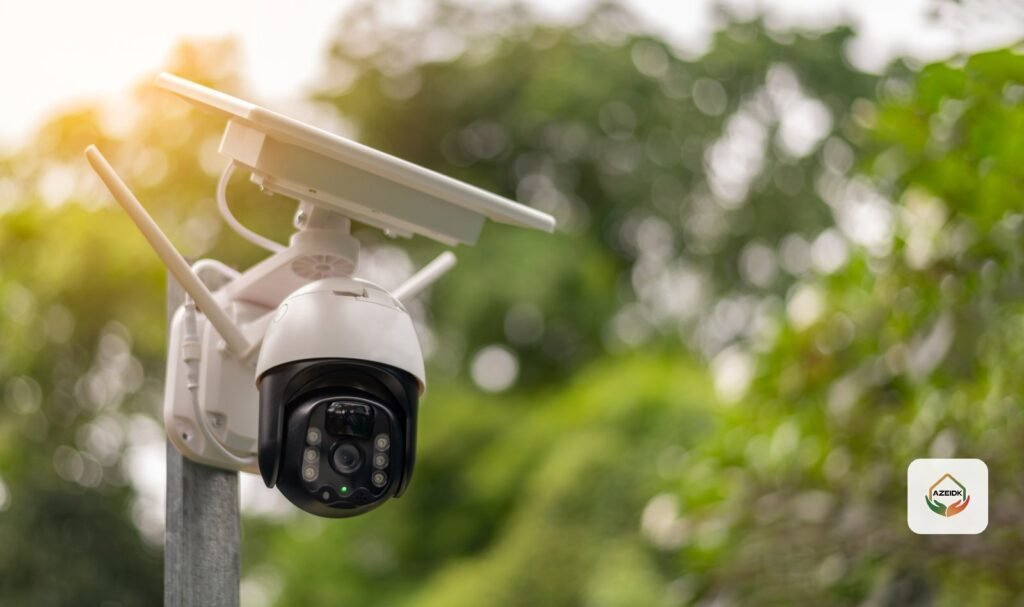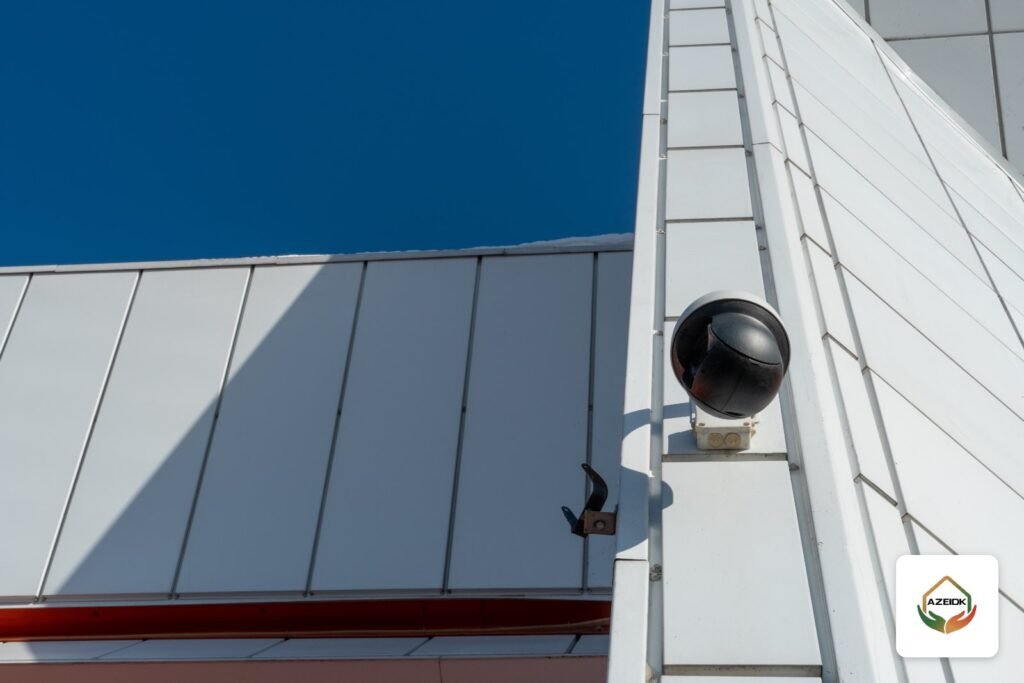
TP-Link CCTV cameras are sold under the VIGI name, a surveillance line separate from the company’s well-known routers and Wi-Fi gear. From this line AZEIDK supplies the VIGI C340 outdoor bullet camera, the VIGI C440 turret camera, both 4 MP, and the 16-channel VIGI NVR2016H network video recorder, as part of its security and surveillance solutions.
For camera types, resolution, night vision and storage, see our CCTV cameras guide for Saudi Arabia.
This guide covers what the manufacturer specifies for each unit, what you need to run them together, where they fit, and what to check before you buy.
Key points
- The C340 and C440 are 4 MP (2560 × 1440) cameras with H.265+ and power over PoE or 12 V DC.
- The C340 is an IP67 outdoor bullet. The C440 product page lists no protection rating, so treat it as an indoor or covered-area camera.
- The NVR2016H takes 16 IP cameras at 160 Mbps incoming bandwidth and has two SATA bays for up to 16 TB each.
- The recorder has no PoE ports, so the cameras need a separate PoE switch.
- Management is through the VIGI app and web UI; the C340 page lists ONVIF Profile S, T and G.
In this article
- What are TP-Link CCTV cameras (VIGI)?
- VIGI C340 bullet camera: entrances and outdoor areas
- VIGI C440 turret camera: corridors and indoor areas
- VIGI NVR2016H: 16 channels, no PoE
- How many days will a TP-Link CCTV system record?
- Smart detection
- When VIGI fits, and when to choose another brand
- Checklist before you buy
- FAQ
What are TP-Link CCTV cameras (VIGI)?
VIGI is TP-Link’s brand for business IP cameras, recorders and video management software. The range targets small and mid-size sites: shops, offices, clinics, small warehouses and apartment buildings. Sites already running TP-Link Omada networking get cameras and switches from one manufacturer, which simplifies supply and support. The cameras are not locked to TP-Link recorders, though: the C340 supports ONVIF.
VIGI C340 bullet camera: entrances and outdoor areas
The C340 is an outdoor bullet camera with a 1/3″ CMOS sensor and 2560 × 1440 maximum resolution. It ships with a fixed F1.6 lens in 2.8, 4 or 6 mm. Lens choice depends on the distance at which you need to recognise people:
| Lens | Horizontal FOV | Observe | Recognise | Identify |
|---|---|---|---|---|
| 2.8 mm | 102.5° | 27 m | 13 m | 6 m |
| 4 mm | 76.3° | 33 m | 16 m | 8 m |
| 6 mm | 50.6° | 53 m | 26 m | 13 m |
The figures are the manufacturer’s DORI values. A wider lens covers more area with less detail; a narrower lens gives face detail further away. See our CCTV field of view and DORI guide for the method.
Night vision uses two 850 nm IR LEDs and two white-light LEDs, each with a 30 m range, switchable to auto, scheduled or always on. With white light the image stays in colour at night, which helps identify vehicle and clothing colours. The camera is IP67, runs from -30 °C to 60 °C, and draws up to 8 W on 802.3af/at PoE or up to 7 W on 12 V DC. It has a microSD slot up to 512 GB and two-way audio.
VIGI C440 turret camera: corridors and indoor areas
The C440 is a turret (an eyeball on a base, without a dome cover) with the same 4 MP resolution and a 2.8 or 4 mm F1.6 lens (102° and 79° horizontal). It also has two IR and two white-light LEDs rated at 30 m, two-way audio and a microSD slot up to 256 GB. The V1 product page shows “Protection: N/A”, so we use it for reception, corridors, offices and showrooms, or for covered outdoor spots once the delivered hardware version is checked. Our indoor CCTV camera guide compares indoor form factors.
VIGI NVR2016H: 16 channels, no PoE
The NVR2016H records 16 IP channels, accepts 160 Mbps incoming bandwidth and records up to 8 MP. It has two SATA interfaces for drives up to 16 TB each (drives not included), simultaneous HDMI (up to 3840 × 2160) and VGA outputs, and one gigabit RJ45 port. TP-Link notes that the number of channels played back together may fall below 16 when total resolution exceeds 20 MP and that decoding is 10 channels at 1080p, so a full 16-camera live wall normally runs on sub-streams.
No PoE ports are listed, so cameras connect to a PoE switch that links to the recorder. AZEIDK supplies TP-Link Omada switches such as the SG2210MP with 8 PoE+ ports and the SG3428MP with 24 PoE+ ports. Size the power budget with our PoE switch guide.
How many days will a TP-Link CCTV system record?
The maximum main-stream bitrate of the C340 and C440 is 4 Mbps. One camera at a constant 4 Mbps uses about 4 ÷ 8 × 86,400 s = 43.2 GB per day.
| Cameras | Daily use at 4 Mbps | Days on 2 × 16 TB (32 TB) |
|---|---|---|
| 8 | about 346 GB | about 92 days |
| 16 | about 691 GB | about 46 days |
This is a worst case at constant bitrate. H.265+ with variable bitrate cuts usage in quiet scenes; TP-Link quotes 57.5% savings against H.264 in a lab test, and real results depend on motion and lighting. Our storage and bandwidth calculation guide shows the full method.
Smart detection
The C340 page lists area intrusion, line crossing, region entering and exiting, object abandoned and removed, abnormal sound, and people and vehicle detection. The C440 page lists intrusion, line crossing, people, motion and tampering detection. These features cut false alerts from trees and shadows, but only when detection zones are set correctly at commissioning.
When VIGI fits, and when to choose another brand
| Situation | Suitable choice |
|---|---|
| Shop, office or clinic up to 16 cameras on Omada networking | VIGI cameras, NVR2016H and an Omada PoE switch |
| Outdoor entrance, car park or fence | C340 with the lens matched to distance |
| Indoor corridors and reception | C440 or an indoor dome |
| Consultant specifies a brand or advanced analytics such as plate reading | Follow the specification, for example Hikvision or Dahua |
In Saudi Arabia, suppliers are expected to register devices on SABER under the applicable technical regulations (see CCTV certificate of conformity), and installations fall under the security surveillance cameras law (see facility obligations under the CCTV law).
Checklist before you buy
- The hardware version on the box, since specs can change between versions.
- The lens for each position, based on face recognition distance.
- PoE ports and total power budget on the switch, with spare capacity.
- Drive capacity for the retention period you need, using surveillance-grade drives.
- Remote viewing method, user permissions and strong passwords.
FAQ
Are TP-Link VIGI cameras good for shops?
Yes for most shops and small offices. 4 MP resolution, colour night vision and basic analytics cover tills, entrances and stores when the lens is chosen correctly.
Does the VIGI NVR2016H have PoE ports?
The manufacturer page lists no PoE ports for this model. Use a separate PoE switch to power the cameras.
How many hard drives does the NVR2016H take?
Two SATA drives of up to 16 TB each, bought separately.
Can the VIGI C440 be used outdoors?
Its V1 page lists no IP rating, so we use it indoors or under cover. For exposed spots we use the IP67 C340.
Do VIGI cameras work with other recorders?
The C340 supports ONVIF Profile S, T and G, so it can connect to ONVIF recorders. Some smart features may only appear on VIGI recorders, so test before supply.
How do I view TP-Link cameras on my phone?
Use the VIGI app on Android or iOS after adding the recorder or camera to your account, with a strong password and separate user rights.
Related reading: Hikvision DVR 4 Channel, H.265 and H.265+ Video Compression in CCTV and Dome vs Bullet Camera vs Turret.
Planning cameras for a shop or office? Send us the positions, distances and retention you need, and we will propose cameras, lenses, recorder and switch with datasheets. Contact the AZEIDK team
Related guides
- Burglar Alarm System for Fuel Stations and Their Stores: Sensors, Panic Button and CCTV Integration
- Fire System Maintenance Companies in Riyadh: How to Measure Performance and Switch Without a Gap
- Safety Equipment and Fire Extinguisher Shops in Saudi Arabia: AZEIDK Showrooms in Jeddah, Riyadh, Dammam, Makkah, Taif, Buraydah, Khamis Mushait and Jazan
- ZKTeco FaceDepot-7B Face Recognition Terminal: Capacity, Recognition Distance, Lock Wiring and the Hikvision Alternative