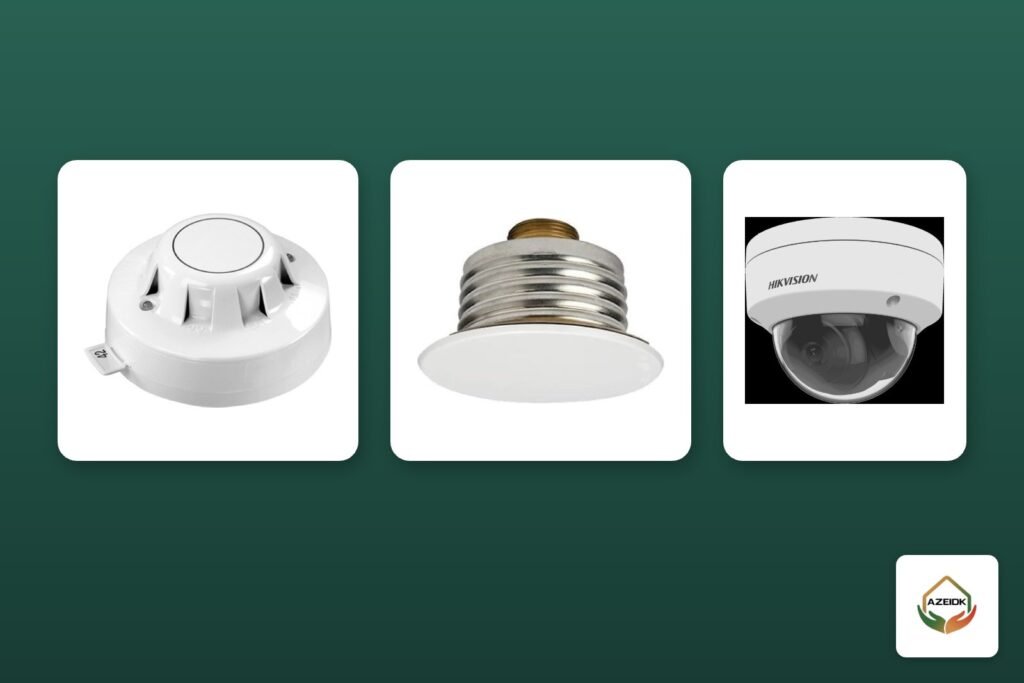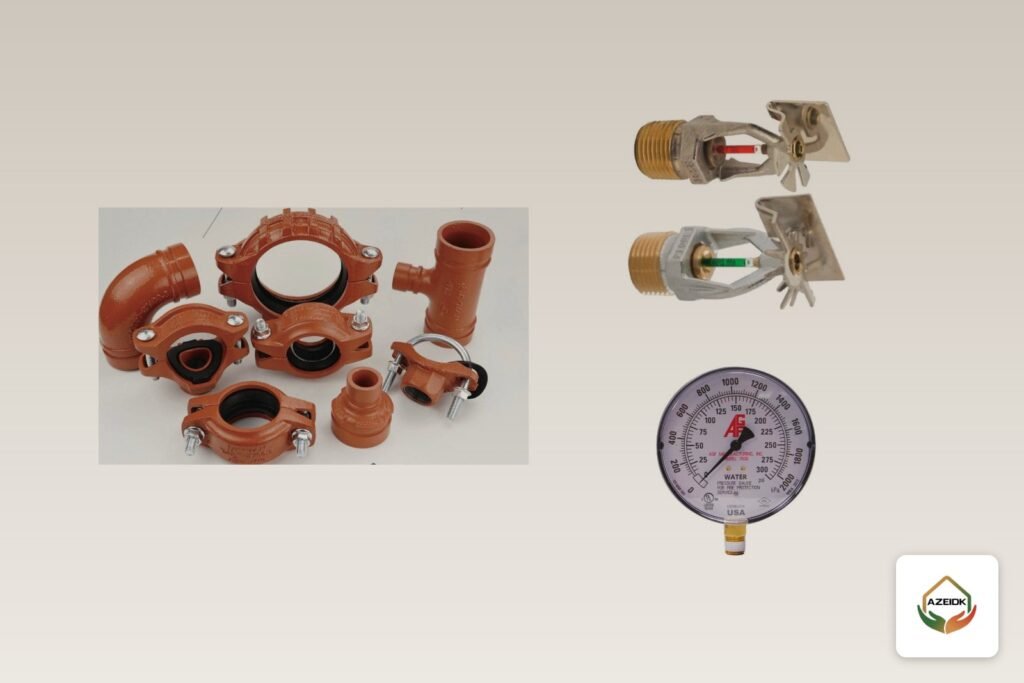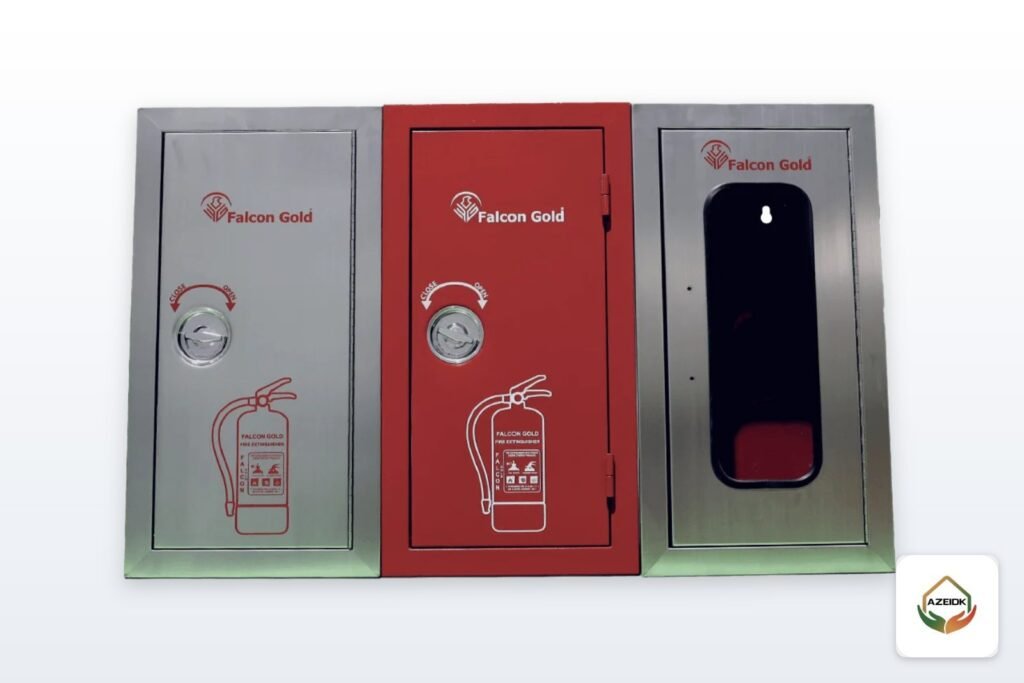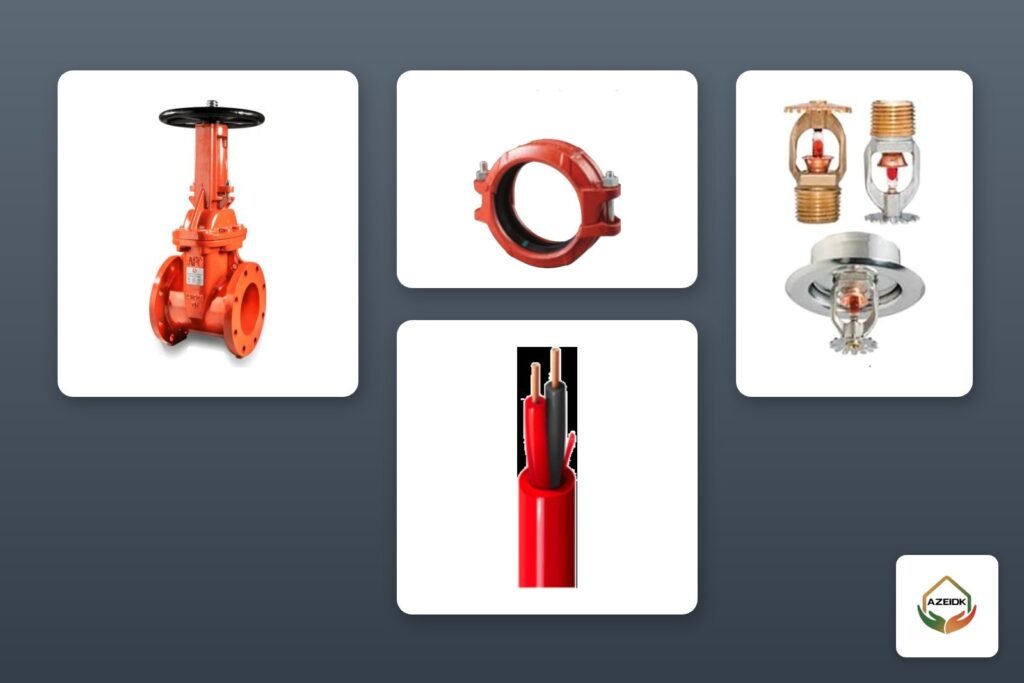
A Material Inspection Request (MIR) connects what the consultant approved on paper with what actually arrived on site. An approved material submittal is not enough on its own: the valve, cable or sprinkler that enters the site must be the approved model, carry the same certificates and arrive in good condition. This guide is written for contractors and consultants on fire protection and low current (ELV) projects in Saudi Arabia. It explains what an MIR contains, how to prepare it and what the consultant’s engineer checks at delivery.
Key takeaways
- The MIR is raised when materials reach site and before installation; its reference is the approved material submittal.
- The inspection matches model, size, quantity, certificates and condition against the approved documents.
- Rejected materials are quarantined and tagged, and are not installed until replaced and re-inspected.
- An MIR (materials) is different from a WIR (work inspection request), which follows installation.
- A tidy MIR log shortens final acceptance and feeds the handover file.
In this article
- What is a material inspection request?
- When is an MIR submitted?
- What to attach to the MIR
- What the consultant’s engineer checks on site
- Fire and ELV materials: what to focus on per system
- What happens when materials are rejected?
- MIR vs WIR
- Common mistakes that delay MIR sign-off
- How AZEIDK helps
- Frequently asked questions
- Conclusion
What is a material inspection request?
A Material Inspection Request is a form the contractor submits to the consultant or supervising engineer when a batch of materials arrives on site. It lists what arrived, the approval reference it relies on and where it is stored, and asks the engineer to inspect it. The result is recorded on the same form: approved, approved with comments, or rejected.
On fire protection projects the step matters even more, because many components must be listed or approved by bodies such as UL or FM, and a different model number can mean an unlisted product. AZEIDK explains these categories in UL Listed vs Recognized vs Classified.
When is an MIR submitted?
After materials arrive and before they are used. The practical rule: nothing is opened for installation until the inspection is signed. Material approval always comes first; see Material Submittal for Fire and Security Equipment. If a material arrives before its submittal is approved, it should stay in storage, uninstalled, until approval is issued.
What to attach to the MIR
| Document | Purpose |
|---|---|
| Copy of the approved submittal with its status | The reference the materials are checked against |
| Delivery note and packing list | Match quantities, sizes and model numbers |
| Manufacturer certificates such as the pipe mill test certificate | Prove the material grade and batch number |
| Certificate of origin where the contract asks for it | Prove the approved country of manufacture |
| SABER conformity certificates for products under a technical regulation | Prove lawful market entry; see SABER certificate steps for fire equipment |
| The datasheet or manufacturer submittal document | Compare the data printed on the product |
Some manufacturers publish a ready submittal document per product, such as the American AFC ACV-300 wet alarm valve submittal in the AZEIDK document library, which is a useful reference during inspection.
What the consultant’s engineer checks on site
1. Match with the approval
Model number, size, pressure rating, sprinkler temperature rating, finish and every item stated in the approval. A sprinkler approved with one K-factor is not accepted with another, even from the same manufacturer.
2. Listing marks on the product itself
UL or FM marks printed or cast on the product, the manufacturer name and batch numbers. On valves and grooved couplings such as the Shurjoint grooved coupling this data appears on the body.
3. Condition and packing
No cracks, rust or coating damage; intact pipe ends and threads; sprinkler protective caps in place; cable drums undamaged and not crushed.
4. Quantity and storage
Quantities match the delivery note, and storage protects materials from sun, moisture and dust. Low current devices, detectors and cameras are kept indoors in a dry area.
Fire and ELV materials: what to focus on per system
| System | Inspection focus |
|---|---|
| Fire fighting networks | Pipe schedule and wall thickness, test certificates, valves and pressure rating, sprinklers (model, K-factor, temperature) |
| Fire pumps | Nameplate (flow and pressure), controller, factory test certificate |
| Fire alarm | Panel and detector models, fire resistant cable type and size, bases and accessories |
| CCTV and networks | Camera and recorder models, network cable category, switches and PoE ports |
| Access control | Readers, locks and lock type (fail safe or fail secure) as approved |
System details are on the fire fighting systems and low current systems pages.
What happens when materials are rejected?
Rejected material is moved to a separate area and clearly tagged so it cannot mix with accepted stock, and the reason is recorded on the form. It is then either replaced with the approved item and a new MIR is raised, or, if the contractor believes an alternative is equivalent, a formal substitution request is submitted. AZEIDK covers that route in Fire Equipment Substitution and Approved Equal. Installing rejected material exposes the contractor to removing it later at their own cost.
MIR vs WIR
The MIR covers materials before installation. A Work Inspection Request (WIR) is raised after part of the work is done, for example pipework on a full floor before the ceiling is closed, or alarm cabling before termination. Both are hold points: work does not proceed until the consultant signs. These points are planned in advance in the inspection and test plan (ITP), explained in Fire Fighting Method Statement and ITP.
Common mistakes that delay MIR sign-off
- Raising the MIR before the submittal is approved, or citing an old approval revision.
- Certificates that do not carry the batch number shown on the material.
- Two models mixed in one batch without explanation.
- Materials stored in the sun or directly on the ground before inspection.
- Opening packs and starting installation before the engineer attends.
How AZEIDK helps
AZEIDK provides technical supply of fire fighting, fire alarm, suppression, security, network and low current equipment to the approved project specifications, with the technical documents contractors need for approval and inspection. To request supply or a review of your project material list, use the quote request form.
Frequently asked questions
Who prepares the MIR?
The installing contractor prepares it, attaches the supplier documents, and the consultant or supervising engineer signs it after inspection.
Is a document check enough without seeing the materials?
No. The purpose is to confirm that what is on site matches the documents, so the inspection is made on the materials in their storage area.
Is an MIR needed for every delivery?
Usually yes, because each batch can carry different production numbers and certificates. Some projects accept one request for several small deliveries of the same item, as the consultant decides.
What is the difference between an MIR and a material submittal?
The material submittal approves the product on paper before purchase; the MIR inspects the actual product after it reaches site.
Are ELV material inspections different from fire protection ones?
The principle is the same. ELV inspections focus on model numbers, versions and cable category, while fire protection inspections focus more on listing marks, pressure ratings and certificates.
Conclusion
An MIR is quick when its documents are ready and costly when it is neglected. Tie every request to its approval reference, attach certificates that match the batch and protect materials until the engineer signs, and final acceptance and the handover file become much easier.
Related guides
- Hikvision Camera Activation with SADP: Password, IP and Detection Fixes
- Fire Department Connection (FDC): Location, Components, Check Valve and Required Sign
- Hood Safer in Saudi Arabia: Kitchen Hood Fire Suppression
- FG vs Falcon Gold Fire Extinguishers: Sizes, Pressures and Datasheet Specifications Compared