
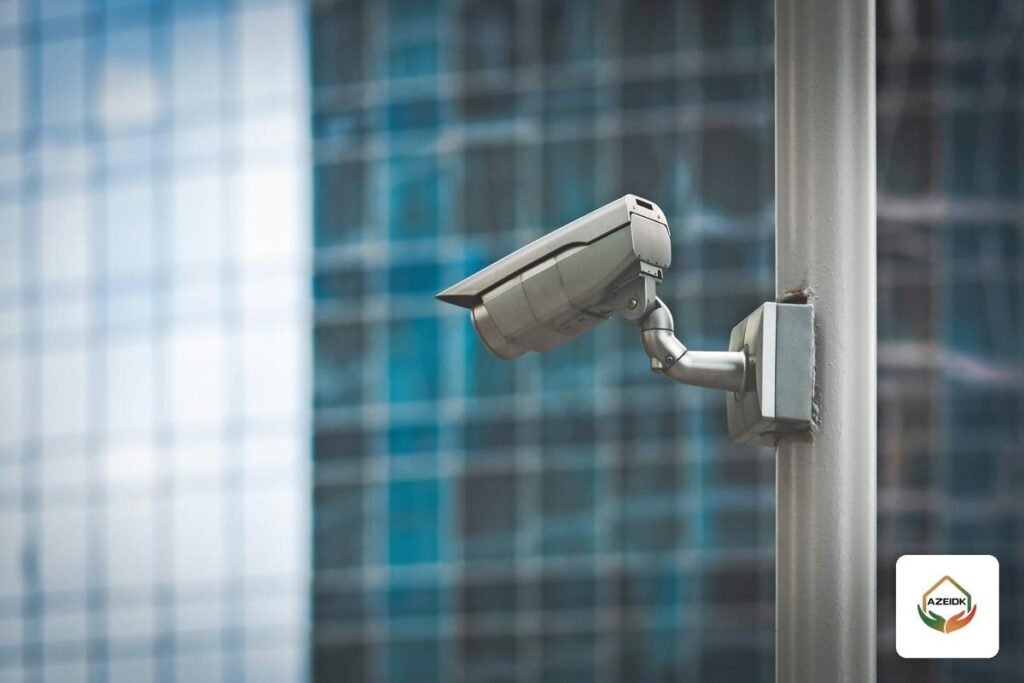
Can CCTV cameras be hacked? Yes. CCTV camera hacking is a real risk, and most reported cases need nothing sophisticated: a weak or reused password, outdated firmware with a known flaw, a port left open to the internet on the router, or a mobile app account protected by a leaked email password. Protection rests on four layers: passwords and accounts, updates, network separation, and secure remote access.
This guide covers the weak points, the official hardening advice from Hikvision, Dahua, EZVIZ and the National Cybersecurity Authority (NCA), and a plan for homes and facilities using security and surveillance systems.
Key takeaways
- Most CCTV compromises start with a weak password, unpatched firmware or a port exposed to the internet.
- Dahua’s best-practice guide makes a password of at least 8 characters using two or more character types mandatory, along with regular firmware updates.
- Hikvision’s factory hardening document states that its devices ship with no default password and must be activated with a strong password before first use.
- Keeping cameras and the recorder off the office and guest networks reduces the risk of an attack from a device on the same network.
- The NCA has published the Cybersecurity Guidelines for Internet of Things (CGIoT-1:2024) as recommended practices for organizations that use IoT and for manufacturers.
In this article
- How does CCTV camera hacking happen?
- Passwords and accounts: the first layer
- Updates: closing known vulnerabilities
- Attacks from the same network: why network separation matters
- CCTV hacking through the phone: securing remote access
- Protection plan by type of site
- Warning signs and what to do
- Common mistakes that make cameras easy to hack
- How AZEIDK can help
- Frequently asked questions
- Conclusion
How does CCTV camera hacking happen?
We give no attack steps here, only the weaknesses that keep appearing in reports and official advisories:
- Passwords: short or predictable passwords, one password for every device, or a password written on a label on the recorder.
- Outdated firmware: a published flaw in an old version stays exploitable for as long as the device is not updated.
- Open ports: port forwarding or UPnP on the router makes the recorder (NVR/DVR) visible to anyone scanning the internet.
- App accounts: the mobile app account linked to the devices, if its password is stolen or reused on other sites.
- Flat networks: when cameras, staff devices and guests share one network, compromising one device opens the way to the rest.
- Physical access: a recorder in an open area can be reset or have its hard drive removed.
A recent example: the CameraSwarm campaign reported by Hunt.io in August 2026 targeted Dahua devices through password guessing, old known vulnerabilities and the P2P service. The details and figures are in our news item on the CameraSwarm compromise of Dahua surveillance devices.
Passwords and accounts: the first layer
Hikvision’s Factory Hardening Practices document states that Hikvision devices have no default password, and that activation requires a password of at least 8 characters combining three or more of numerals, uppercase letters, lowercase letters and special characters. It notes that the illegal login lock, when enabled, locks the device after five consecutive wrong attempts, and that there are three user levels: Admin, Operator and User.
Dahua’s cybersecurity best-practice guide lists a strong password as mandatory: at least 8 characters of two or more types, without the account name, sequences such as 123 or repeats such as 111. It recommends keeping account lockout enabled and giving users only the permissions they need. Dahua also advises changing the ONVIF password and using separate SmartPSS credentials.
Practical account rules
- A different password for each recorder, kept in a password manager.
- One account per person. Staff get view or operator rights only, never the admin account.
- Delete installer and former staff accounts when their work ends, and review the user list regularly.
Updates: closing known vulnerabilities
Dahua’s guide puts firmware and client software updates among its mandatory items and recommends enabling automatic update checks when the device is on a public network. Hikvision’s published tips call for removing unused software from computers and installing patches regularly, and note that firmware updates close known vulnerabilities. EZVIZ states in its Trust Center that it provides security updates within each product’s support period.
In Saudi Arabia, this point came into focus with NCA alert No. 2026-7835, rated high severity, which points to Hikvision’s advisory on a vulnerability in the HikCentral Access Control platform and recommends updating affected products. We covered it in the NCA alert on HikCentral.
- Get firmware only from the manufacturer’s official site or the device’s update function.
- Record each device’s model and firmware version in a simple asset list.
- Plan to replace devices past end of support, and keep them off the internet.
Attacks from the same network: why network separation matters
When cameras, phones and guest devices share one Wi-Fi network, an infected laptop or smart device has direct reach to the recorder. Hikvision therefore recommends firewalls and splitting the network into isolated segments so a breach cannot spread, and Dahua’s guide recommends disabling port mapping on the router, isolating networks with VLANs where no communication is needed, and using 802.1X network access authentication.
- At home: a separate guest network on the router for visitors and smart devices, plus updated router firmware and a changed router admin password.
- In a facility: a dedicated surveillance VLAN on the switch, and firewall rules that let only the control room and the approved server reach the cameras.
- Enable IP address filtering (allow list) on the recorder and cameras, a feature both Hikvision and Dahua document.
- Disable unused services such as SNMP, UPnP and SSH, and enable HTTPS for browser access.
CCTV hacking through the phone: securing remote access
Phone viewing is the most exposed entry point. The risk comes from open recorder ports, a weak app account, and a lost or shared phone holding the admin password.
- Do not open recorder ports on the router, and disable UPnP so the device cannot open them on its own.
- If the cloud (P2P) service is not needed, turn it off. If it is needed, protect the app account with a password different from your email password.
- Turn on two-step verification in your EZVIZ account. EZVIZ support says it sends a code by email or SMS when you sign in from an unfamiliar phone, and it is enabled from Login Settings on the account page.
- Share cameras with family or staff through the app’s limited sharing feature, not by handing out the recorder password.
- For facilities with higher requirements, remote access should go through a VPN managed by the IT team rather than open apps.
Step-by-step setup for Hik-Connect, DMSS and EZVIZ is covered in our guide to viewing CCTV cameras on your phone, so we do not repeat it here.
Protection plan by type of site
The principles are the same for homes and facilities; the suggested minimum differs:
| Item | Home and small shop | Companies and facilities |
|---|---|---|
| Passwords | Strong, different password per device; change the installer’s password after handover | Password policy, one account per user, regular account review |
| Updates | Check for updates every few months from the app or device | Asset list with firmware versions; follow manufacturer and NCA alerts |
| Network | Separate guest network, updated router | Surveillance VLAN, firewall, IP filter |
| Remote access | Manufacturer app with two-step verification and limited sharing | VPN or a central management platform with defined permissions |
| Ports and UPnP | Close port forwarding, disable UPnP | No exposed port without a documented IT decision |
| Logs | Check connected users when in doubt | Review logs regularly and forward them to a log server |
| Physical protection | Recorder in a closed location | Locked room or cabinet with access control |
The NCA IoT guidelines cover governance, defense, resilience, and third-party and cloud cybersecurity. They are recommended guidelines and do not replace each sector regulator’s requirements.
Warning signs and what to do
Signs worth checking: an unknown user in the account list, settings that changed when nobody changed them, a camera that moves or turns off for no reason, or a login from an unfamiliar address in the device log. Dahua’s guide recommends checking online users and device logs regularly and forwarding important logs to a log server, since on-device storage is limited.
- Disconnect the recorder from the internet temporarily while keeping local recording running.
- Change the passwords for the device, the app account and the linked email.
- Delete unknown users and close open router ports.
- Update the firmware from the official source. If doubts remain, factory reset the device, then update it and set it up again with new passwords.
- In facilities, inform the IT or cybersecurity team.
Common mistakes that make cameras easy to hack
- Keeping the password the installer set on day one, or using it on every device.
- Opening recorder ports on the router for remote viewing, then forgetting them.
- Linking devices to the installer’s personal app account instead of the owner’s.
- Giving the admin password to everyone who wants to watch on their phone.
- Posting a photo of the camera label showing its verification code.
How AZEIDK can help
AZEIDK supplies CCTV cameras and recorders from Hikvision, Dahua and EZVIZ as part of its security and surveillance solutions. Whoever your supplier is, ask at handover for the devices and app account to be in your name, change the passwords yourself, and get each firmware version documented. For existing systems, preventive and periodic maintenance contracts cover CCTV cameras and recorders, with scheduled inspection visits and reports listing findings and recommended corrective actions.
Frequently asked questions
Can CCTV cameras be hacked?
Yes, if the password is weak, the firmware is outdated or the recorder is exposed to the internet. Strong passwords, updates and closed ports reduce the risk.
Can CCTV cameras be hacked from the same network?
The risk is higher when cameras share the Wi-Fi network with guest and staff devices. Separating the surveillance network and enabling IP filtering limits who can reach them.
How do I protect home CCTV cameras from hacking?
Change the password after installation, update the firmware, disable UPnP and port forwarding, turn on two-step verification in the app account, and share viewing with limited permissions.
Can CCTV cameras be hacked through a phone?
Unauthorized access via a phone usually comes from a stolen app account or a phone holding the admin password. Use a separate password for the app account, enable two-step verification and remove old phones from the account.
Are IP cameras more exposed than analog cameras?
IP cameras connect directly to the network, so they need more attention to the network and updates. In analog systems the recorder itself is still networked and needs the same protection.
Are the NCA IoT cybersecurity guidelines mandatory?
The NCA describes CGIoT-1:2024 as recommended practices for organizations that use IoT and for manufacturers. Mandatory requirements are set by NCA controls and each sector’s regulator.
Conclusion
CCTV camera hacking usually relies on settings left as they were after installation. A strong password per device, regular updates, a separate surveillance network and remote access without exposed ports close most of these doors.
Want your surveillance settings reviewed? Send us the models of your recorders and cameras and how you currently view remotely, and we will suggest the right hardening steps. Talk to the AZEIDK team
Related guides
- Fire Pump Brands in Saudi Arabia: Local and Imported Brands, Listings and SABER
- Fire Safety in Office and Administrative Buildings
- Civil Defense Approved Engineering Offices: Their Role in Fire Safety Drawings and When You Need One
- FM-200 Generator vs Aerosol: Differences, When to Choose Each, and Equivalent Sizes