
A CCTV media converter is a small device that turns the network signal on a Cat6 copper cable into light on optical fibre, then back to copper at the far end. It is used when a camera or a guard house is more than 100 metres from the switch, because a twisted-pair Ethernet channel is limited to 100 metres, while fibre carries the signal hundreds of metres or several kilometres depending on its type. This article explains when you need a media converter, how to choose the speed and fibre type and match both ends, and how to get PoE power to the remote camera, as part of AZEIDK’s network and communication systems.
Key takeaways
- A copper Ethernet channel is limited to 100 metres. Beyond that you need fibre, a wireless bridge or another solution.
- Media converters are installed in pairs, one at the switch and one at the camera or remote switch, and both ends must match in fibre type, wavelength, speed and connector.
- Multimode fibre suits short runs within a site. Singlemode fibre suits longer runs and links between buildings.
- Fibre carries no power, so the remote camera needs a local PoE source: a media converter with a PoE output or a small PoE switch.
- Where several cameras sit at the far end, a switch with an SFP or SFP+ port is often cleaner than several converter pairs.
In this article
- When do you need a CCTV media converter?
- How does a media converter pair work?
- Multimode or singlemode: which fibre type?
- Matching both ends of a media converter link
- How does power reach the camera at the far end?
- What speed do you need: 100 Mbps or Gigabit?
- Alternatives to a media converter for remote cameras
- Common mistakes on CCTV fibre links
- Frequently asked questions
- Conclusion
When do you need a CCTV media converter?
Under the Ethernet standard for twisted-pair cable (Cat5e and Cat6), the maximum channel length is 100 metres, including patch cords. Some CCTV switches offer a long-range mode, such as the Hikvision DS-3E1309P-EI switch, whose page gives up to 300 m in long-range mode, noting that this varies with the camera and cable condition. That mode suits one or two cameras at medium distance, not linking a whole building.
Typical cases where media converters and fibre come in:
- Cameras along a long perimeter fence at a factory, warehouse or residential compound.
- A gate guard house hundreds of metres from the network room.
- Linking a second building or a separate warehouse to the main CCTV network.
- Routes that run beside heavy power cables or between buildings exposed to lightning, because fibre does not conduct electricity and is immune to electromagnetic interference.
How does a media converter pair work?
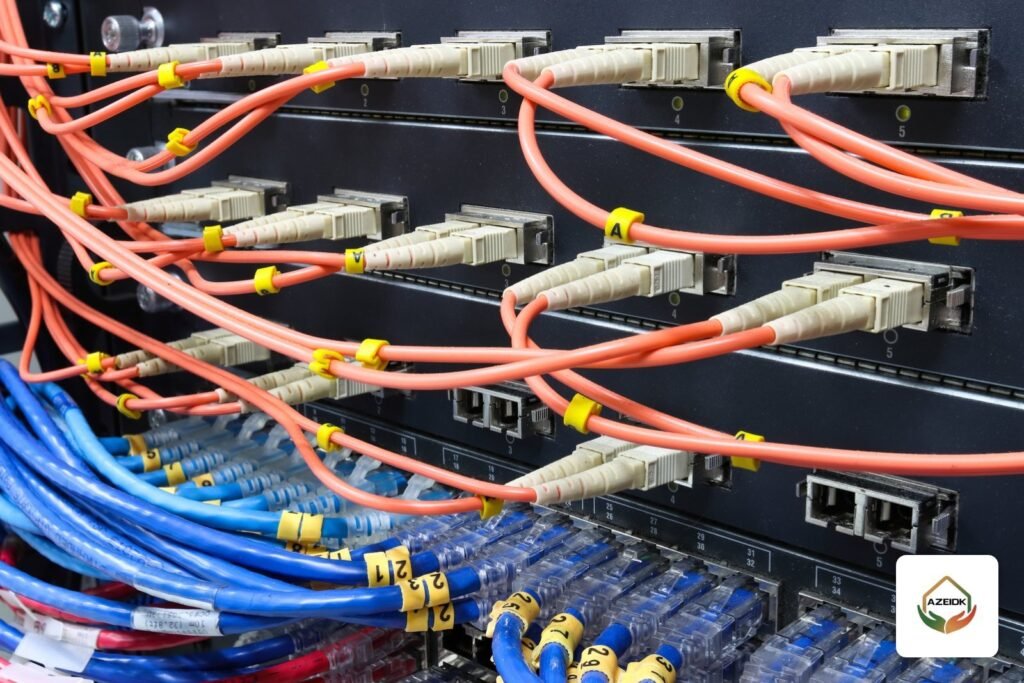
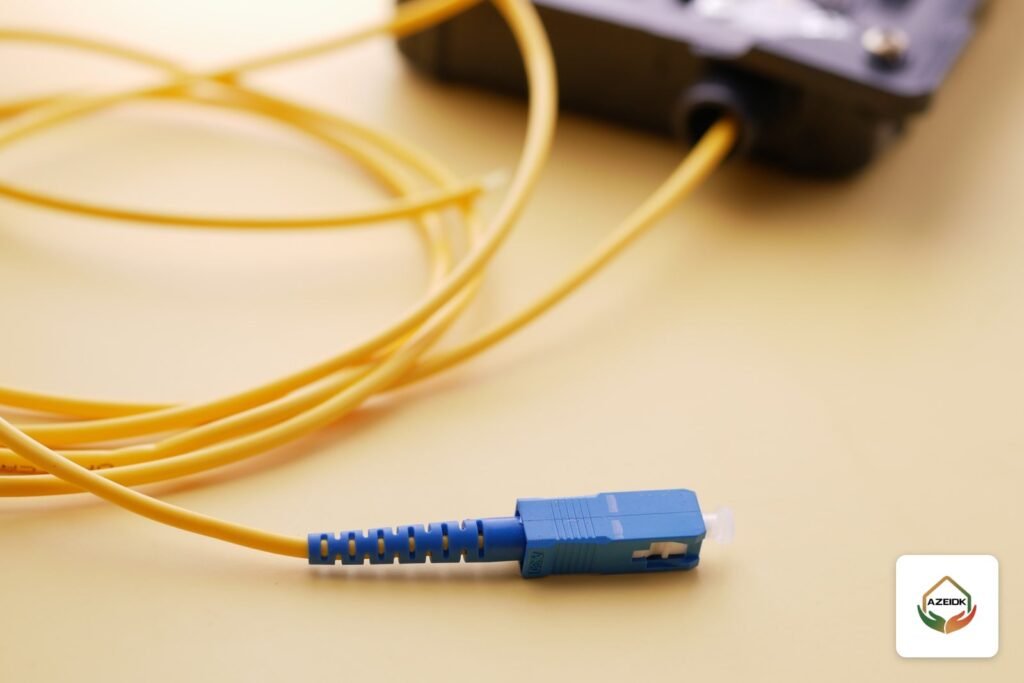
The first converter connects to the switch in the network room with a short copper cable and turns the signal into light on the fibre. At the other end, the second converter receives the light and turns it back into a normal Ethernet signal on an RJ45 port, which connects to the camera or a small switch. To the camera and recorder, the whole link looks like an ordinary cable.
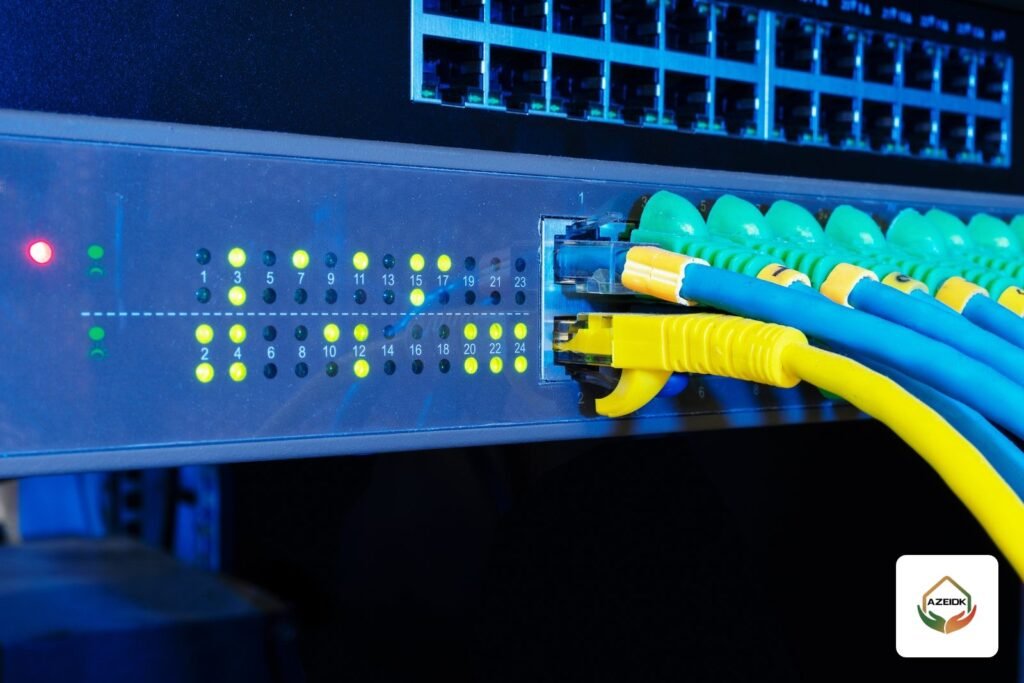
At the network room end, the alternative to a media converter is an SFP port on the switch itself, fitted with an optical SFP module. Some Cisco Catalyst 1300 switch models, for example, have four 10 Gigabit SFP+ uplink ports. This cuts the number of devices and power adapters in the rack and is common when several fibre links land in one room.
Multimode or singlemode: which fibre type?
This is the key decision, because converters and SFP modules are built for one fibre type. The table shows maximum Gigabit Ethernet distances as given in Cisco’s SFP module datasheet:
| Standard | Wavelength | Fibre type | Max distance |
|---|---|---|---|
| 1000BASE-SX | 850 nm | Multimode 62.5 µm OM1 | 275 m |
| 1000BASE-SX | 850 nm | Multimode 50 µm OM2 | 550 m |
| 1000BASE-SX | 850 nm | Multimode 50 µm OM3 / OM4 | 1,000 m |
| 1000BASE-LX/LH | 1310 nm | Singlemode G.652 | 10 km |
| 1000BASE-BX10 (single strand) | 1310 / 1490 nm | Singlemode G.652, one fibre | 10 km |
The rule of thumb: within one building or over short runs, multimode is enough. Between buildings, along long fences or where you expect future expansion, many designers prefer singlemode because it reaches much further. Most important of all, find out which fibre is actually installed on site before buying converters, because mixing the two types does not work.
Matching both ends of a media converter link
- Fibre type: a multimode converter with multimode fibre, a singlemode converter with singlemode fibre.
- Wavelength: 850 nm with 850 nm, 1310 nm with 1310 nm. Single-strand (BiDi) converters are different and complementary: one transmits at 1310 nm and receives at 1490 nm, the other the reverse, so they are ordered as an A/B pair. Cisco’s datasheet, for example, states that a BX10-D module always connects to a BX10-U module.
- Speed: a 100 Mbps converter will not work with a Gigabit converter at the other end unless it supports both speeds.
- Connector: SC or LC, to match the optical distribution frame (ODF) and patch cords on site. Cisco SFP modules, for example, use LC connectors.
How does power reach the camera at the far end?
Fibre carries data only, so the remote camera must get its power locally. The usual options:
- A media converter with a PoE output: it takes power from a local supply and feeds one camera through its RJ45 port. Check that the PoE output is enough for the camera, especially PTZ cameras and cameras with strong IR illumination.
- A small PoE switch at the far end: where several cameras are in one place, the fibre lands on the switch uplink, or on a converter connected to the uplink, and the switch powers the cameras. Work out the power budget as described in the PoE switch power budget article.
- A protected local power supply: whichever option you choose, the remote end needs a stable supply, ideally with a small UPS if the camera is security-critical.
What speed do you need: 100 Mbps or Gigabit?
Add up the bitrates of all cameras that will pass over the link and leave headroom for expansion. A single camera on a 100 Mbps converter is usually fine, but a link carrying several high-resolution cameras needs Gigabit. How to calculate bitrate and storage is covered in the CCTV storage and bandwidth calculation article. If you expect to add cameras to the same link later, choose Gigabit from the start.
Alternatives to a media converter for remote cameras
| Option | When it fits | Notes |
|---|---|---|
| Fibre with a media converter pair | One remote camera or point | Simple, needs power at both ends |
| Fibre to a switch with an SFP port | Several cameras at the far end | Fewer devices, easier to manage |
| Long-range mode on a PoE switch | A camera at medium distance | As stated by the manufacturer, depends on camera and cable |
| Wireless bridge | Where trenching is difficult and there is clear line of sight | For example the Hikvision DS-3WF02C-5AC wireless bridge |
| Ethernet over coax extender | Replacing analogue cameras with IP cameras while keeping the old coax | For example the UTEPO UTP7301EPOC extender |
Common mistakes on CCTV fibre links
- Buying multimode converters for singlemode fibre already on site, or the reverse.
- Fitting two BiDi converters of the same type (A with A), so the link never comes up.
- Forgetting power at the far end, or choosing a PoE output too weak for a PTZ camera.
- Leaving the remote converter exposed to sun and dust without a suitable outdoor enclosure.
- Bending fibre cable too tightly or leaving it unprotected on outdoor routes.
- A single 100 Mbps link carrying several high-resolution cameras.
Frequently asked questions
What is a CCTV media converter?
A device that converts Ethernet from copper cable to optical fibre and back. It is used in pairs to connect a remote camera or building to the network over distances beyond 100 metres.
When do I need fibre optic for CCTV?
When the distance between camera and switch exceeds 100 metres, when linking two buildings, or when the route runs near heavy power cables or in areas exposed to lightning.
Can I use a multimode media converter with singlemode fibre?
No. The converter or SFP module must match the fibre type, and both ends must match in wavelength and speed.
Does fibre carry power to the camera?
No. Fibre carries data only. The remote camera needs a local source: a media converter with a PoE output or a small PoE switch with a stable power supply.
What is the difference between a media converter and an SFP port?
A media converter is a separate box that converts copper to fibre. An SFP port takes an optical module inside the switch itself, which saves a device and a power adapter and is easier to manage.
How far can fibre go with a media converter?
It depends on the fibre and the standard. For Gigabit Ethernet, Cisco’s datasheet gives up to 550 m on OM2 multimode and up to 10 km on singlemode with 1000BASE-LX/LH.
Conclusion
A CCTV media converter is the usual answer when a camera or building is beyond the 100-metre limit of copper. Identify the fibre type first, match both ends in wavelength, speed and connector, and plan power and link speed at the far end before you buy. Where several cameras gather in one place, consider a switch with an SFP port instead of several converter pairs. AZEIDK designs and installs CCTV and fibre networks as part of its low current systems and security and surveillance systems.
Have remote cameras or a separate building to connect? Send us the site plan, distances and number of cameras, and our team will propose the right way to link them. Talk to the AZEIDK team