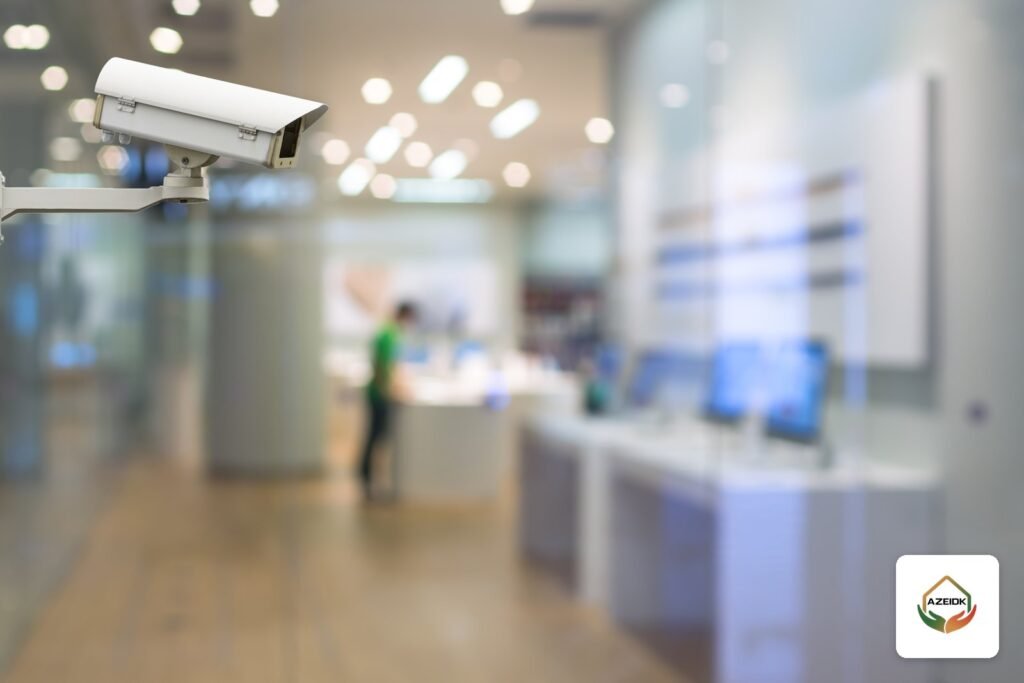
CCTV cameras for shops are planned by zone, not by a fixed number: one camera that captures faces at the entrance, one above the cashier that sees hands, drawer and screen, one on the stock room or loading door, then whatever the sales floor needs. In Saudi Arabia, the Executive Regulations of the Security Surveillance Cameras Use Law require covered facilities to cover entrances, stores and emergency exits, and ban audio recording without the Directorate’s approval. Changing rooms and toilets are among the places where cameras are prohibited, as reported by Okaz.
This guide covers the standalone shop and showroom. AZEIDK’s solutions for this sector are on the Malls and Commercial Buildings page.
To see the other systems malls and retail shops need and the steps to obtain the Salamah certificate, read our safety systems guide for malls and retail shops.
Key Takeaways
- Count cameras by zone: entrance, cashier, aisles, stock room, back door, and the shopfront if the shop is not inside an enclosed mall.
- Article 2 of the Executive Regulations lists facility entrances, stores and warehouses, emergency exits, fire equipment locations and goods loading areas among the locations to be covered.
- The Directorate issues a certificate confirming the installation requirements are met, and licensing bodies may not issue or renew a licence without it (Article 4).
- Audio recording is prohibited without the Directorate’s approval (Article 8); Okaz reported changing rooms and toilets among the places where cameras are banned.
- The retention period is set in the Security Conditions and Requirements Document, and is extended after a reported incident until the investigation ends.
In this article
- What Does the Saudi Law Require from a Retail Shop?
- How Many Cameras Does a Shop Need? Counting by Zone
- Where to Place CCTV Cameras for Shops: Cashier, Entrance and Stock Room
- Prohibited Places: Fitting Rooms, Toilets and Audio
- Recording and Retention: NVR or DVR?
- Remote Viewing on Your Phone Without Breaking the Rules
- Hikvision, Dahua or EZVIZ for a Shop?
- What Drives the Cost of a Shop CCTV System?
- Common Mistakes in Shop CCTV
- Frequently Asked Questions
- Conclusion
What Does the Saudi Law Require from a Retail Shop?
The binding framework is the Security Surveillance Cameras Use Law and its Executive Regulations, approved by Minister of Interior Decision No. 22688 together with the Security Conditions and Requirements Document, which sets the technical specifications, retention period and sign designs. In a report published on 6 October 2022, Okaz listed shopping centres and commercial complexes, places of economic and commercial activity, commercial warehouses and facilities providing food services among the covered categories. Whether a shop is covered depends on its category and the site’s sensitivity classification, so check this before design.
Do I Need a Licence to Install CCTV in My Shop?
What the Regulations address here is a certificate, not a purchase licence. Article 4 states that the Directorate issues a certificate confirming the camera installation requirements are met, and that licensing bodies will not issue or renew a licence without it where the activity is covered. For the law’s articles in full, see Saudi Security Surveillance Cameras Law.
Do Shops Inside Malls Need External Cameras?
Article 2 exempts shops inside enclosed shopping centres and office buildings from external cameras only. Internal cameras at the shop entrance and stock room are still required. A shop facing the street needs a camera covering the shopfront and the pavement outside.
How Many Cameras Does a Shop Need? Counting by Zone
Map the zones first, then give each zone one or more cameras based on what it must see. A wide-angle corner camera that sees the whole shop will not give you a clear face at the door or a readable banknote at the till.
| Zone | Basis | What the camera must see | Starting count |
|---|---|---|---|
| Main entrance | Article 2: facility entrances within face-identification range | Clear faces of people entering and leaving | One per entrance |
| Cashier (point of sale) | Operational practice, not named in Article 2 | Cashier’s hands, drawer, payment terminal and customer’s face | One above the counter, a second facing the customer if needed |
| Sales floor and aisles | Operational practice | Customer movement between shelves and high-value items | Depends on aisle length and shelf height |
| Stock room | Article 2: stores and warehouses | The stock room door and who goes in and out | One on the door from inside, another if the room is large |
| Back door and loading area | Article 2: goods loading areas and emergency exits | Deliveries and emergency door openings | Usually one |
| Shopfront | Article 2 exempts shops inside enclosed shopping centres | Pavement and vehicles in front of the shop | One or more outdoor cameras, depending on frontage width |
| Electrical or network room, if any | Article 2: entrances to telecom and electrical rooms | The room door | One |
The final count is set after a site survey, because ceiling height, lighting and glazing change each camera’s angle and lens.
Where to Place CCTV Cameras for Shops: Cashier, Entrance and Stock Room
Entrance
Mount the entrance camera inside the shop facing the door, at a height that shows faces rather than the tops of heads. The main problem is backlight: a glass front in daylight turns visitors into silhouettes, so use a camera with WDR or an angle that avoids direct light from the door.
Cashier
Fix the camera in the ceiling above the counter or slightly behind the cashier so it sees the drawer, payment terminal, scanned item and cash handed over. It must not capture the PIN the customer types; block that area with a privacy mask. If you also need the customer’s face, a second camera facing them from behind the till works better than one compromise angle.
Stock Room
Article 2 names stores and warehouses; in a shop this is usually a small back room. One camera on the door from inside, showing who enters and what leaves with them, is normally enough.
Sales Floor and High-Value Items
In phone, perfume and watch shops, dedicate a camera to the display case with the most expensive stock. In furniture and appliance showrooms, general aisle cameras are enough, since the aim is to follow movement rather than identify a product.
Prohibited Places: Fitting Rooms, Toilets and Audio
According to Okaz (6 October 2022), the law bans cameras inside certain places, including changing rooms, toilets, salons and women’s clubs. In a clothing or abaya shop, the fitting room stays outside coverage; only the floor in front of it is covered, at an angle that cannot see past the curtain or door.
Article 8 of the Regulations prohibits enabling audio recording, and the use of thermal cameras, without the Directorate’s approval. A number of current cameras pick up sound, including EZVIZ models that support two-way talk according to the manufacturer’s product pages, so check each camera’s audio setting and turn recording off at installation. The difference between a microphone and an audible alarm is covered in CCTV Camera with Audio. The same article requires warning signs at all facility entrances and exits in a visible place.
Recording and Retention: NVR or DVR?
The Regulations do not state a number of days; they refer to the Security Conditions and Requirements Document approved by the Minister of Interior, and the figure in its version in force at installation applies. Article 6 adds that after a reported incident, the responsible person undertakes in writing to keep the recordings until the investigation ends or the set period expires, whichever is longer, and hands them over only on a formal request from the competent authorities. Article 3 requires storage media to be dedicated to the camera system, so video must not sit on the accounts computer.
| Item | NVR (IP cameras) | DVR (HD analogue cameras) |
|---|---|---|
| Cable | Network cable, with power over the same cable (PoE) | Coaxial cable with separate power or PoC |
| Resolution and analytics | Wider choice of resolution and human/vehicle classification | Suits simple systems |
| When it suits a shop | New shops or showrooms that need more detail | Upgrading an old system while keeping the cabling |
Hard drive size follows camera count, resolution, frame rate, recording hours and the required period. See CCTV Storage and Bandwidth Calculation for the method, and the CCTV Cameras Guide for camera types.
Remote Viewing on Your Phone Without Breaking the Rules
Owners can watch the till from home or another branch through the manufacturer apps: Hik-Connect for Hikvision, DMSS for Dahua and the EZVIZ app. Viewing is one thing, moving recordings another: Okaz reported a SAR 20,000 fine for transferring or publishing recordings in breach of the law. So:
- Give each user a view-only account and limit export rights to the owner or manager.
- Change the recorder’s default password and update its firmware regularly.
- Do not post a theft clip on social media; hand it over only on a formal request.
Setup and permissions are covered step by step in Viewing CCTV Cameras on Your Phone.
Hikvision, Dahua or EZVIZ for a Shop?
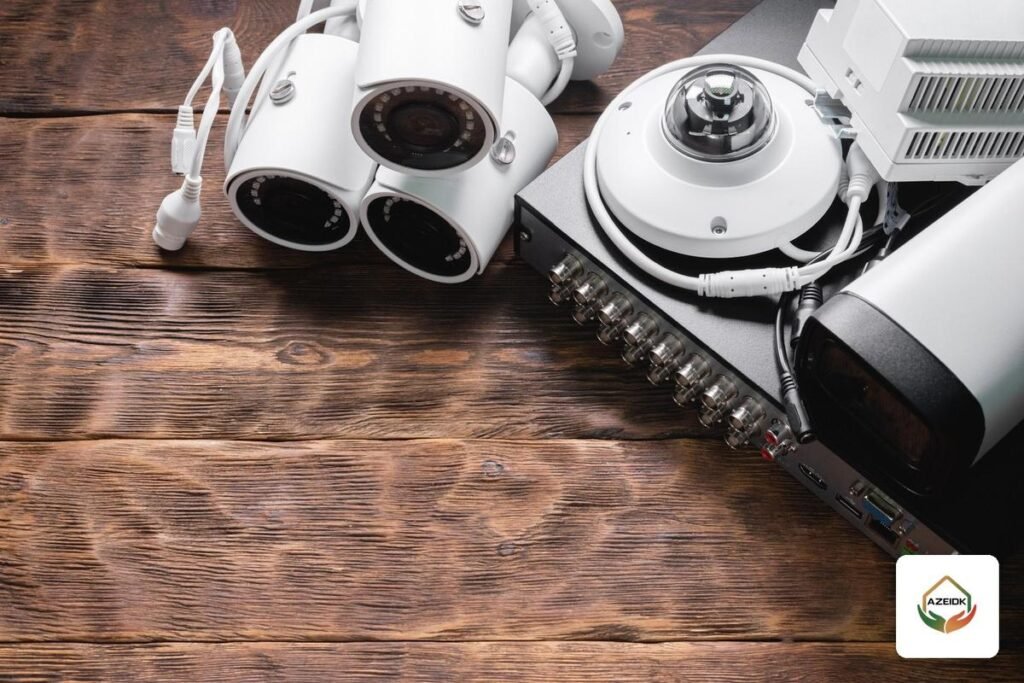
AZEIDK supplies cameras and recorders from Hikvision, Dahua and EZVIZ. EZVIZ wireless cameras suit a small shop with two or three cameras, card or cloud recording and phone viewing; a shop with a stock room, shopfront and more channels usually needs a wired Hikvision or Dahua system with a recorder. See EZVIZ Cameras for Shops and Homes, and for design, supply and installation, Security and Surveillance Systems.
What Drives the Cost of a Shop CCTV System?
Cost depends on the number and type of cameras (indoor or outdoor, fixed or varifocal), resolution, storage for the retention period, cable runs and how they are concealed, and whether the shop needs a monitor. Cost factors and how to compare quotes are explained in CCTV Camera Price in Saudi Arabia.
Common Mistakes in Shop CCTV
- One wide-angle corner camera in place of an entrance camera, so no face is visible when it matters.
- A cashier camera aimed at the screen but not the drawer, or one that exposes the PIN pad.
- Forgetting the stock room and back door, both named in the Regulations.
- Audio recording left on without the Directorate’s approval.
- A recorder near the till where it can be unplugged or taken, instead of in a locked cabinet.
- A hard drive too small for the required period, so footage is overwritten before it is needed.
Frequently Asked Questions
How many cameras does a small shop need?
One per entrance, one for the cashier, one for the stock room or back door, then whatever the floor and shopfront need. The count is confirmed after a site survey.
Can cameras be installed in fitting rooms?
No. Okaz reported changing rooms and toilets among the places where cameras are banned; only the area in front is covered, at an angle that cannot see inside.
Is audio recording allowed in shop CCTV?
Article 8 of the Regulations prohibits enabling audio recording without the Directorate’s approval, so audio recording is turned off at setup on any camera that picks up sound.
How long must CCTV recordings be kept?
The period is set in the Security Conditions and Requirements Document approved by the Minister of Interior, and is extended after a reported incident until the investigation ends.
What is the fine for not installing cameras?
According to Okaz (6 October 2022): SAR 1,000 per camera not installed as the Conditions Document requires, SAR 500 per camera that does not meet the technical specifications, and SAR 5,000 for not keeping recordings.
Is a Wi-Fi camera acceptable for a shop?
It suits a small shop for viewing and basic recording, but a shop covered by the law needs cameras that meet the specifications in the Conditions Document, which should be checked before buying.
Conclusion
Start with a zone map of entrance, cashier, stock room, back door and shopfront, and choose each camera for what it must see. Then settle retention, storage and phone access, keep out of prohibited places and leave audio off. All of this is easier before installation than at licence renewal.
Fitting out a new shop or renewing a licence? Send us the shop layout or photos and we will propose a camera layout and the right recorder from Hikvision, Dahua or EZVIZ. Contact the AZEIDK team
Related guides
- General Contracting and MEP Works in Fire Projects: Scope and Coordination
- Fire Alarm Brands in KSA: Who Makes What and How to Verify Each Model’s Approval
- CCTV Cameras in Jeddah: Hikvision, Dahua and Bosch, Supply and Installation, Priced per Project
- Smoke Control System Testing Before and After Handover: Sequence Tests, Airflow, Pressure Differences and Periodic Testing