
A visitor management system registers a visitor before arrival or at reception, issues a temporary credential limited to set doors and times, and closes it when the visitor leaves, with a record you can search later. It rarely works alone: its value shows when it is connected to the gates, access control devices and cameras that make up the building’s security and surveillance systems.
This article walks through the visit from pre-registration to check-out, compares visitor credential options, sets out the personal data points that apply under Saudi law, and explains how the system ties into equipment on site.
Key takeaways
- Visitor management complements access control rather than replacing it: staff hold permanent access, visitors hold access that expires on its own.
- Pre-registration shortens reception time and lets the host approve the visit before the visitor arrives.
- According to manufacturer documentation, central platforms such as Hikvision HikCentral Professional and ZKTeco ZKBio CVSecurity include visitor management modules.
- Face images and fingerprints are identifying biometric data, which SDAIA’s guide to the Personal Data Protection Law lists as sensitive data.
- Linking visits to gates and cameras turns a paper logbook into a record tied to entry and exit footage.
In this article
- What is a visitor management system, and how is it different from access control?
- How does a visit flow through the system?
- Visitor registration data: what is collected, and what are the legal limits?
- Visitor badge options: printed, QR or face recognition?
- Connecting visitor management to gates and cameras
- Choosing a visitor management setup by facility type
- Common mistakes in visitor management projects
- What AZEIDK provides for visitor entry
- FAQ
- Conclusion
What is a visitor management system, and how is it different from access control?
Access control manages known, permanently enrolled people: employees, residents and long-term contractors. A visitor management system handles people who come once or for a short time, so it adds steps an employee never needs: an appointment, a responsible host, an identity check and access that ends at a set hour.
In most buildings both run on one platform. The doors, readers and controllers database is shared, and the visitor module adds the appointment, reception and check-out workflow on top. For the credential technologies themselves (cards, fingerprint, face) and readers and controllers, see our article on access control technologies.
The traditional alternative is a reception logbook and a generic plastic “Visitor” card. It cannot tell you who is still inside, it does not stop a visitor opening any door the generic card opens, and it links no name to any camera recording.
How does a visit flow through the system?
Details vary by platform, but in offices and compounds the practical flow usually looks like this:
- Pre-registration: the host enters the visitor’s details, date and duration, or sends the visitor a registration link. Some platforms may send a QR code with the invitation; confirm this in the chosen platform’s documentation.
- Approval: the host or security officer approves the visit and assigns an access group: which doors, which floors, which hours.
- Arrival and identity check: reception matches the visitor’s ID to the appointment, either at a staffed desk or at a self-service kiosk.
- Credential issue: a temporary card, a QR code, or a face image enrolled only on the permitted devices.
- Host notification: the host is alerted that the visitor has arrived.
- Movement on site: only the assigned gates and doors open, and every passage is logged with a time stamp.
- Check-out: at reception or a self-service exit point, and the access is cancelled or simply expires at the end of the visit.
Hikvision’s HikCentral Professional documentation, for example, describes managing a visitor from registration to check-out, adding visitors one by one or by file import, grouping them by visit reason into access groups that set the permitted doors and floors, and self-service check-out points. Dahua’s visitor management solution describes quick access for pre-registered visitors and an instant temporary credential for walk-ins after their ID is verified, with automatic host notification.
Visitor registration data: what is collected, and what are the legal limits?
Typical fields are name, mobile number, company, host, purpose, time in and time out, and sometimes a face image and vehicle plate. Every extra field is extra responsibility.
Saudi Arabia’s Personal Data Protection Law was issued by Royal Decree M/19, amended by Royal Decree M/148, and came into force on 14 September 2023, as announced by the Saudi Data and AI Authority (SDAIA). Points from SDAIA’s guide to the law that bear directly on visitor registration include:
- Do not collect more personal data than the purpose needs, and collect none if there is no need for it.
- Tell people how their data is processed and the legal basis for collecting it.
- Destroy personal data the organisation no longer needs.
- Biometric data that identifies a person, such as a face image used for matching, is sensitive data, and consent to process it must be explicit.
In practice, the registration screen or kiosk shows a short purpose notice, the retention period for visitor records is set in writing, and access to the log is limited to security and management. These are general technical points; each organisation’s legal position is for its own legal adviser.
Visitor badge options: printed, QR or face recognition?
The credential decides reception speed, consumable cost and how much data you hold. The comparison below is general; confirm support for each method in every device’s and gate’s datasheet.
| Credential | How it works | Suits | Watch out for |
|---|---|---|---|
| Temporary RFID card, issued and returned | Linked to the visitor at reception, cancelled at check-out | Staffed receptions in offices and factories | A return box at the exit, and tracking lost cards |
| Printed paper badge with photo, name and code | Printed on a label printer and worn visibly | Buildings that want visitors easy to spot | Needs a QR or barcode reader if it is to open gates |
| QR code on the phone | Sent with the invitation and read at the gate | Scheduled visits and high volumes | Reader QR support, and a time-limited code that cannot be reused |
| Face recognition | Visitor’s image enrolled on selected devices for the visit | Sites that want card-free entry | Sensitive data: explicit consent, and deletion once the purpose ends |
| Manual log with escort | No electronic access; staff escort the visitor | Highly sensitive areas or rare visits | No passage log beyond what reception writes down |
A practical rule: a visitor credential never gets “all doors”. Most visitors need the building entrance, the lift to the host’s floor and the meeting room.
Connecting visitor management to gates and cameras
Turnstiles and parking barriers
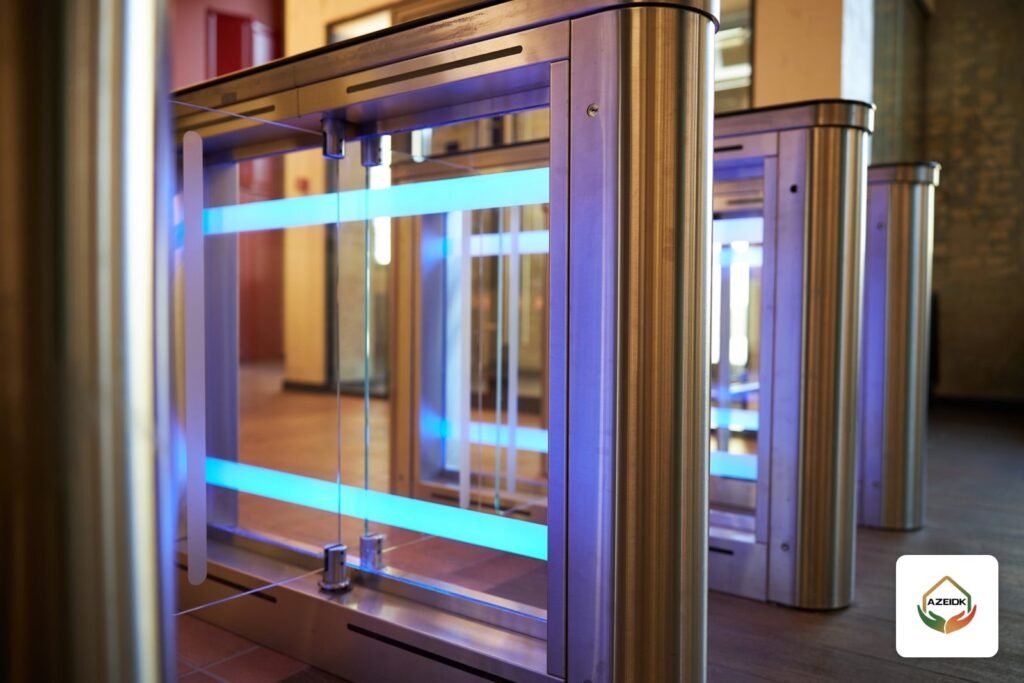
The real checkpoint is the gate: a tripod turnstile, a swing or flap barrier, or a full-height turnstile. A reader that supports the chosen visitor credential opens it only within the permitted window and logs the passage. Vehicles follow the same logic: the visitor’s plate is saved with the appointment, the entry unit reads it and lifts the barrier. Gate types, throughput and egress requirements are covered in our access gates and turnstiles guide, so we do not repeat them here.
Cameras
When the passage log is linked to the camera facing the gate, you can jump from a visitor’s name straight to the entry clip instead of searching hours of footage. Entrances, reception areas and car park entrances are among the locations addressed by the Saudi law on the use of security surveillance cameras; see our article on CCTV law obligations.
Fire alarm and evacuation
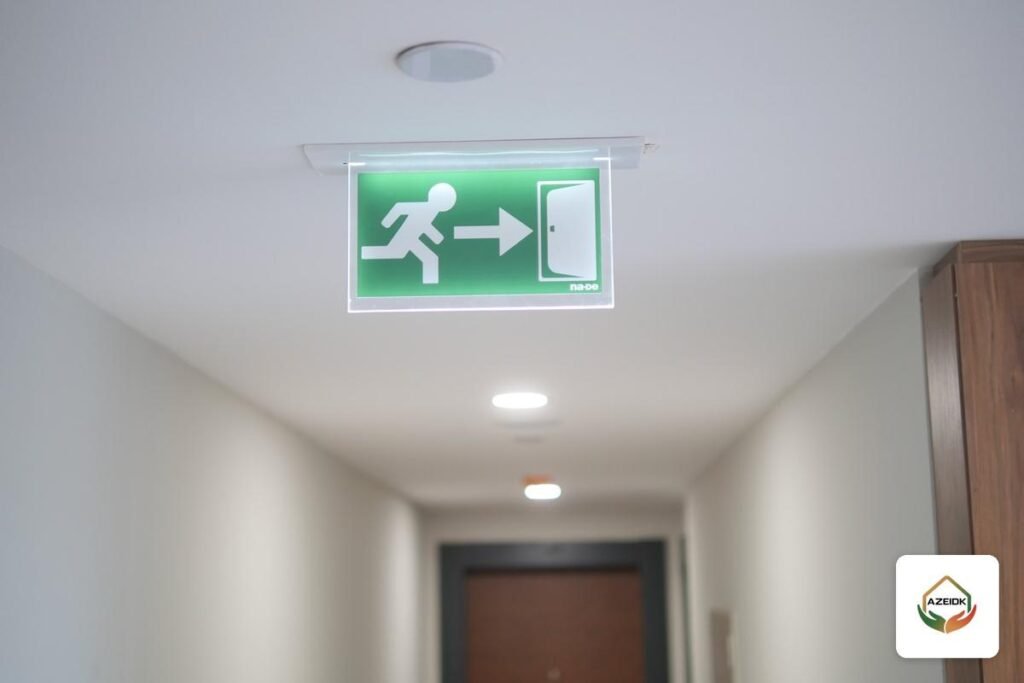
Gates and doors on an exit route behave on fire alarm as the approved building design specifies. Visitor management adds one more benefit: a list of who is inside at the moment of the alarm, which helps the evacuation lead at the assembly point see who has not come out, provided check-out is enforced. Linking the alarm signal to emergency doors and the evacuation system is programmed in the fire alarm panel’s cause and effect matrix, which our programming and systems integration service covers.
Choosing a visitor management setup by facility type
| Facility | Visit pattern | Focus |
|---|---|---|
| Offices and headquarters | Scheduled meetings | Pre-registration, QR, host alerts, single-floor access |
| Residential compounds | Residents’ guests, deliveries, maintenance | Resident-created passes, plate recognition at the gate, intercom link |
| Factories and warehouses | Suppliers, drivers, contractors | ID checks, clearly restricted zones, escorts in production areas |
| Healthcare facilities | High volumes of patient visitors | Fast reception, visiting-hour limits, ward-specific access |
| Government and semi-government buildings | Appointments and walk-in applicants | ID checks, a complete log, personal data controls |
Common mistakes in visitor management projects
- Buying the software before checking that existing readers and gates support the chosen visitor credential, such as QR.
- One generic visitor card with permanent access that stays active if it is not returned.
- No check-out point, so the “on site” list is wrong and useless during an evacuation.
- Capturing face or ID images with no purpose notice and no defined retention period.
- Leaving the platform server unpatched, even though it sits on the network and holds personal data.
- Not linking the visitor log to cameras, which turns any investigation into hours of searching.
- Skipping reception staff training, so the site drifts back to the paper logbook within weeks.
What AZEIDK provides for visitor entry
In Saudi Arabia, AZEIDK supplies, installs and programmes access control, turnstiles, parking barriers, CCTV and intercom from Hikvision, Dahua and ZKTeco: the devices a visitor actually passes through. Examples on our site include the ZKTeco FaceDepot-7B face recognition access terminal, swing and tripod turnstiles from Dahua and ZKTeco, and parking barriers from Hikvision and BFT.
AZEIDK covers the hardware side: supply, installation and programming. The visitor management software itself depends on the management platform chosen for the project and its requirements, and its scope and licensing are agreed between the project owner and the platform vendor. Maintenance for low current systems, CCTV and access control runs under its own contract, separate from fire systems maintenance.
FAQ
What is the difference between visitor management and access control?
Access control manages permanent access for enrolled people. Visitor management adds the appointment, host, ID check and temporary access that expires automatically, usually on the same platform.
Can visitor registration be added to an existing access control system?
Often, yes, if the current platform supports a visitor module and the readers support the required credential. Start with a survey of existing devices and software versions.
Do we need to capture visitors’ faces?
Not technically. A face image is sensitive data under the Personal Data Protection Law, and a temporary card or QR code is enough for most offices.
How does a QR visitor pass work at the gate?
A code tied to the appointment is sent to the visitor and read by a QR-capable reader on the gate, which opens only within the permitted window. Check reader support in the datasheet.
How long should visitor records be kept?
This article sets no period. The general rule in SDAIA’s guide is to destroy data that is no longer needed, and each organisation sets its policy with its legal adviser.
Conclusion
A visitor management system works when it is designed as a complete flow: appointment, identity check, limited access, recorded exit. Software alone is not enough; readers, gates, cameras and a written personal data policy are what make the record accurate and useful. The best time to settle this is at design stage, before devices are chosen.
Planning visitor entry for an office or compound? Send us the number of entrances, gate types and existing devices, and we will propose suitable equipment and how to connect it. Talk to the AZEIDK team
Related guides
- FM200 Installation: Cylinders, Piping, Nozzles and Releasing Panel
- Saudi Local Content Certificate: What It Is and How It Affects Fire and Security Equipment Supply
- Smoke Control System Testing Before and After Handover: Sequence Tests, Airflow, Pressure Differences and Periodic Testing
- Fire and Security Project Certificates in Saudi Arabia: SABER, UL/FM, LPCB and Local Content