A snag list for fire and security systems is a written record of every defect or incomplete item the owner or consultant finds when inspecting the works near completion, with the exact location, the party responsible and a target date for each. It is prepared once the contractor declares the systems ready, closed out item by item with evidence, and followed by acceptance testing and handover documents before the Civil Defense inspection is requested. This article explains how to build the list, how to close it, and how it ties into testing, commissioning and handover.
Key takeaways
- Snag list and punch list mean the same thing: the defects and outstanding items to close before or during handover.
- Every item needs a number, an exact location, a measurable description, a severity category, an owner, a date and a way to prove closure.
- Items that affect system operation or life safety are closed before acceptance tests; cosmetic items can be scheduled.
- An item is closed by re-inspection or re-test, not by the contractor’s signature alone.
- Preparing for the Civil Defense inspection starts once safety items are closed and the handover file is complete.
In this article
- What is a snag list?
- When is the fire system snag list prepared?
- Who should attend the inspection walk?
- How to write an item that can be closed
- Common snag list items on fire and security systems
- How to close out a snag list
- The handover file that goes with close-out
- From snag list to Civil Defense inspection
- Frequently asked questions
- Conclusion
What is a snag list?
It is a working document written by the consultant or the owner’s representative during the inspection walk, also called a punch list. It differs from Civil Defense inspection findings: the snag list is internal between owner and contractor and comes before handover, while authority findings are issued after an inspection is requested. The purpose of the snag list is to reach the official inspection with no known defects.
On fire and security packages the list usually covers several systems at once: the fire fighting and sprinkler network, the fire pump room, fire hose cabinets, fire alarm, special suppression, emergency lighting, and CCTV and access control. It is best split by system and by floor.
When is the fire system snag list prepared?
It starts when the contractor issues a notice that the works are ready for inspection. Before that notice, the contractor should walk the job internally and fix what it finds, because a long list on the first walk means repeated rounds and lost time for both sides.
The practical sequence on most projects:
- Installation complete and the contractor’s pre-commissioning tests done, such as the hydrostatic pressure test of the networks.
- Joint inspection walk and preparation of the snag list.
- Close-out of items and re-inspection.
- Functional acceptance tests witnessed by the consultant or owner.
- Handover file submitted, then the Civil Defense inspection requested.
Who should attend the inspection walk?
A useful walk includes people who can make decisions on site: the consultant’s fire engineer, the owner’s representative, the contractor’s engineer responsible for each system, and a technician who can operate panels and open cabinets and rooms. The owner’s operation and maintenance lead is worth bringing too, because they will live with the system after handover and will spot what is hard to reach or maintain.
Before the walk, prepare the latest approved drawings, the approved materials list and a blank copy of the agreed list template. On large projects, split the walk by system so one long tour does not turn into quick, vague notes.
How to write an item that can be closed
Most close-out disputes come from vague items. “Poor finish on fire cabinets” cannot be closed because “poor” is not defined. A better entry reads: “Fire hose cabinet, second floor, east corridor: door does not close fully, hose not wound on the reel.” The contractor knows what to do, and the consultant knows when the item is closed.
| Field | What it needs | Example |
|---|---|---|
| Item number | A fixed number that is never reused | FA-03-012 |
| System and location | System, building, floor, room or device number | Fire alarm, third floor, electrical room |
| Description | What exists and what is required | Smoke detector close to an AC diffuser, relocate per approved drawing |
| Category | Prevents operation or testing, affects approval, or cosmetic | Affects approval |
| Owner and date | Responsible party and agreed close-out date | Fire alarm subcontractor, before re-inspection walk |
| Proof of closure | Before and after photo, test result or re-inspection signature | Photo after relocation and consultant signature |
Common snag list items on fire and security systems
Every project is different, but these items come up again and again:
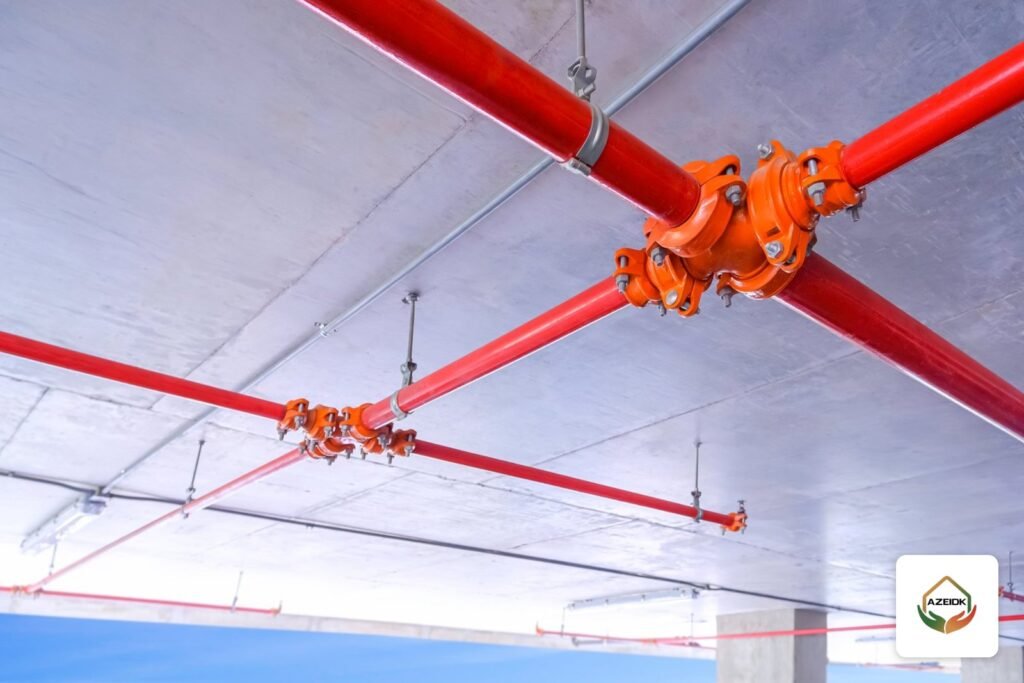
- Fire fighting: valves without connected supervisory switches or identification signs, missing hangers, sprinklers painted or still covered with protective caps after finishing, and hose cabinets with missing equipment.
- Fire pump room: pressure gauges missing or unreadable, controllers without an operating diagram, and incomplete ventilation or drainage. See fire pump acceptance testing for what is actually tested.
- Fire alarm: devices without address labels, earth or circuit faults on the panel, devices that do not match the approved drawing, and an incomplete cause and effect matrix. Details in our cause and effect matrix guide.
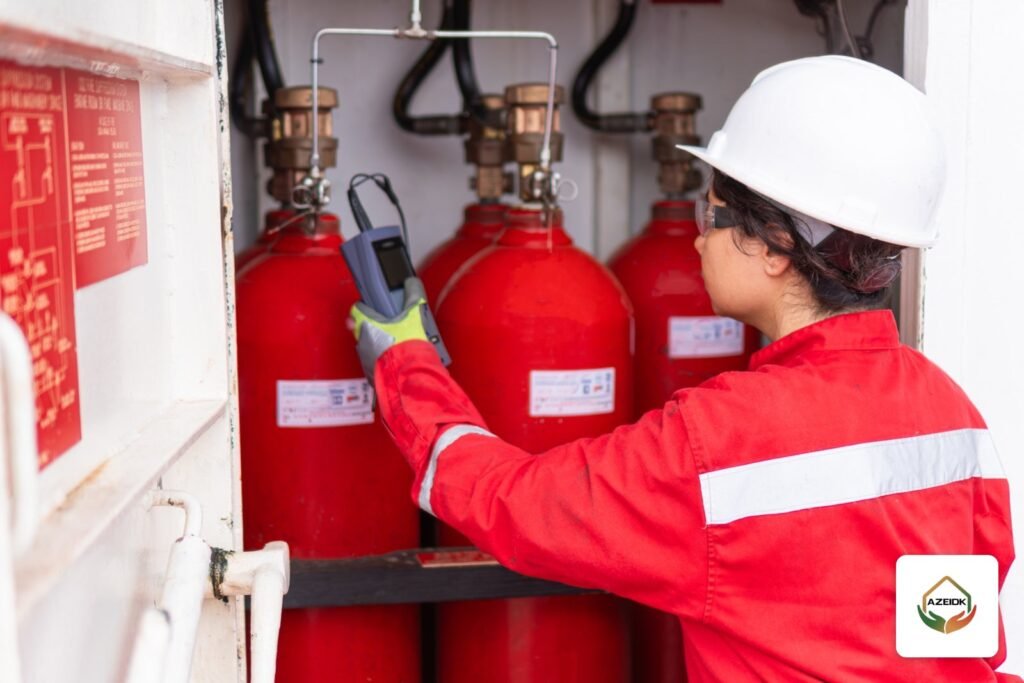
- Special suppression: unsealed openings in the protected room that will affect the room integrity test, and missing warning signs on doors.
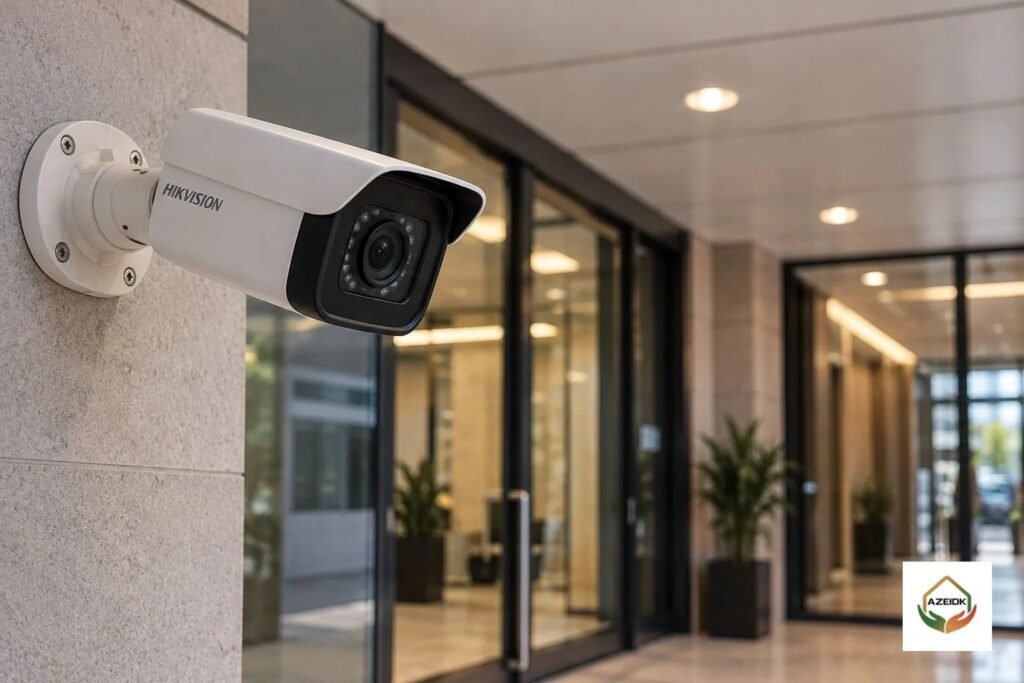
- Security and CCTV: cameras whose view does not match their purpose, recording that does not cover the required retention, and default passwords left unchanged.
How to close out a snag list
Proper close-out has three steps. First, the contractor fixes the item and records the fix with a photo or test result. Second, the consultant re-inspects and either closes the item or reopens it with a reason. Third, the list is updated with the status of every item, so the parties do not hold conflicting copies.
Items categorised as “prevents operation or testing” are closed before the functional acceptance tests, because testing a system with a known defect wastes time and has to be repeated. Cosmetic items can follow an agreed schedule after handover if the contract allows it. Under FIDIC 2017 contracts, for example, Sub-Clause 10.1 allows the Taking-Over Certificate to be issued with minor outstanding work and defects listed in it, provided they will not substantially affect the safe use of the works for their intended purpose.
On fire systems, any item that affects the system’s readiness to detect or suppress a fire is not “minor” in that sense and must be closed before handover.
The handover file that goes with close-out
Closing the list is not enough. The owner needs a file proving the system was tested and can be operated and maintained. Technical standards define some of these documents: NFPA 72 Chapter 7 covers completion documents for alarm systems, including the Record of Completion, record drawings, the owner’s manual and a copy of the site-specific software where it applies. For sprinkler systems, the Contractor’s Material and Test Certificate form used under NFPA 13 records the tests.
A typical file includes as-built drawings, signed test reports, datasheets and certificates for installed equipment, operation and maintenance manuals, a spare parts list and a planned maintenance schedule. Our documentation and final handover service covers this file, and the article on fire safety log books and records explains what is kept after handover.
From snag list to Civil Defense inspection
Civil Defense does not review your internal list. Inspectors look at the facility and its systems. A well closed snag list still reduces inspection findings, because most of what an inspector notes could have been found in the internal walk. Before requesting the inspection, use the Salamah inspection checklist on our site, read our Salamah certificate guide for the licensing route, and consider Civil Defense approval support.
Frequently asked questions
What is the difference between a snag list and a punch list?
They mean almost the same thing: the list of defects and outstanding items before handover. “Snag list” is more common on projects following British practice, “punch list” on those following American practice.
Who prepares the snag list?
Usually the consultant or the owner’s representative during the joint inspection, ideally after the contractor has done its own internal check.
Can handover happen before every item is closed?
It depends on the contract. Some contracts allow taking over with minor outstanding work that does not affect safe use. On fire systems, anything that affects system operation must be closed before handover.
How do I prove an item is closed?
With a before and after photo or a signed test result, followed by a consultant re-inspection that closes the item in the single shared list.
Is the snag list the same as Civil Defense findings?
No. The snag list is internal between owner and contractor before handover. Civil Defense findings come from the official inspection. A good snag list reduces those findings.
What delays snag list close-out most?
Vague items, several versions of the list, no owner or date per item, and waiting for materials that are not yet approved or delivered.
Conclusion
A snag list for fire and security systems is a tool for handing over a system with no known defects. Write each item with a location and a measurable description, categorise it by its effect on safety and approval, and close it with evidence and re-inspection. Acceptance tests and the handover file come next, then the Civil Defense inspection with the system ready.
Approaching handover on a fire or security project? The AZEIDK team can help with inspection, testing, snag close-out and the handover file. Talk to the AZEIDK team
Related guides
- Data Center Fire Protection Guide: Detection and Suppression
- Fire Alarm Companies in Jeddah: Comparing Distributors, Consultants and Contractors
- Low Current Systems for Hospitals: Network, CCTV, Access Control, PA and Fire Alarm as One Package
- IP PBX Price in Saudi Arabia: What Drives the Cost (Lines, Phones and Licensing) and How to Compare Quotes