
Fire alarm false alarms repeat in many buildings until occupants ignore the sounders, or someone silences the panel and isolates a whole zone. The real danger is that nobody reacts when a fire actually starts.
This article explains how unwanted alarms are classified, how to read the panel’s event record to find the cause, and which fixes work at detector, installation, maintenance and management level. It supports AZEIDK Egypt’s fire detection and alarm solutions.
Key takeaways
- NFPA 72 groups unwanted alarms as malicious, nuisance, unintentional or unknown.
- Most cases trace back to detector selection, siting, inspection, testing or maintenance.
- Record the panel message before any reset; a reset erases the diagnostic information.
- Alarm delays and reduced sensitivity are engineering decisions needing the authority’s approval, because they also delay response to a real fire.
- Isolating a zone for one detector leaves part of the building unprotected. Fix the cause.
In this article
- What counts as a false alarm?
- Causes of false alarms in fire alarm systems
- Diagnosis: from the panel message to the root cause
- Causes and fixes at a glance
- Design and installation fixes
- Alarm delay and verification in NFPA 72
- Maintenance and system management
- Common mistakes when dealing with false alarms
- Context Plus systems from AZEIDK Egypt
- Frequently asked questions
- Conclusion
What counts as a false alarm?
A false alarm is any activation not caused by a fire or hazardous condition. NFPA 72 (National Fire Alarm and Signaling Code) calls it an “unwanted alarm”. As an NFPA article explains, the code divides it into four groups:
- Malicious: deliberate activation with bad intent, such as breaking a manual call point (MCP) for no reason.
- Nuisance: a detector operated by a non-hazardous condition, such as steam, cooking fumes or dust.
- Unintentional: someone triggers the alarm by accident, for example by knocking a device during maintenance work.
- Unknown: no cause is found after investigation.
UK Fire Industry Association (FIA) guidance adds “good intent” alarms (someone reports smoke they believe is a fire) and “equipment” alarms (a faulty device). Recording the category of each incident is the first step.
The legally binding reference in Egypt is the Egyptian Code for the Design and Implementation of Fire Protection for Buildings — 2026 edition (Ministerial Decree No. 355 of 2026). Its third part covers electrical requirements, detection and alarm, alongside what the General Directorate of Civil Protection (Ministry of Interior) approves on the drawings. NFPA 72 and FIA guidance are technical references, not Egyptian legal requirements.
Causes of false alarms in fire alarm systems
An NFPA article traces most nuisance alarms to five areas: detector selection, installation (siting and wiring), inspection, testing and maintenance.
The wrong detector for the space
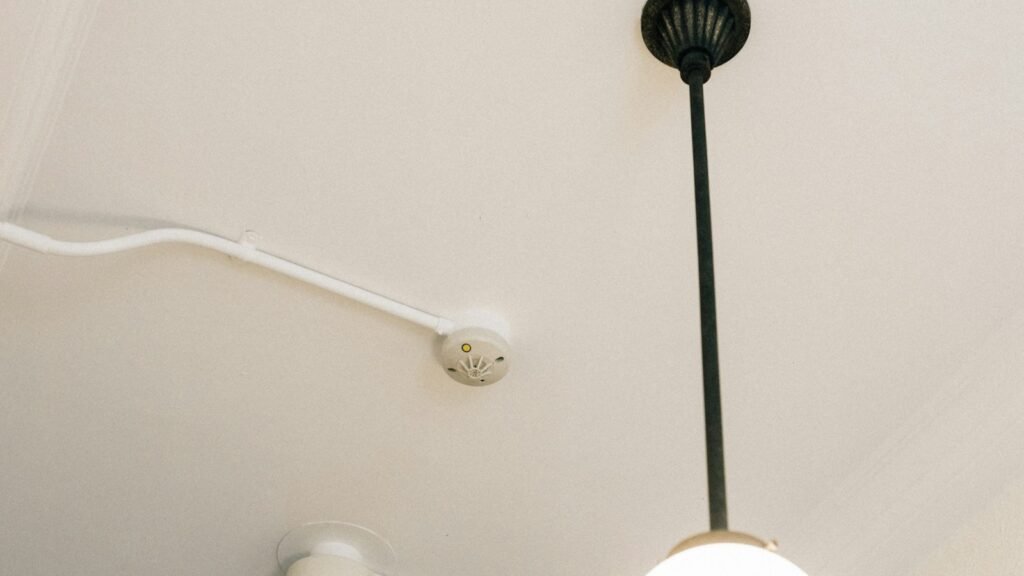
A smoke detector in a kitchen, boiler room or welding workshop responds to what happens there every day; the FIA cites a smoke detector in a room used as a kitchen as a clear design error. Selection by space is covered in our smoke and heat detector selection guide.
Environmental sources near the detector
Steam from bathrooms and kettles, cooking fumes, burnt toast, aerosols, cigarette smoke, insects and dust. Direct airflow from AC outlets, and strong drafts around heat detectors, add to the list.
Building works without control
Painting, sanding, cutting and welding release dust and fumes. Without coordination with the person responsible for the system and an approved procedure for limited, temporary isolation, an alarm is close to certain, and dust may stay inside the detectors afterwards.
Poor maintenance
Dust and insects inside the detector chamber make it more sensitive than intended. The FIA notes that a poorly maintained detector can become oversensitive.
Wiring faults and moisture
Moisture in junction boxes or in modules installed in exposed locations, or damaged cable insulation, can produce incorrect signals or intermittent faults, so install modules in dry, accessible spaces.
User error and malicious activation
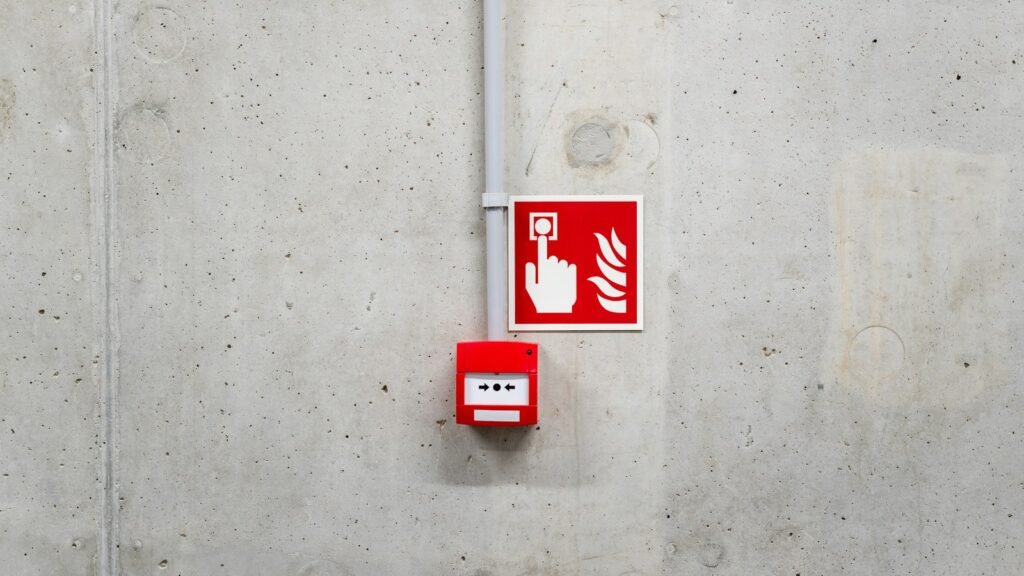
An MCP can be operated by accident while moving furniture, or broken on purpose. The FIA notes call points are rarely a source of unwanted alarms; where the risk exists, consider a protective cover with local management. See our article on manual call points and sounders.
Diagnosis: from the panel message to the root cause
FIA guidance sets out clear steps for every alarm:
- Silence the alarm, but record what the panel shows before any reset.
- Read the panel message to identify the device or zone that raised the alarm.
- Go to the location and find the device that operated.
- Look for the direct cause: steam, food, dust, damage or tampering.
- If no device or cause is found, call the maintenance contractor.
- Record the full incident in the system logbook.
What to record for each incident
Date and time, location, device, category, activity in the area, what the panel displayed, the action taken and who attended. Patterns then appear: alarms before mealtimes point to cooking, and repeated morning alarms on one floor may point to AC start-up or steam cleaning.
Conventional vs addressable panels in diagnosis
A conventional panel shows the zone, so the technician checks every detector in it. An addressable panel shows the device itself by address and location text and stores an event log, so a repeat-offender detector is found much faster.
Causes and fixes at a glance
| Symptom in the log | Likely cause | Suggested fix |
|---|---|---|
| Alarms from a kitchen detector around cooking times | Smoke detector exposed to cooking fumes | Review type and position with the designer; move it away from the fumes |
| Alarms from a detector near a bathroom or kettle | Steam | Relocate it, or change its type after reviewing the space |
| Alarms after finishing or maintenance works | Dust inside detectors and uncoordinated works | Clean or replace detectors; set a works and isolation procedure |
| One detector keeps alarming with no visible cause | Internal contamination or a device defect | Check sensitivity per the manufacturer; clean or replace |
| Intermittent alarms or faults in one area | Moisture in junction boxes or cable damage | Inspect connections, test insulation, repair |
| MCP operated with no fire | Accidental or malicious operation | Protective cover where needed, plus occupant awareness |
| Alarms in a space whose use has changed | Detector chosen for the previous use | Reassess type and position |
Design and installation fixes
The FIA recommends assessing likely sources of unwanted alarms in each space before choosing detector type and position. NFPA warns against placing detectors near cooking sources on a “something is better than nothing” basis, because repeated alarms later lead people to disable the system.
- Match the detector to the real activity in the space, not its name on the drawing.
- Keep detectors away from air-conditioning outlets and from steam and fume sources.
- Do not swap smoke for heat detectors in bedrooms or archives just to stop alarms; you lose early warning.
- When a space changes use, review the detector type and position.
- Install modules and junction boxes in dry places that are easy to reach for inspection.
Alarm delay and verification in NFPA 72
NFPA 72 allows programmed features that reduce nuisance alarms, but each comes with conditions. The timings below follow EC&M’s explanation of the 2016 edition; check the edition adopted for the project and the panel manufacturer’s instructions before programming.
Alarm verification
The panel delays a smoke detector’s alarm by no more than 60 seconds to confirm the condition persists, with no human action. It is normally not combined with presignal systems or cross-zoned detectors, so delays do not stack up.
Positive alarm sequence
It needs the authority’s approval and must be shown on the drawings. The first alarm must be acknowledged within 15 seconds, or notification starts automatically. Trained personnel then have 180 seconds to investigate and reset; otherwise, or if a second device alarms, notification starts at once.
Time-based sensitivity changes
Some panels reduce sensitivity or switch to heat-only mode during busy hours, then return to normal overnight. The FIA warns that reduced sensitivity always delays the response to a real fire. Use them only on the designer’s decision, within the manufacturer’s instructions and with the authority’s approval, never as a quick fix.
Maintenance and system management
The full inspection and testing programme is covered in our article on fire system maintenance. For unwanted alarms specifically:
- Appoint a responsible person to record events and to be consulted before any work that could cause an alarm.
- Write a temporary isolation procedure for works: which devices, for how long, who restores them, and what alternative watch is kept.
- Clean detectors and test sensitivity per the manufacturer’s instructions.
- Review the logbook at every visit for repeat devices.
- Ask the contractor for a report of causes and actions, not just a reset.
AZEIDK Egypt provides testing, commissioning and maintenance services for alarm systems, including event log reviews.
Common mistakes when dealing with false alarms
- Resetting the panel without recording the message.
- Isolating a zone or silencing the panel for days because of one detector.
- Removing the offending detector and leaving its position empty.
- Reducing sensitivity or adding a delay without engineering approval.
- Leaving dust covers on detectors after works.
- Cleaning a detector but ignoring a permanent cause such as an AC outlet or steam source.
- Keeping no incident log, so every alarm looks like the first.
Context Plus systems from AZEIDK Egypt
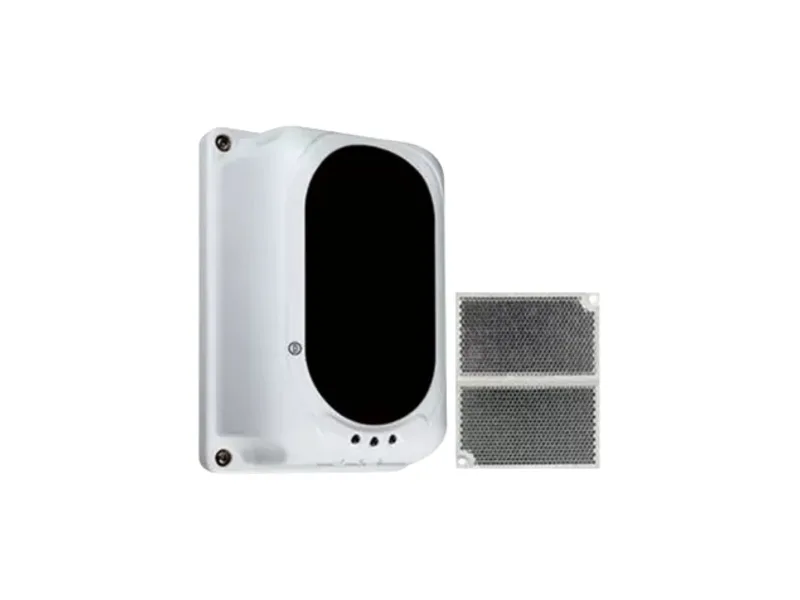
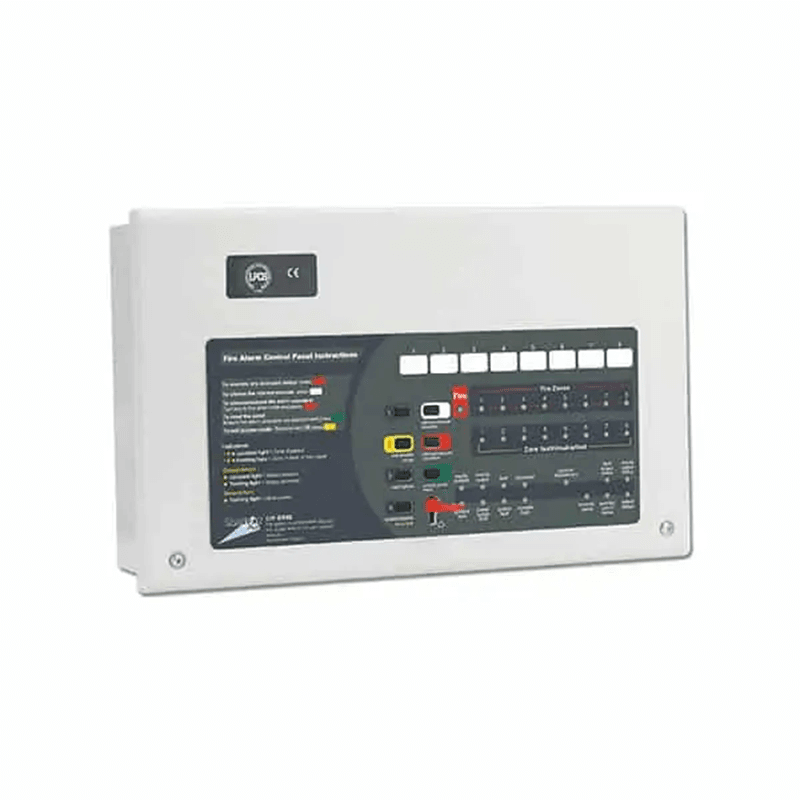
AZEIDK Egypt supplies British-made Context Plus systems: ZFP addressable panels, CFP and FP conventional panels, Series 65A conventional smoke and heat detectors, 55000-268 reflective beam detectors, MCPs, sounders and beacons, and input/output modules. Approvals vary by model; check the datasheet for each one. Our team helps select detectors at design stage and reviews existing systems with repeated alarms.
Frequently asked questions
Should I isolate the zone that keeps alarming?
No. Isolation leaves part of the building without detection. Identify the device from the panel message and fix its cause, using limited, supervised, temporary isolation only when necessary.
Is replacing a smoke detector with a heat detector enough?
It may suit a space where cooking or steam is normal. In bedrooms, offices and archives it responds more slowly and you lose early warning. The designer decides after reviewing the space.
Why should I not reset the panel straight away?
A reset erases the information that shows the source. Record the message, device and zone first.
Can the panel be programmed to delay the alarm?
NFPA 72 allows alarm verification (up to 60 seconds, per EC&M’s reading of the 2016 edition) and a positive alarm sequence with the authority’s approval. Both are engineering decisions, not maintenance actions.
How do I know the detector itself is the problem?
If the same device keeps alarming with no visible cause, check its sensitivity and cleanliness per the manufacturer, and replace it if out of range.
Conclusion
An unwanted alarm is a symptom of a cause you can find: the wrong detector, a position near steam or AC, moisture in the wiring, missing maintenance or uncoordinated works. The fix starts with the panel message and a good log, then deals with the cause. Silencing the system only hides it.
Is your system giving repeated false alarms? Send us the panel type, the recent event log and the type of spaces affected, and we will help you find the cause and the right fix. Talk to the AZEIDK Egypt team