
Building security is most effective when closed-circuit television (CCTV), access control, intrusion alarm and intercom are designed as one system: doors decide who enters, the intrusion alarm flags unauthorized entry, cameras record events, and the intercom verifies visitors before a door opens. It must also respect egress in a fire and the Saudi Law on the Use of Security Surveillance Cameras.
Key takeaways
- Design the four systems around one risk assessment and one schedule of doors and zones, not as separate purchases.
- The International Building Code (IBC) has two arrangements for electrically locked egress doors: sensor release unlocks on fire alarm or sprinkler activation and on power loss; door hardware release unlocks through door-mounted hardware and on power loss.
- The surveillance cameras law requires covered entities to operate cameras around the clock and keep recordings for the periods set in the Requirements Document.
- Its Executive Regulation requires dedicated storage media, and National Cybersecurity Authority requirements for links to other networks, after Ministry approval.
- ONVIF profiles help connect devices from different brands, provided the exact model is conformant.
In this article
- The four parts of a building security system
- How the systems work together
- Step-by-step: designing an integrated security system
- Fire alarm interfaces and escape doors
- Network and storage planning
- The Saudi surveillance cameras law: what it means for design
- Maintenance and system readiness
- Common mistakes and what drives cost
- How AZEIDK helps
- FAQ
The four parts of a building security system
Each system has a different role:
| System | What it does | Main components |
|---|---|---|
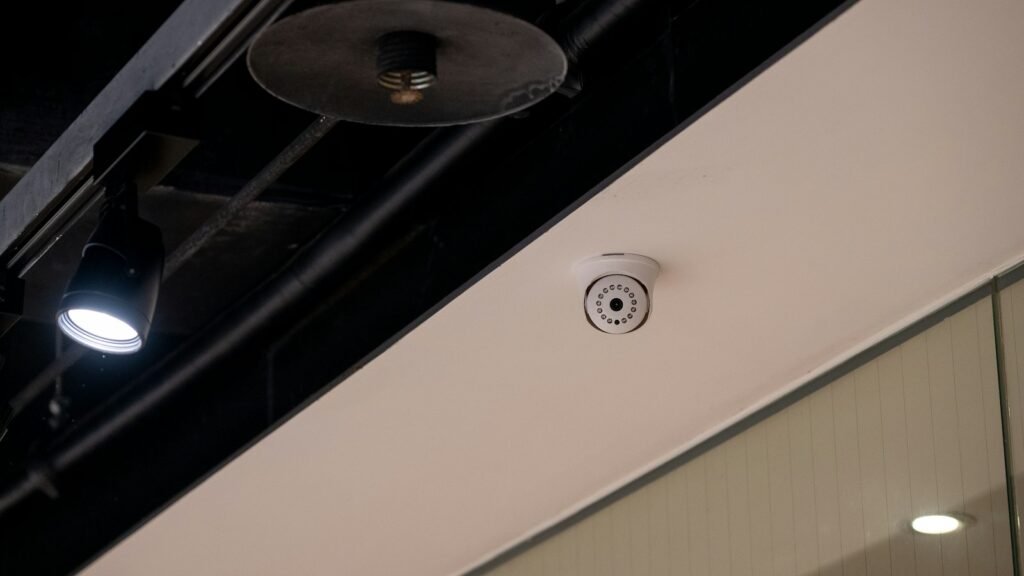
| CCTV | Live monitoring, event recording and alarm verification | IP or analog cameras, network or digital video recorders (NVR, DVR), video management software (VMS) |
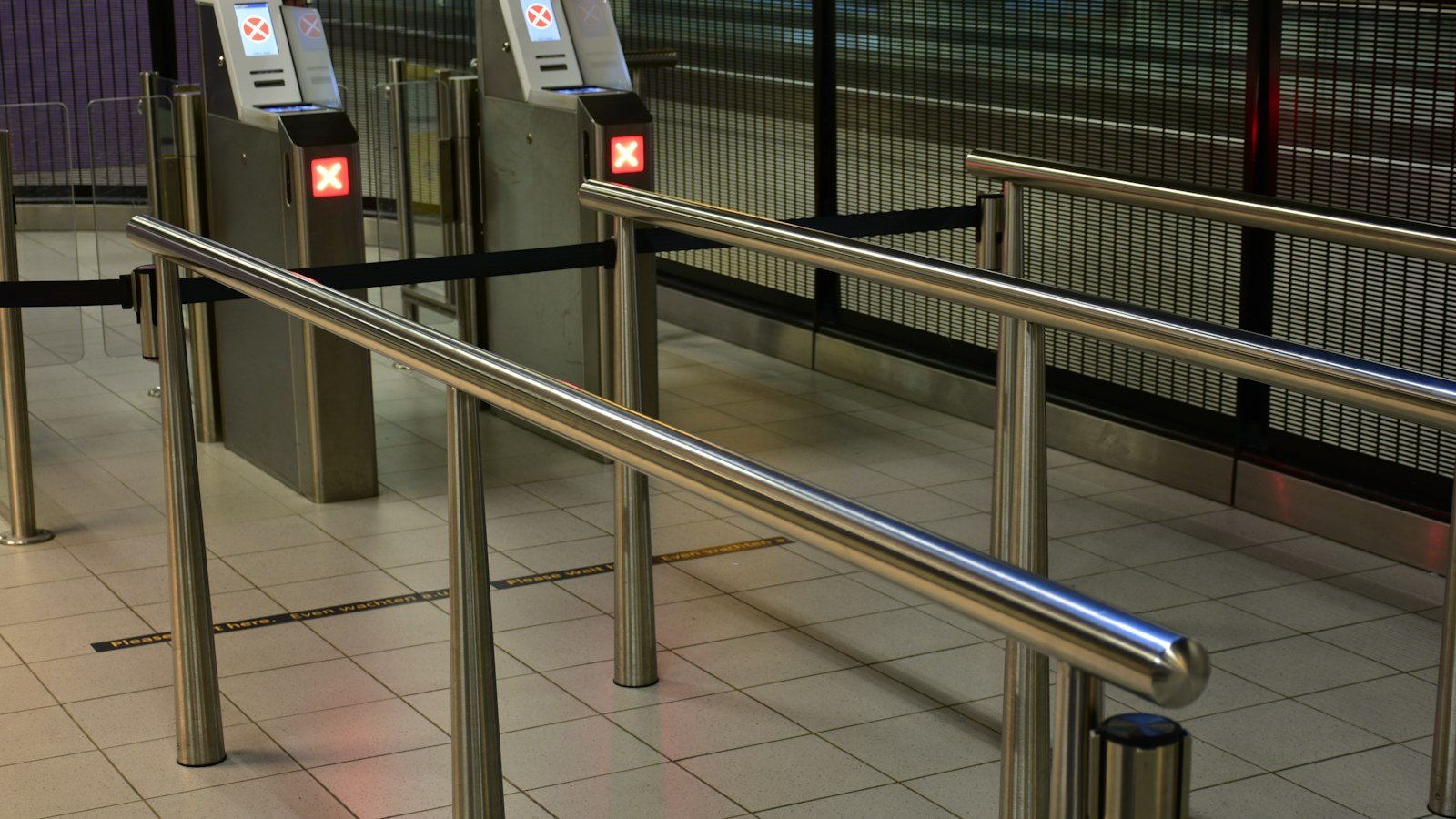
| Access control | Decides who opens which door and when, and logs each event | Credentials, readers, controllers, electrified locks, door contacts |
| Intrusion alarm | Detects unauthorized entry, especially out of hours | Control panel, motion detectors, door and window contacts, glass-break detectors, keypads |
| Intercom | Verify visitors by voice and video; release doors remotely | Outdoor door stations, indoor monitors, guard station |
Choosing between IP and analog cameras, and pixel density, is covered in our IP vs analog CCTV guide, and credentials and locks in our access control technologies guide. For intrusion alarms, the European standard EN 50131-1 defines four security grades, from Grade 1 (low risk) to Grade 4 (high risk), and four environmental classes; the grade follows each zone’s risk.
How the systems work together
Integration means everyday scenarios agreed at design stage, usually run through the VMS or a unified security platform:
| Scenario | What happens | Systems involved |
|---|---|---|
| Door forced or held open | Alert in the control room with video of the door | Access control and CCTV |
| Intrusion alarm in a warehouse at night | Nearby cameras shown and recorded; guard notified | Intrusion alarm and CCTV |
| Visitor at the gate | Voice and video call, then door release from the guard station | Intercom and access control |
| Fire alarm | Escape door locks release per the approved arrangement | Fire alarm and access control |
Multi-brand systems rely on ONVIF profiles: S and T for network video, with T supporting H.264 and H.265 and motion and tampering events; C for door control, events and alarms; and A for configuring access rules, credentials and schedules. ONVIF states that Profile S deprecation is in process, with last conformance submissions on 31 March 2027, so request Profile T on new projects and check the exact model in the conformant products list.
Step-by-step: designing an integrated security system
- Assess risk and divide the site into public, restricted and sensitive zones.
- Confirm whether the surveillance law covers the facility and obtain the applicable Requirements Document.
- Build a door schedule: security level, escape route status and lock arrangement.
- Build a camera schedule: purpose and detail per position, avoiding prohibited places.
- Define intrusion zones, grades and arming times, and intercom points.
- Design network, storage, backup power and control room.
- Write integration scenarios and fire alarm interfaces into the cause and effect matrix.
- Test every scenario at commissioning, document settings and train operators.
Fire alarm interfaces and escape doors
Security wants doors locked; life safety wants exit always possible. The IBC permits electrically locked egress doors only under specific arrangements, not in Group H (hazardous) occupancies, with locking units listed to UL 294. In the 2021 IBC:
- Sensor release (Section 1010.2.12): an egress-side sensor unlocks the door as a person approaches, a manual release cuts lock power for at least 30 seconds, and the door unlocks on fire alarm, sprinkler or detection activation, where provided, and on power loss.
- Door hardware release (Section 1010.2.11), for any electric lock, including electromagnetic locks: operating door-mounted hardware cuts lock power directly, and power loss unlocks the door; release on fire alarm is not required.
- Delayed egress (Section 1010.2.13): in defined occupancies with sprinklers or approved detection, an egress attempt starts an irreversible process that allows exit within 15 seconds, or up to 30 seconds where approved, and the delay deactivates on sprinkler or detection activation and on power loss.
The Saudi Building Code and Civil Defense set the edition and what each project may use, so agree each door’s arrangement with the consultant before choosing locks. Good practice is a supervised, hardwired fire alarm release that removes lock power directly, independent of software or the network, with every door in the cause and effect matrix, as our fire alarm control panel guide explains. See also our guide to fire protection systems in Saudi Arabia.
Network and storage planning
Good practice is a separate virtual LAN (VLAN) or network for security, switches, recorders and controllers on an uninterruptible power supply (UPS), and synchronized time so door events match video. A copper Ethernet channel is limited to 100 m, including a permanent link of up to 90 m, as our structured cabling guide explains.
The law’s Executive Regulation adds network rules: storage media dedicated to the camera system, National Cybersecurity Authority requirements for links with other networks after Ministry approval, and access limited to authorized persons with a log of their entry and exit.
Storage follows bitrate, camera count and retention days: a constant 4 Mbps stream needs about 43.2 GB a day (4 x 86,400 / 8 / 1,000). The law refers retention to the Requirements Document. When a security incident is reported, the Regulation requires the person in charge to undertake in writing to keep the recordings until the investigation ends or for that document’s period, whichever is longer. Obtain the document before sizing storage, then add a margin and disk redundancy.
The Saudi surveillance cameras law: what it means for design
The law was issued by Royal Decree M/34 dated 7/3/1444H. Article 2 lists 23 categories, including ministries and public agencies, shopping centers, mosques, public transport and residential buildings, including compounds. Key points for design and operation:
| Item | What the law or its Regulation says |
|---|---|
| Operation | Install, maintain and operate cameras around the clock (Article 4 of the law) |
| Security classification | High: connect to operation rooms over secure networks; medium: over open networks; low: no connection required; residential buildings exempt (Article 4) |
| Approvals | Manufacture, import, sale, installation, operation or maintenance only with Ministry approval (Article 5) |
| Prohibited places and signs | Including medical examination rooms, changing rooms and toilets; conspicuous signs where cameras operate (Article 6) |
| Installation certificate | The Directorate of Public Security certifies that installation requirements are met; licensing agencies may not issue or renew licenses without it (Regulation, Article 4) |
| Faults | Report any fault that stops the cameras at once through the electronic platform and fix it as soon as possible (Regulation, Article 3) |
Where access control uses fingerprints or faces, identifying biometric data is sensitive data under the Personal Data Protection Law. For background, see our news on surveillance systems and the law.
Maintenance and system readiness
Beyond round-the-clock operation under the law and fault reporting under the Regulation, a good periodic schedule covers:
- CCTV: day and night image quality, lenses, retention achieved versus required, disk health.
- Access control: escape door release on alarm and power loss, lock batteries, prompt removal of departing users.
- Intrusion alarm: a walk test of every detector, batteries, and alarm delivery to the right people.
- Intercom: audio, video and door release from every station.
- Network: tested firmware updates, passwords, time sync and access log review.
Common mistakes and what drives cost
- CCTV, access control and intrusion alarm bought from different suppliers with no integration plan.
- Escape doors electrically locked before the release arrangement is approved.
- Fire alarm door release that relies on access control software.
- Cameras on the office network without separation or a check against the Regulation.
- Storage sized before the required retention period is known.
Cost depends on the number of cameras, doors, intrusion zones and intercom points, their security levels, storage and retention, cabling, software licenses and integration, the control room and maintenance scope.
How AZEIDK helps
AZEIDK’s security and surveillance systems solutions cover CCTV, access control, time attendance, audio and video intercom, intrusion alarm, turnstiles and parking barriers, with supply, installation and configuration, system testing and coverage verification, integration into a control room or central monitoring point, and maintenance and technical support when required. Our low current systems solutions run from site assessment and selection to control room preparation and cable routing, with the network and communication systems they run on.
The AZEIDK product directory lists Hikvision cameras and recorders, introduced on our Hikvision page, Dahua cameras, ZKTeco access control, intercom, time attendance and turnstile products, AJAX intrusion alarm hubs, keypads and motion, door and glass-break detectors, and BFT automatic parking barriers.
FAQ
What is the difference between CCTV, access control and intrusion alarm?
Access control prevents unauthorized entry and logs who opened each door; an intrusion alarm detects unauthorized entry, especially out of hours; and CCTV monitors, records and helps verify alarms. With the intercom, the three are most effective when designed around one risk assessment.
Must access-controlled doors unlock on fire alarm?
It depends on the lock arrangement. Under the IBC sensor-release arrangement, the door unlocks on fire alarm or sprinkler activation and on power loss. The door hardware release arrangement (including electromagnetic locks) relies on door-mounted hardware and unlocking at power loss. Agree the arrangement with the consultant and Civil Defense.
How long must CCTV recordings be kept in Saudi Arabia?
The surveillance cameras law refers to the periods set in the Requirements Document; its text states no number of days. When a security incident is reported, the Executive Regulation requires the related recordings to be kept until the investigation ends or for that document’s period, whichever is longer. Obtain your facility’s document before sizing storage.
Can cameras be connected to the building network and other systems?
The Executive Regulation requires storage media dedicated to the camera system and compliance with National Cybersecurity Authority requirements when linking or integrating with other networks, after Ministry approval. Plan integration early, and keep security systems on a separate network or VLAN with defined access rights.
Can different brands be combined in one system?
Often yes, through ONVIF profiles: S and T for cameras and video management software, A and C for access control. Conformance applies to a model, not a brand, so check the conformant products list for each device and test the functions you need, such as events and door release, before approval.
Planning an integrated security system for your facility? Send your drawings and door and zone schedules, and the AZEIDK team will help you design the four systems as one. Contact the AZEIDK team