CCTV for companies and offices starts at the entrances, reception, corridors, emergency exits, server room, store and car park entry points, followed by clear rules on who can view and who can export recordings. Saudi Arabia’s Security Surveillance Cameras Use Law prohibits cameras in specific places such as restrooms and changing rooms, and its implementing regulation prohibits audio recording without approval from the competent authority. This article walks through an office zone by zone, what to avoid, and how to set up permissions and storage, within AZEIDK security and surveillance systems.
Key takeaways
- Start with entrances, reception, emergency exits and the server room: these are the views you will need after any incident.
- Restrooms and changing rooms are explicitly prohibited locations, and audio recording needs approval.
- Do not aim cameras at staff screens, keyboards or PIN pads.
- Split permissions: reception sees live view only; one named administrator exports recordings.
- Work out retention and storage before buying the recorder, not after.
In this article
- Where should CCTV for companies and offices go?
- Which places are off-limits for office CCTV?
- Server room and archive: how to cover them simply
- Permissions: who views and who exports?
- Storage and network: how long to keep footage and how to size it
- Installing CCTV for companies: the steps
- Frequently asked questions
- Conclusion
Where should CCTV for companies and offices go?
Camera layout in an office starts with one question: after an incident, which footage will we need? Usually it is a clear face at the entrance, the person’s route through the building and the door they left by. The implementing regulation of the Security Surveillance Cameras Use Law requires covered entities to install cameras at locations that include entrances, storerooms, corridors and car park entrances and exits. The table below sets out a practical layout:
| Zone | What the camera must capture | Practical note |
|---|---|---|
| Main entrance | A clear face of everyone entering and leaving | Narrow field of view on the door; backlight compensation if a glass door faces the street |
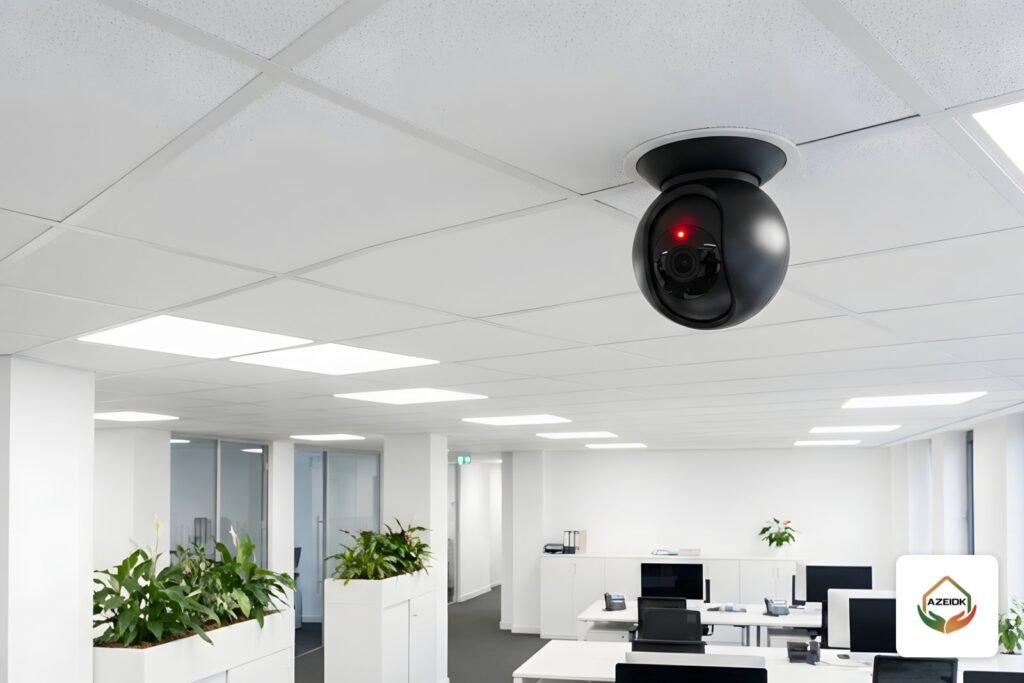
| Reception and waiting area | The waiting area and reception desk | Ceiling dome covering the area without focusing on the receptionist’s screen |
| Corridors and lift lobbies | Movement between departments | One camera per long corridor, one at each floor’s lift lobby |
| Emergency exits and stair doors | Who opens the door and when | Helps track misuse of exits without locking them |
| Server and network room | The door from outside, the rack fronts from inside | Linked to access control |
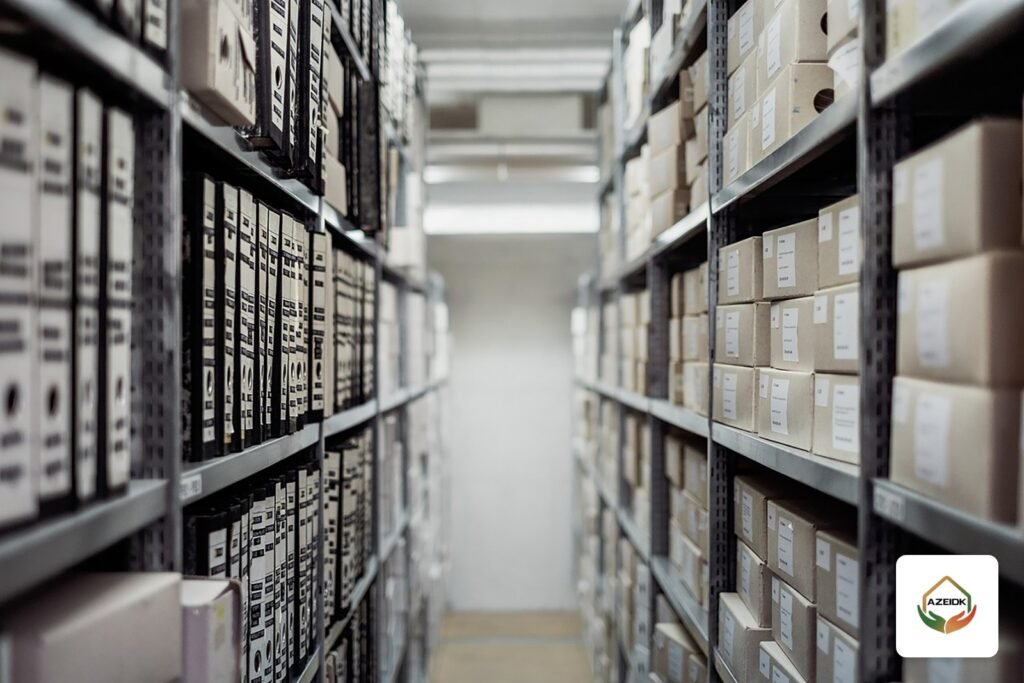
| Store and archive | The door and main shelving aisles | Good lighting, or night-vision cameras if lights are switched off |
| Car park entry and exit | The vehicle and plate at the barrier | A dedicated plate-capture camera if required |
| Building perimeter and loading area | Movement around the building and back doors | Outdoor cameras rated for dust and heat |
For fields of view and distances, see our article on CCTV coverage. If the office is in a tower or commercial complex, coordinate with building management, because shared corridors and car parks are usually on the landlord’s system. Our malls and commercial buildings page shows how we handle these buildings.
Which places are off-limits for office CCTV?
According to Okaz’s reporting on the Security Surveillance Cameras Use Law after its approval in 2022, cameras are prohibited in medical examination, inpatient and physiotherapy rooms, changing rooms, restrooms, and women’s salons and clubs. In an office this means no cameras inside restrooms or changing rooms, and no camera aimed at their doors in a way that shows people inside.
The implementing regulation, published in Umm Al-Qura, adds restrictions that affect companies directly:
- Audio recording: prohibited unless approved by the competent authority. Many cameras have a built-in microphone, so switch it off during setup.
- Privacy masking: the regulation requires a privacy mask to be added and enabled to block areas with privacy in the cases it lists, including pan-tilt-zoom (PTZ) cameras and cameras with long-range zoom.
- Thermal cameras: only with approval from the competent authority.
Beyond what the law prohibits, we recommend a few office practices: do not aim cameras at staff screens, keyboards or PIN pads, and avoid a camera over one employee’s desk unless there is a clear security reason. Images that identify people are personal data under Saudi Arabia’s Personal Data Protection Law, so have the company’s legal adviser review the CCTV policy. For the full legal detail, read our article on the Security Surveillance Cameras Use Law and facility obligations.
Server room and archive: how to cover them simply
The server room is the place in an office most exposed to unauthorised entry, but it does not need many cameras. A practical rule:
- One camera outside the door to capture the face of anyone entering.
- One camera inside covering the rack fronts, so you can see who opened which rack.
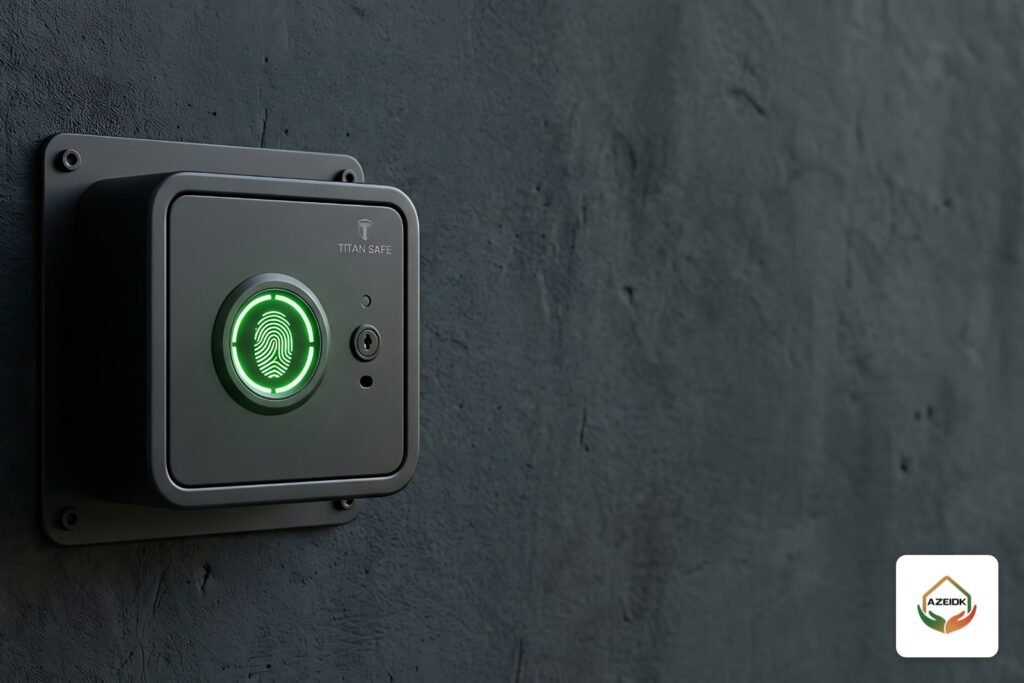
- A card or fingerprint reader on the door as part of access control, so entry logs can be matched to footage.
- The network video recorder (NVR) itself inside a locked room, powered from a UPS so recording does not stop during a power cut.
The same approach works for the archive and safe room: one camera on the door, one on the sensitive area, plus logged entry. For entry gates and access devices, see our guide to access gates and turnstiles.
Permissions: who views and who exports?
The most common problem we see in office CCTV is not the camera. It is a single password that everyone knows. Central management software such as Hikvision HikCentral and Dahua DSS supports separate user roles, remote viewing and linking several branches to one monitoring room. A suggested split:
| User | What they see | Export and delete |
|---|---|---|
| Receptionist | Live view of entrance and waiting area | No |
| Security or IT administrator | All cameras and recordings | Export only on a documented need |
| Senior management | Remote live view of all branches | Per company policy |
| Maintenance technician | Settings during the visit | No; temporary account closed after the visit |
Change default passwords on every device and enable the operation log so you know who viewed or exported any recording.
Storage and network: how long to keep footage and how to size it
The implementing regulation requires recordings to be kept until investigation procedures end or for the period set in the conditions document, whichever is longer. According to Okaz’s reporting on the law, a recording must stay preserved and unaltered if an incident has been reported. Storage is therefore sized from the number of cameras, resolution, frame rate and required retention, and only then are the recorder and number of disks chosen. Use the CCTV storage calculator and read the method in NVR storage and bandwidth calculation. One recorder available from AZEIDK is the eight-channel Hikvision DS-7608NXI-K1B; larger offices need a higher-capacity recorder.
On the network side, separate cameras from the staff network with their own network or VLAN, and size the PoE switch before buying, as explained in PoE switch power budget for CCTV. If the company wants to view several branches from one place, check each branch’s upload speed; this is part of network and communication systems.
Installing CCTV for companies: the steps
- Survey: visit the office, identify entry points, movement routes, lighting and a suitable room for the recorder.
- Layout: mark camera positions and fields of view on the office plan, and mark excluded areas.
- Internal approval: review the layout with management and legal before work starts.
- Supply and installation: Hikvision or Dahua cameras and recorders to suit the requirements, with cabling and switches.
- Configuration: resolution and recording settings, audio off, privacy masks, users and permissions.
- Testing and handover: verify each camera’s coverage, test playback and export, and hand over drawings and administrator passwords to the owner.
For detailed installation steps, see our CCTV installation guide for Saudi Arabia.
Frequently asked questions
How many cameras does an office need?
There is no fixed number. Allow one camera per entrance and emergency exit, one or more for reception, one per long corridor and two for the server room, then add the store and car park. A site survey sets the final count.
Can office CCTV be installed in meeting rooms?
The law names the prohibited places explicitly, such as restrooms and changing rooms. Beyond that it is a matter of company policy and data protection. With audio recording prohibited without approval, a camera inside a meeting room adds little.
Can company cameras record audio?
The implementing regulation prohibits audio recording unless the competent authority approves it. Switch off built-in microphones during setup unless you hold that approval.
How long must CCTV recordings be kept?
Under the regulation: until investigation procedures end or for the period in the conditions document, whichever is longer. Size the recorder on that basis.
Can several branches be viewed from one place?
Yes, through central management software such as HikCentral and DSS, provided each branch’s internet upload speed is enough for the cameras viewed remotely.
Are home Wi-Fi cameras suitable for companies?
They suit very small offices. Companies with several users and branches usually need a recorder-based system with central permissions, such as Hikvision and Dahua systems.
Conclusion
A good office CCTV system covers entrances, reception, corridors, emergency exits and the server room clearly, stays out of prohibited places, keeps audio off, and defines who views and who exports. Plan these points on the drawing before buying and you get a system that helps when needed without breaching the rules.
Fitting out a new office or reviewing an existing system? The AZEIDK team prepares the camera, permissions and storage plan, and supplies and installs Hikvision and Dahua systems. Talk to the AZEIDK team
Related guides
- ISO Certification for Fire and Security Contractors: What ISO 9001, ISO 14001 and ISO 45001 Mean and How to Verify Them
- Barbershop and Women’s Salon Safety Requirements in Saudi Arabia
- Salamah Technical Report (Civil Defense Technical Report): When a Facility Needs It, What It Covers and How AZEIDK Issues It
- Fire Safety in High-Rise Residential Towers