Designing factory and warehouse networks starts with three decisions: where the network rooms (MDF and IDF) go so that no copper run exceeds 100 metres, how buildings and production halls are linked with fiber, and how Wi-Fi reaches the aisles between high racks. Only then do you pick switches that suit the heat and dust, plan PoE for cameras, and separate the production network from CCTV and office traffic.
AZEIDK designs, supplies and installs these systems as part of its network and communication systems scope.
Key takeaways
- A copper channel (Cat6/Cat6A) is limited to 100 m.
- Between buildings, use fiber: per Cisco’s datasheet, a 10GBASE-SR module reaches 300 m on OM3 and 400 m on OM4, and an LR module reaches 10 km on single-mode.
- Loaded metal racks change how Wi-Fi travels, so access points are planned along the aisles and the survey is repeated once stock is in place.
- A commercial switch belongs in an air-conditioned cabinet. The production floor needs an industrial switch with a wider temperature range and DIN-rail mounting.
- The National Cybersecurity Authority’s Operational Technology Cybersecurity Controls (OTCC) require the OT environment to be segmented logically or physically from other networks.
In this article
- Why are factory and warehouse networks different from office networks?
- How do you cover a warehouse with Wi-Fi between high racks?
- When do you need fiber between buildings?
- Do you need an industrial switch in a factory?
- Network rooms in a factory: where do the MDF and IDFs go?
- PoE for factory cameras and access points
- Separating OT, CCTV and office networks with VLANs
- Common mistakes in factory and warehouse networks
- Frequently asked questions
- Conclusion
Why are factory and warehouse networks different from office networks?
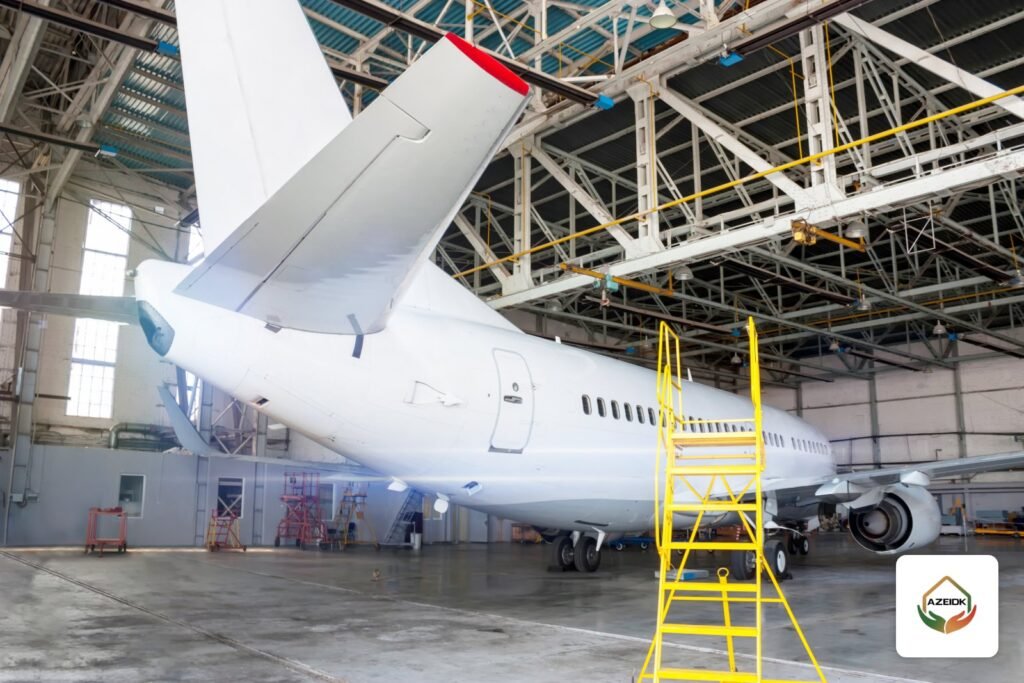
In an office, distances are short and the temperature is controlled. In a factory or warehouse, the network faces runs of several hundred metres, high roofs, metal racking, dust, summer heat and forklifts that can hit cable routes. The same network also carries office PCs, barcode scanners, cameras and sometimes production control equipment.
To rate how harsh an area is for cables and connectors, designers use the MICE classification: M for mechanical stress (shock and vibration), I for ingress of water and dust, C for climatic and chemical conditions (heat, oils), and E for electromagnetic interference. Each letter has three levels from 1 to 3, and a typical office is rated M1I1C1E1. The table appears in the TIA cabling standards and is used with ANSI/TIA-1005-A for industrial premises to choose cables, jacks and enclosures for each zone.
How do you cover a warehouse with Wi-Fi between high racks?
Metal racks and the goods on them reflect and absorb the signal, so sizing by floor area does not work. The practical rule is to plan by aisle: access points are placed along the aisles so that a handheld device anywhere in an aisle can see a nearby access point.
Practical design steps
- List the devices: scanners, forklift tablets, phones and users per shift.
- Run a site survey on the drawing, then measure again after the racks are loaded.
- Plan roaming between access points.
- Manage the access points centrally through a controller.
Yards and loading areas need an outdoor access point. One example from the AZEIDK Saudi catalogue is the Hikvision DS-3WAP623E-SI. According to Hikvision’s datasheet, it supports Wi-Fi 6 (802.11ax) on 2.4 and 5 GHz, is rated IP68, operates from -30 to 55 °C, is powered by 802.3af/at PoE with a maximum consumption of 14.4 W, and mounts on a wall or pole. For office buildings, see our guide to business Wi-Fi network design.
When do you need fiber between buildings?
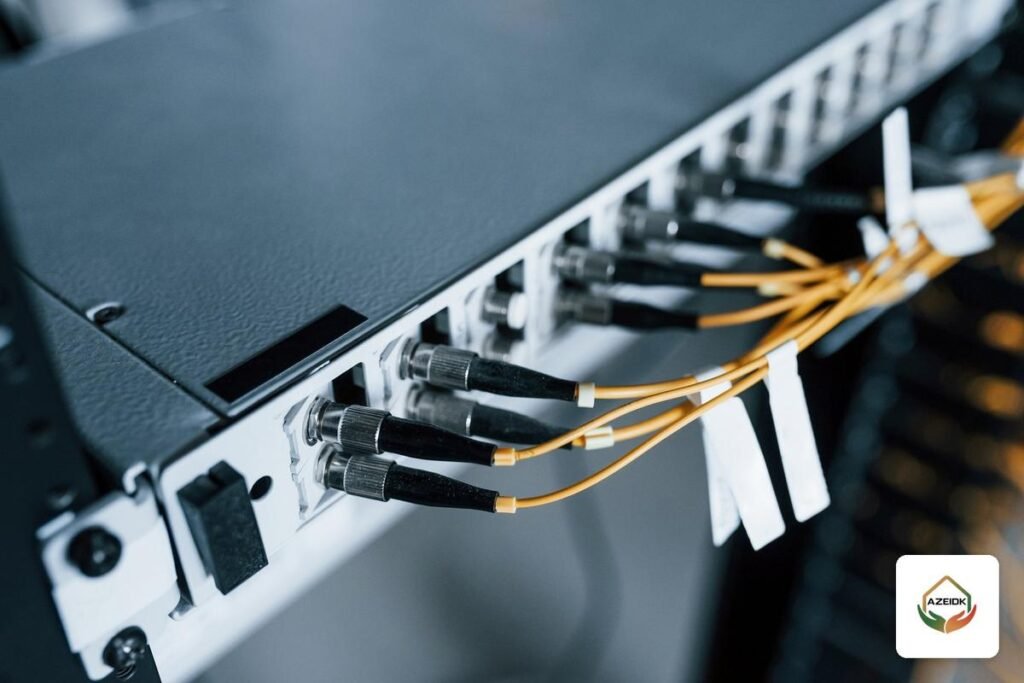
Cabling standards limit a copper channel to 100 metres. Any building or hall further than that from the main network room needs a fiber link. Even over shorter distances, many designers prefer fiber between buildings because it does not conduct electricity and is not affected by interference from motors and power cables.
The table below is taken from Cisco’s 10GBASE SFP+ module datasheet and shows how the fiber type sets the reach:
| Module (SFP+) | Fiber type | Maximum reach | Typical use on site |
|---|---|---|---|
| SFP-10G-SR | Multimode OM3 | 300 m | Between neighbouring halls on one plot |
| SFP-10G-SR | Multimode OM4 | 400 m | Mid-sized warehouse complex |
| SFP-10G-LR | Single-mode | 10 km | Large industrial sites and remote gates |
| SFP-10G-ER | Single-mode | Up to 40 km | Linking separate sites |
Cisco also lists industrial-temperature versions rated from -40 to 85 °C, such as SFP-10G-SR-I and SFP-10G-LR10-I. On a site expected to grow, single-mode cable from day one keeps longer distances available. Fiber types and testing are covered in fiber optic backbone in buildings.
Do you need an industrial switch in a factory?
You do when the switch sits outside an air-conditioned room, such as a production-line panel or a yard enclosure. Cisco Catalyst 9300 switches, built for network rooms, list a normal operating range of -5 to +45 °C with platinum-rated power supplies. That suits a cooled room, not a hall roof in an Eastern Province summer.
When comparing industrial switches, check these points in the datasheet:
- Operating temperature range against the hottest expected temperature inside the panel.
- Mounting method (DIN rail inside a control panel, or wall mount).
- Dual power inputs for redundancy, and fanless cooling.
- Dust and water protection rating if the switch is exposed.
- Fiber (SFP) ports for the link back to the IDF, and the number of PoE ports and total PoE budget.
In air-conditioned MDF and IDF rooms, a managed commercial switch is the usual choice. Per Cisco’s datasheet, the Catalyst 9300 series on the AZEIDK site supports stacking of up to 8 switches, uplinks from 1G to 100G depending on model and module, and dual redundant power supplies.
Network rooms in a factory: where do the MDF and IDFs go?
The main distribution frame (MDF) is usually in the administration building. Fiber links run from it to intermediate rooms (IDFs) in each hall or building. The 100-metre rule sets the number of IDFs: every outlet must be within a 100 m copper channel of an IDF, patch cords included.
- Place each IDF in a clean area, away from ovens, loading doors and water sources.
- Give it cooling and UPS-backed power.
- Use sealed enclosures with a suitable protection rating if the IDF sits inside the production area.
- Protect cable routes from forklifts with conduit or metal trunking in traffic zones.
Racks, cooling and earthing inside the room are explained in our article on server room and network room preparation, so we do not repeat them here.
PoE for factory cameras and access points
Power over Ethernet (PoE) carries power and data on the same network cable, so cameras and access points on high roofs and fences need no mains feed. On an industrial site, add up the load of every device on each switch and compare it with the switch’s total PoE budget. The Catalyst 9300 datasheet, for example, lists PoE+ at 30 W per port, UPOE at 60 W and UPOE+ up to 90 W on supporting models.
For cameras on distant fences, measure the cable length before choosing the switch location. If it exceeds 100 metres, move the switch closer to the cameras and feed it with fiber. Power budget calculations are in our guide to PoE switches for CCTV.
Separating OT, CCTV and office networks with VLANs
Putting every device on one flat network means a fault or a breach on an office PC can reach production control equipment. The usual answer is to split the network into virtual LANs (VLANs) on managed switches and control the traffic between them through the firewall.
| Network | Devices | Design note |
|---|---|---|
| Operational network (OT) | Production control equipment and operator screens | Minimum connectivity to other networks, and only through a firewall |
| CCTV network | Cameras and recorders | Isolated from the internet unless remote viewing is needed, with controls |
| Office network (IT) | PCs, printers and phones | Separated from OT; access to cameras by permission |
| Operations Wi-Fi | Barcode scanners and forklift terminals | Its own SSID mapped to a dedicated VLAN |
| Guest Wi-Fi | Visitor and driver phones | Internet only, no access to any internal network |
In Saudi Arabia, the National Cybersecurity Authority has issued the Operational Technology Cybersecurity Controls (OTCC-1:2022). They are mandatory for industrial control systems in critical facilities of government bodies and of private organizations that own, operate or host critical national infrastructure; the NCA encourages others to apply them. The controls require the OT environment to be segmented logically or physically from other networks, prevent direct communication between the corporate zone and OT zones, and restrict wireless technologies in OT and segment them from other OT networks. Even if your plant is outside the mandatory scope, these controls are a sound design reference.
Common mistakes in factory and warehouse networks
- Running copper more than 100 metres to a hall or gate.
- Installing a commercial switch inside an uncooled panel on the production line.
- Designing Wi-Fi on an empty floor plan and never re-surveying after the racks are loaded.
- Linking two buildings with outdoor copper instead of fiber.
- One flat network for offices, cameras and production, with no VLANs or firewall.
- An IDF with no UPS or cooling, so the hall’s cameras stop at the first power cut.
- No documentation: unlabelled cables and no up-to-date drawing of routes and ports.
Frequently asked questions
How do you cover a warehouse with Wi-Fi?
Place access points along the aisles between racks, run a site survey and repeat it after stock is loaded, with central management for roaming.
When do you need fiber between buildings?
When the distance exceeds 100 metres, the copper channel limit. Many designers use it between buildings anyway because it does not conduct electricity.
Is an industrial switch used in factories?
Yes, whenever the switch sits outside an air-conditioned room. Inside cooled MDF and IDF rooms, a managed commercial switch is enough.
Do I need a separate network for CCTV cameras?
Logical separation with a dedicated VLAN on managed switches is usually enough. Separate switches are used when the owner or consultant asks for physical separation.
What is the difference between Cat6 and Cat6A in a factory?
Both are limited to a 100-metre channel. According to Fluke Networks, Cat6A supports 10 Gbps (10GBASE-T) over 100 m, while Cat6 is limited to a shorter length at that speed, so Cat6A suits modern access point uplinks. In harsh areas, choose cable and jacks by the zone’s MICE rating.
Should network installation include testing and documentation?
It should. Ask in the offer for every copper and fiber link to be tested, with test results, a route drawing and port labelling handed over.
Conclusion
Factory and warehouse networks work when they are built around distances and environment before devices: IDF rooms that respect the 100-metre rule, fiber between buildings matched to the distance, Wi-Fi designed by aisle after the racks are full, switches that suit where they are mounted, and a clear split between OT, CCTV and office networks.
Planning the network for a new factory or warehouse, or extending an existing one? Send us the site plan and device list, and AZEIDK engineers will propose a network design and suitable equipment. Talk to the AZEIDK team
Related guides
- Structured Cabling and Network Systems: Standards and Testing
- Mall and Commercial Building Fire Safety: Engineering Guide
- Network Cabling Installation Cost for Offices and Villas: What Drives Structured Cabling Prices
- Fire Alarm Spare Parts: Matching Detectors, Sounders and Batteries to Your Existing Panel