


Hikvision November 2026: Two Flaws in the Hik-Connect Device Service, and Advice to Turn It Off When Not Needed
- News
- 3 min read
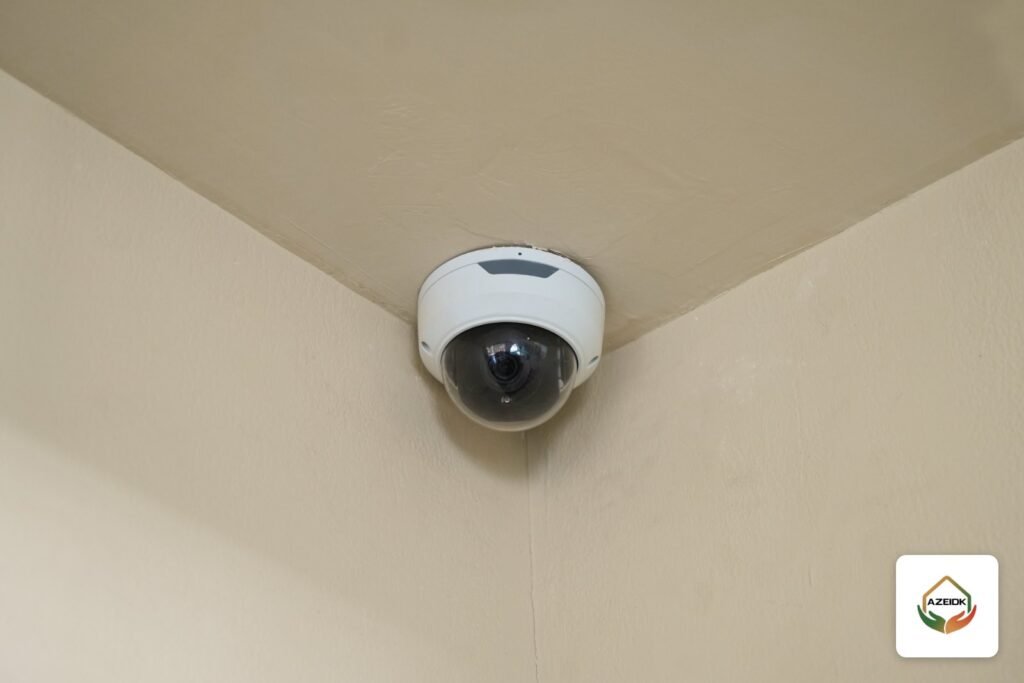
On 20 November 2026 the Hikvision Security Response Center (HSRC) published advisory HSRC-202611-01 on two new flaws, CVE-2026-86586 and CVE-2026-86587, affecting some Hikvision devices when the Hik-Connect service is enabled on the device. This time the advice goes beyond updating the app: if cloud connectivity is not needed, Hikvision recommends turning Hik-Connect off on the device itself.
Key points
- CVE-2026-86586 (4.2): a replay attack; by hijacking the traffic, an attacker can replay certain control commands so the device performs unauthorised operations.
- CVE-2026-86587 (5.3): improper certificate validation that allows man-in-the-middle attacks.
- Both require the attacker to be on an adjacent network (AV:A); the exact model list is linked from the advisory.
- Advice: disable Hik-Connect on the device if it is not needed; otherwise update the app and enable video encryption.
How this differs from the May 2026 issue
In May 2026 Hikvision disclosed CVE-2026-32683 in the Hik-Connect app itself, and the fix was to update the app and enable video encryption. The November advisory concerns devices with the Hik-Connect service switched on, meaning the camera or recorder side, and adds a new recommendation: if remote viewing is not actually used, there is no reason to keep the cloud service running on the device. Hikvision credits the same Cisco Talos researcher with the report.
What it means for facilities in Saudi Arabia
On many sites, Hik-Connect is enabled on the recorder and cameras during installation so the installer can test from a phone, and then it stays on with nobody using it. Practical steps: list the devices running Hik-Connect, turn it off where remote viewing is not needed, update the app on every linked phone, enable video encryption on devices that stay cloud-connected, and check device models against Hikvision’s list, updating firmware where affected.
AZEIDK view
Every service left on but unused is one more door, and the simple rule is: if you do not need it, switch it off. The earlier app flaw is covered in CVE-2026-32683 in the Hik-Connect and EZVIZ apps, and secure remote viewing setup in our CCTV remote viewing app guide. If cameras show as offline after changing settings, see camera offline in Hik-Connect and EZVIZ. For the Hikvision range we supply see Hikvision cameras in Saudi Arabia, and your system settings can be reviewed as part of CCTV maintenance, or contact the AZEIDK team.
Sources
- Security Vulnerabilities in Cloud Function Modules of some Hikvision Products (HSRC-202611-01), Hikvision, 20 November 2026
See AZEIDK CCTV solutions: supply, installation and maintenance.
Related guides
- Al-Baha Launches 20 Thermal Camera Towers for Early Wildfire Detection (October 2026)
- ZKTeco FaceTima 8 Face Recognition Terminal: Face, Fingerprint, Card and QR with a SIP Video Intercom
- AZEIDK General Contracting Registered as a Service Provider in the Saudi Aramco Supplier Management System
- AZEIDK Introduces AZEIDK Care: A Dedicated Channel for Customer Feedback and Complaints

